
Adding repositories
You can add repositories with the Ubuntu/Debian Custom Repository Management dashboard.
Before you begin
You must deploy the following task and activate the analysis
which can be found in the Patching Support site.
- Analysis: Repository Configuration - Ubuntu/Debian
- Task: Enable custom repository support - Debian
Procedure
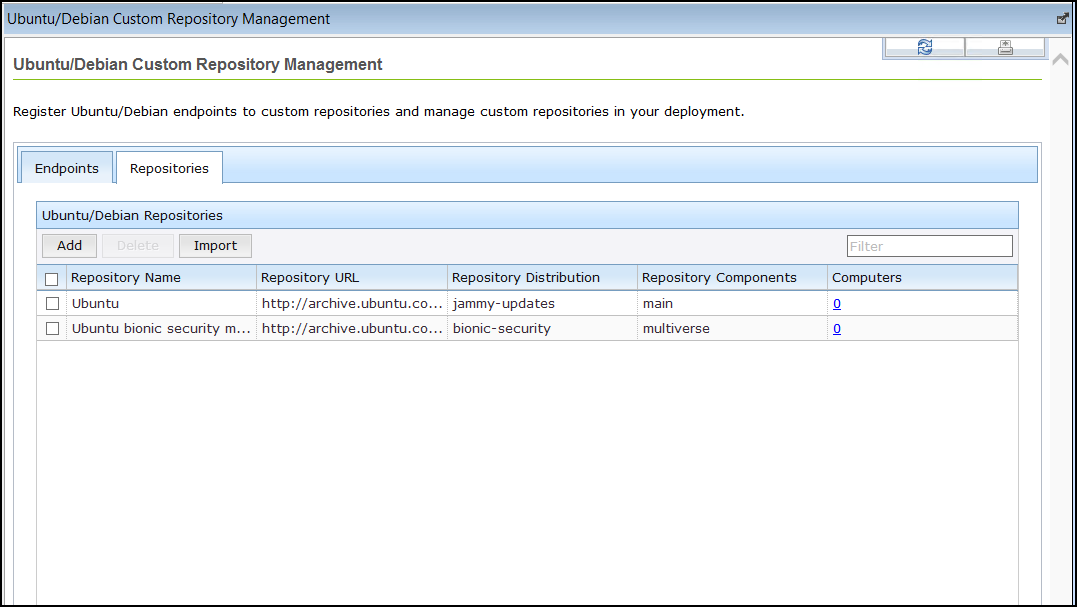
- From the All Content domain, go to .
- From the Repositories tab, click Add.
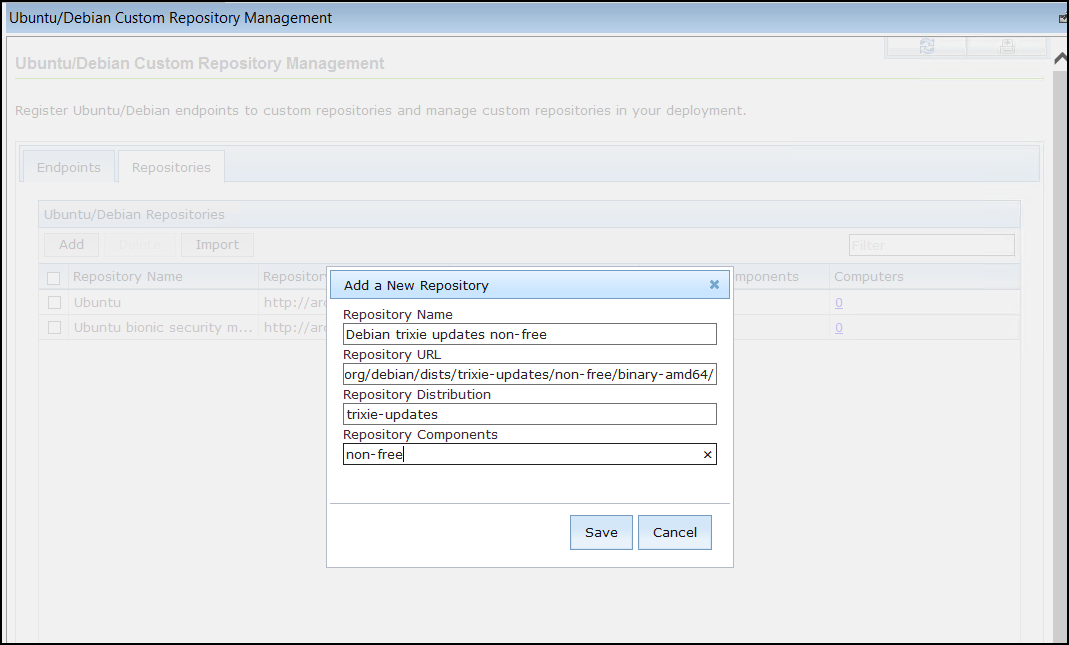
- From the Add a New Repository window,
enter the details in the following fields.
- Click Save.
- Repository Name
- Repository URL
- Repository Distribution
- Repository Components
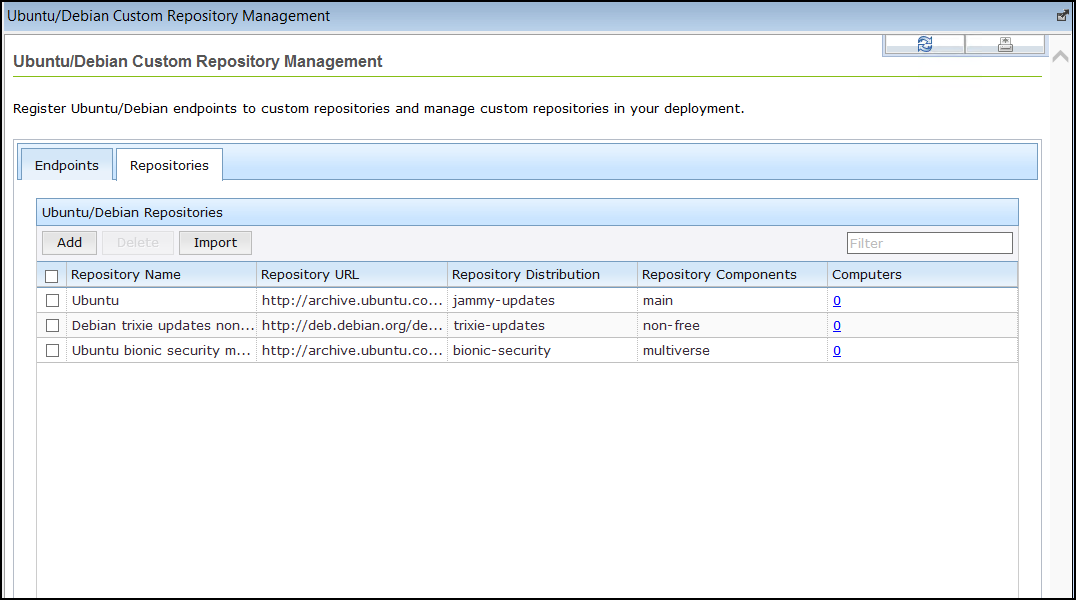
Results
The repository is now added.