Decommissioning computers with disconnected scanners
 Available from 9.2.5.
When you decommission a computer that is no longer in use, you can
mark it as decommissioned on the Computers report, so that it is not displayed in BigFix Inventory.
Available from 9.2.5.
When you decommission a computer that is no longer in use, you can
mark it as decommissioned on the Computers report, so that it is not displayed in BigFix Inventory.
Before you begin
 You must
have the Manage Computer groups permissions to use this API.
You must
have the Manage Computer groups permissions to use this API.Procedure
- In the top navigation bar, click .
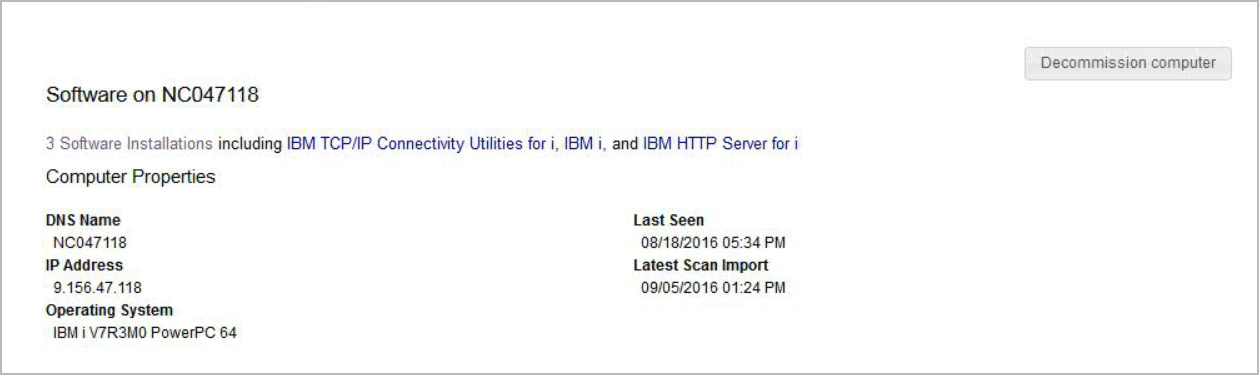
- Click the computer name.
-
Click Decomission computer.