
Dynamic scanning (DAST)
AppScan 360° can perform dynamic analysis of an application that runs in a browser or a web API. Use the configuration options available for a web application or web API in AppScan 360°, or upload an AppScan Standard configuration (template file) or a full scan file.
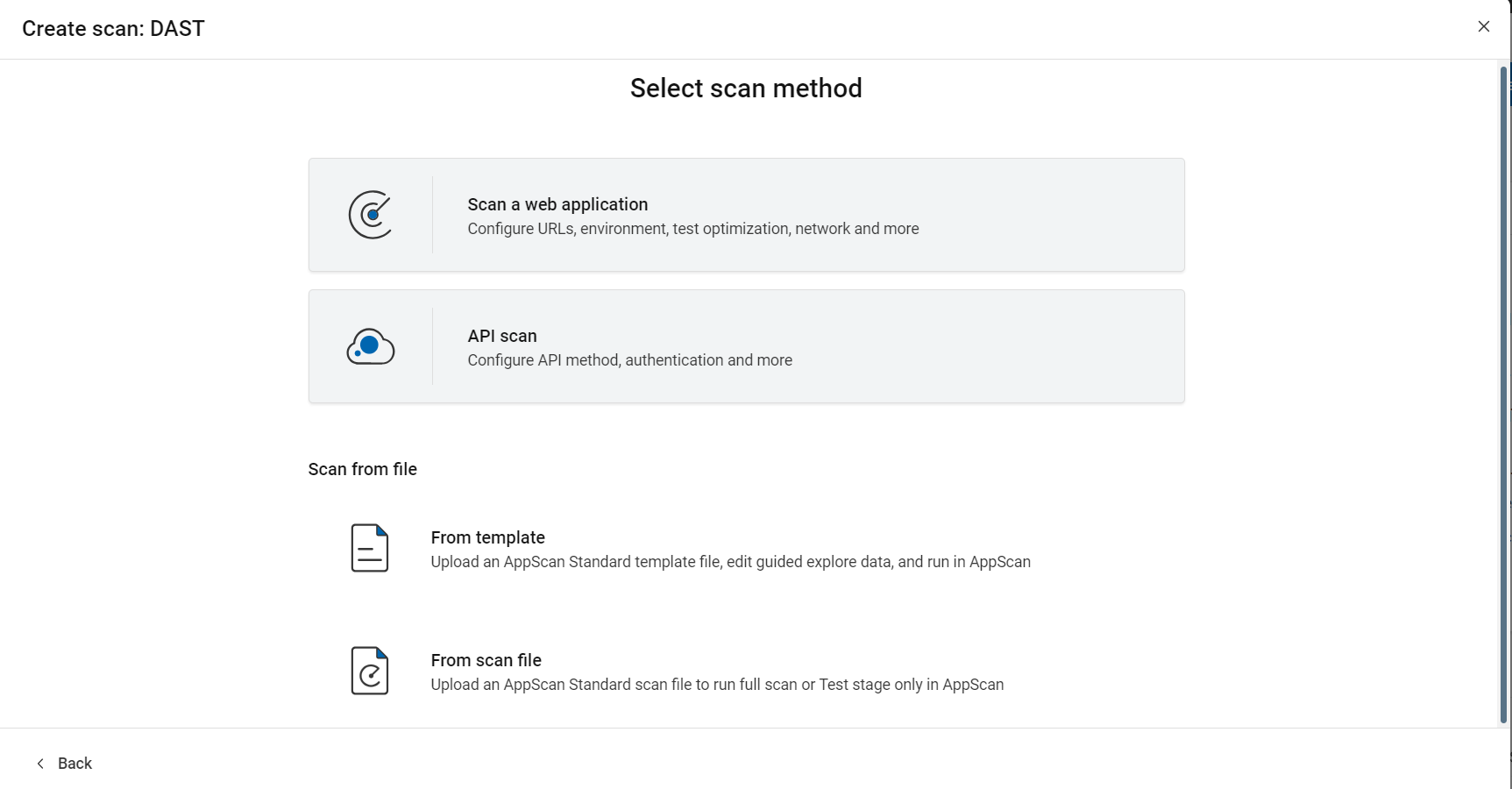
| Option | Description |
|---|---|
| Select scan method | |
| Scan a web application | Configure and run your scan in AppScan 360° using
the wizard options.
|
| API scan | Configure and run your scan in AppScan 360° using the wizard options. |
| Scan from file | |
| Saved template | If you have a saved AppScan Standard template (SCANT) file, you can use it as the configuration for your AppScan 360° scan. You can edit the scan configuration as needed. This lets you use all configuration options available in AppScan Standard. An AppScan Standard template also includes login recordings and multi-step configurations. For more information, see Creating a scan from a template file. |
| Upload template or scan file | Upload file You can upload a template
Template file: If
you have an AppScan Standard template
file Scan file: If you have an AppScan Standard scan (SCAN) file, you can use it as the configuration for your AppScan 360° scan. Manual Explore, Multistep operations, and Web API files such as a Postman Collection saved in the SCAN file are included in the scan. You can run a full scan or use the existing Explore date from the file and run only the Test stage of the scan. For more information, see Creating a new scan from a scan file. |
|
Note: AppScan 360° limits file
uploads to 2 GB.
|
|
Related topics
- Recording traffic
- Using AppScan Standard scans or templates
- Scanning sites that use client certificates