Downloading HCL Z and I Emulator for Windows
The HCL Z and I Emulator for Windows v16.0 is now available for download on the My HCLSoftware portal.
Execute the following steps to donwload HCL Z and I Emulator for Windows from My HCLSoftware portal:
- Login to the My
HCLSoftware portal.Note: If you are not yet registered, refer to How to register as a Customer on HCLSoftware portals.
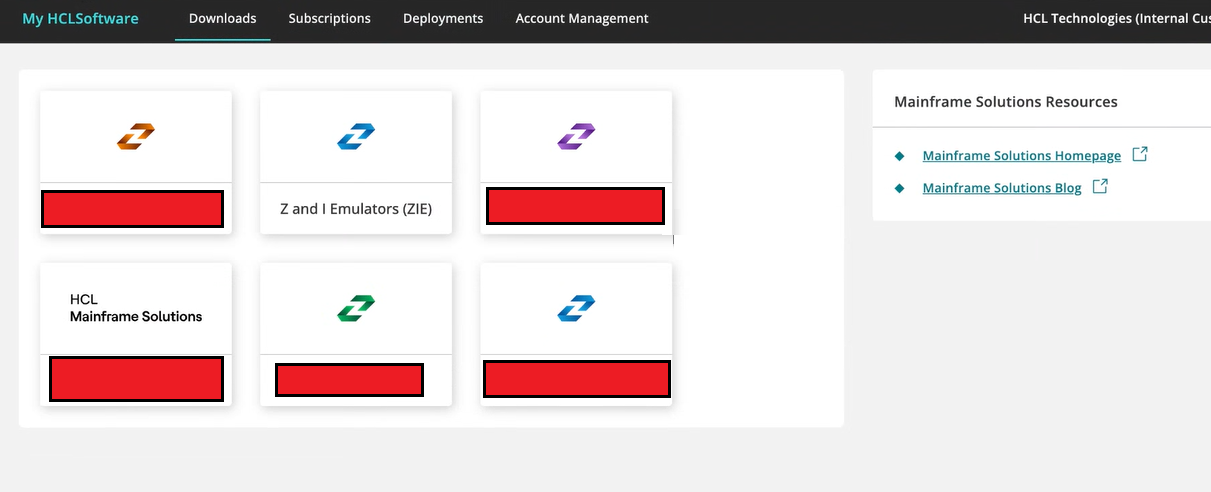
- After successful login, the Downloads page appears. Click Z and I Emulators
(ZIE).
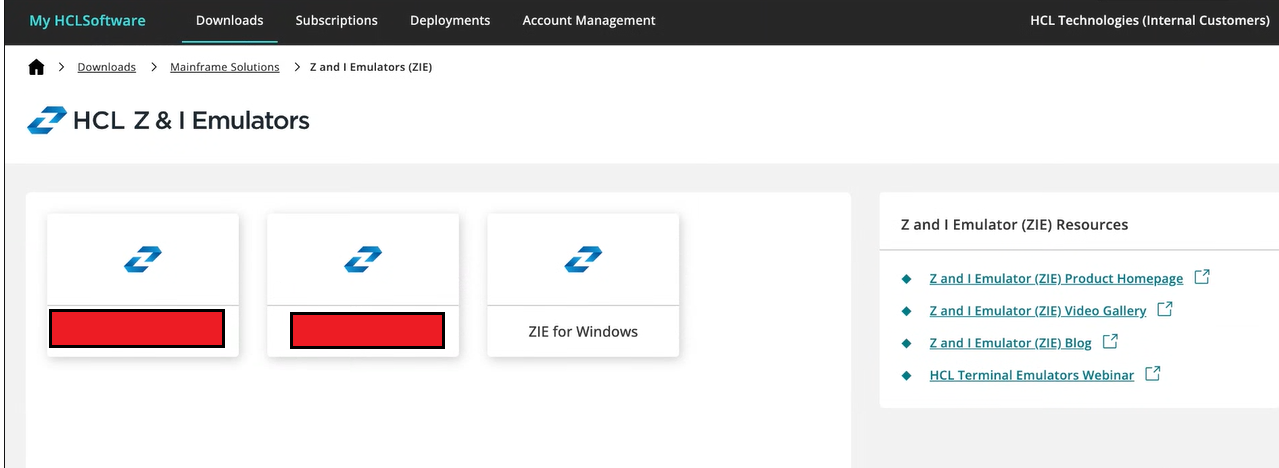
- The HCL Z and I Emulators page appears. Click ZIE for Windows.
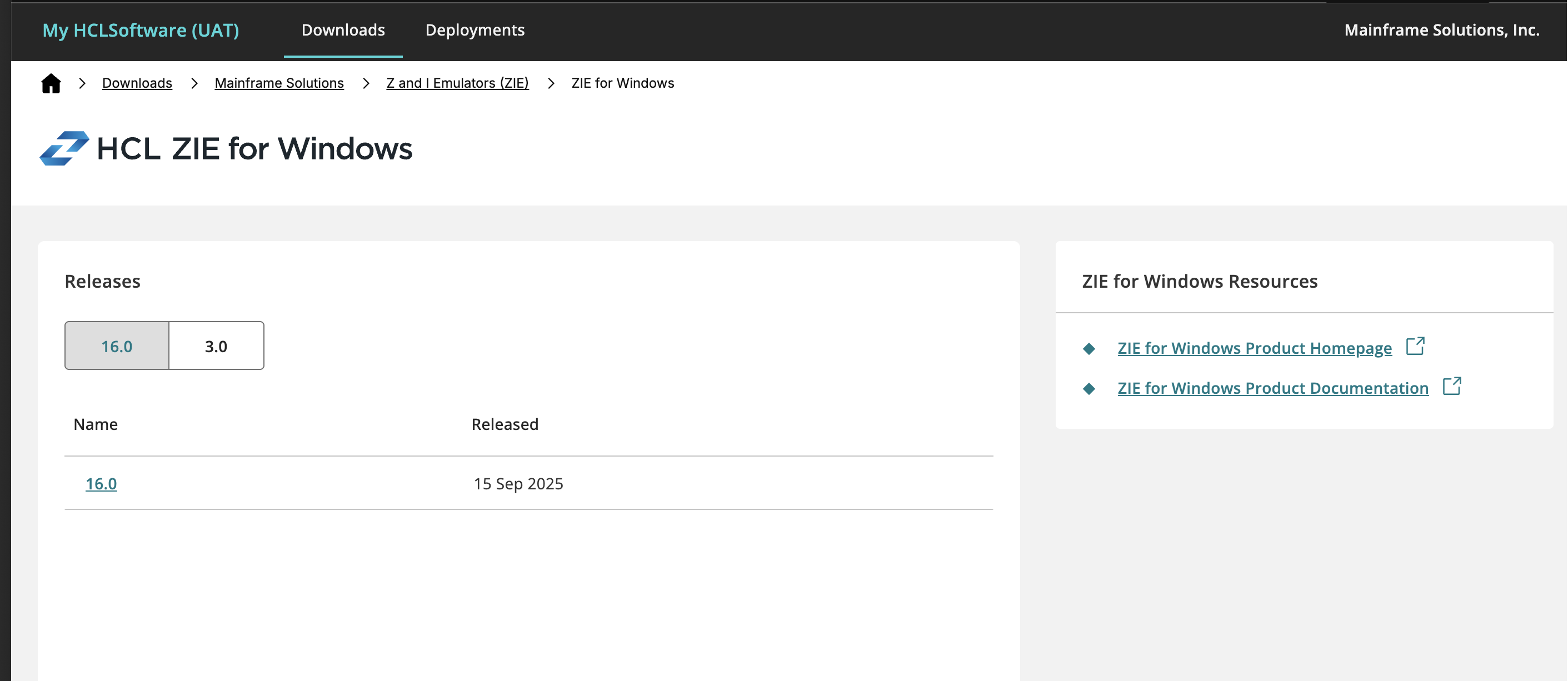
- The Releases page appears. Click on the required released product.
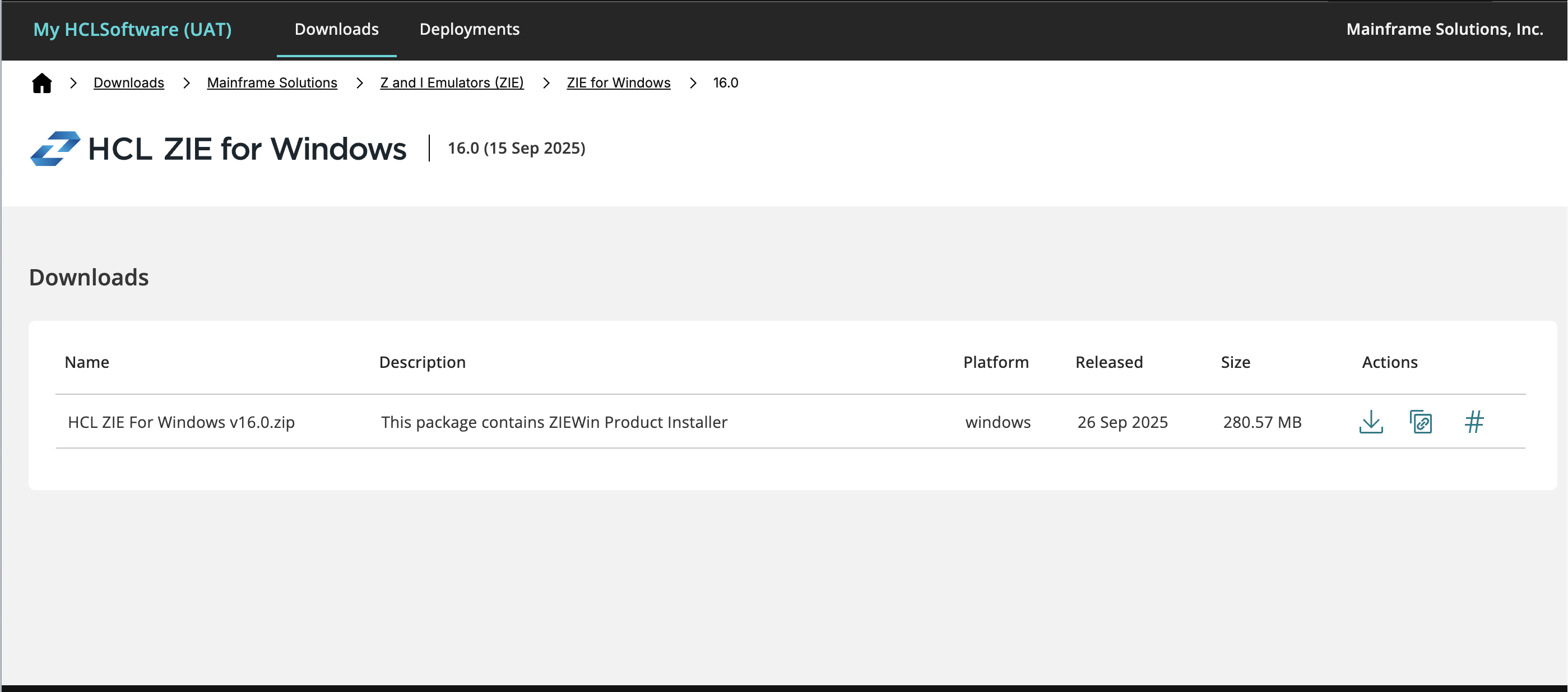
- The Downloads page appears.
- Under the Actions column, click the download icon to download the product.