Step : Adding text


|

|

|
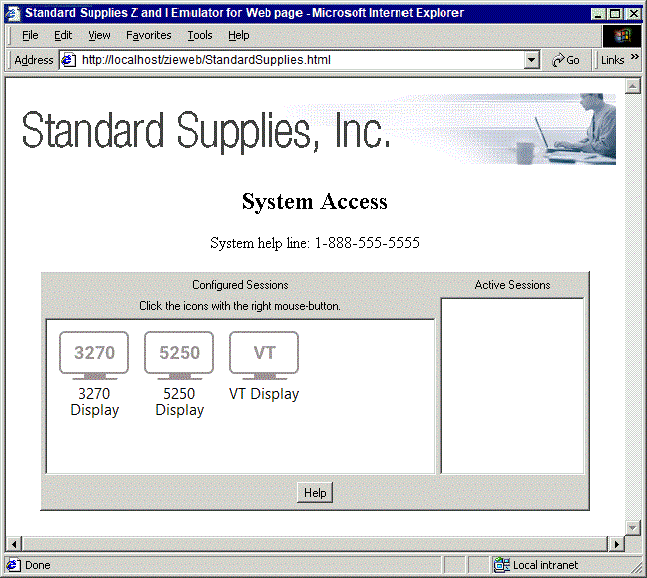
In this step we add some meaningful text above the sessions window.
- Add the following 3 lines after the <P> which follows the <IMG> element. <h2>System Access</h2> System help line: 1-888-555-5555<br> <p> View the modified custom HTML template file.
- Save and close the custom HTML template file.
- Regenerate the Deployment Wizard output files
The resulting Web page is shown below. We have added a caption "System Access" and a phone number for help.
|
|
|
|