Step : Changing the background


|

|

|
In this section we discard the light-gray textured background pattern of the default Z and I Emulator for Web desktop page in favor of a plain white background that will blend better with our banner. Here are the steps:
- Replace the existing <BODY> element line with the following line: <BODY> View the modified custom HTML template file.
- Save and close the custom HTML template file.
- Regenerate the Deployment Wizard output files.
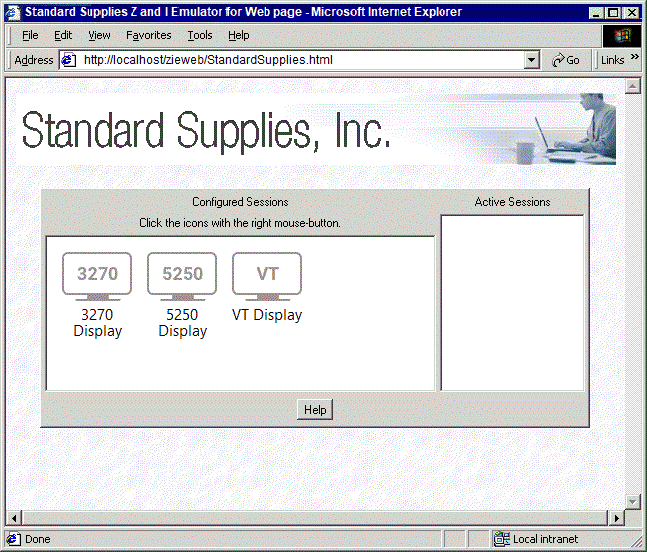
The resulting Web page is shown below.
Here is the Web page with our new white background.
|
|
|
|