Installing the Z and I Emulator for Web Host Access Toolkit- Console Mode
Perform the following basic steps to install the Z and I Emulator Host Access Toolkit on a Windows system:
To install Z and I Emulator for Web Host Access Toolkit in the Console Mode, perform the
following tasks:
- Type in the Command Line to configure the Console mode.

-
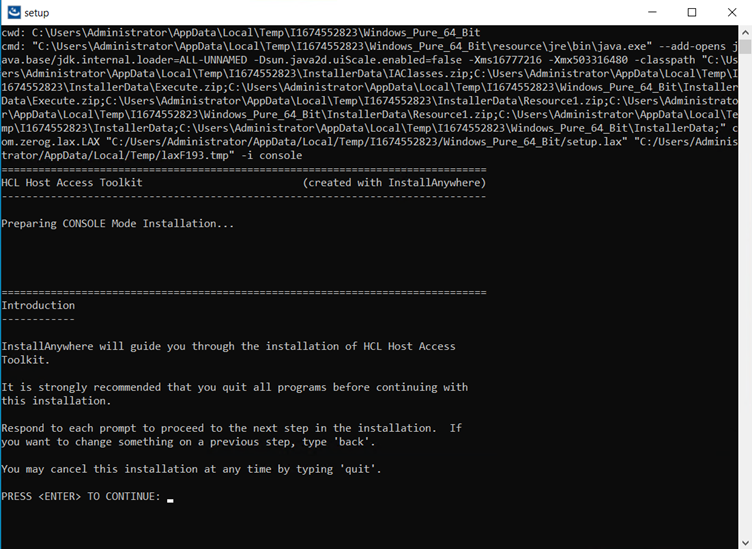
The preparing console mode installation screen displays.
-
The License Agreement configuration screen displays.
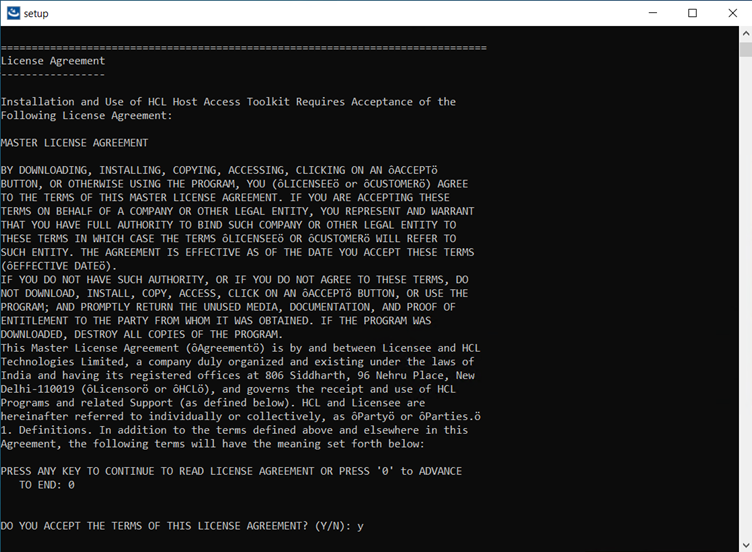 Note: It supports from feature release of HCL Z and I Emulator for Web v2.1.0.
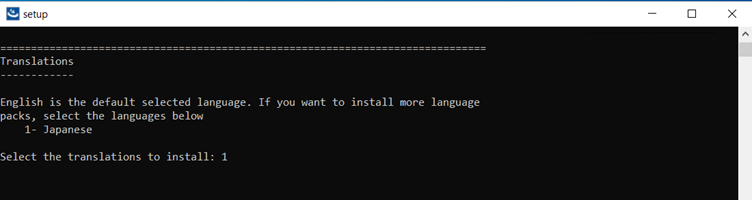
 - Translation to install screen displays.
-
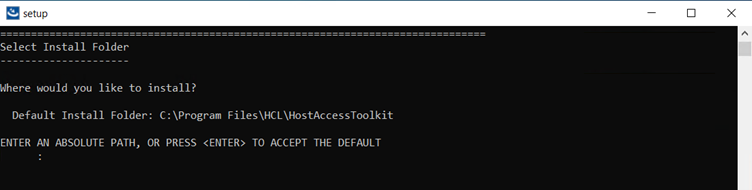
Select Install Folder configuration to install the product screen displays. (Here, the user can choose the customized folder).
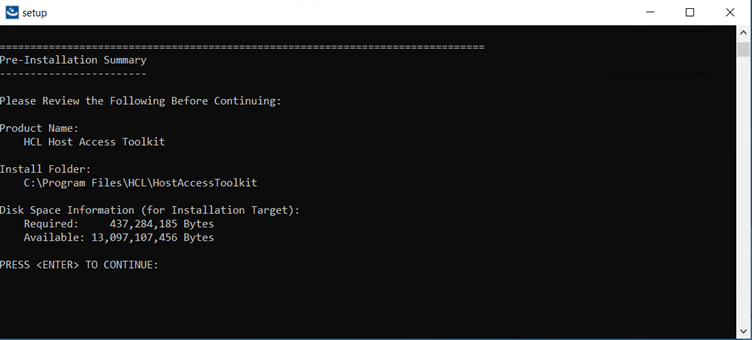
- The Pre-Installation Summary screen displays.
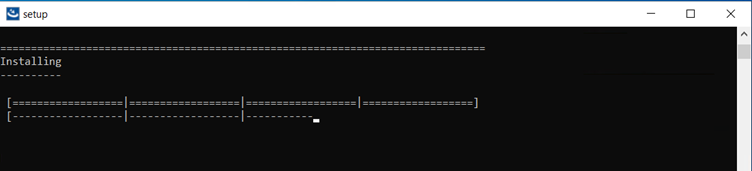
- The Installing screen displays.
-
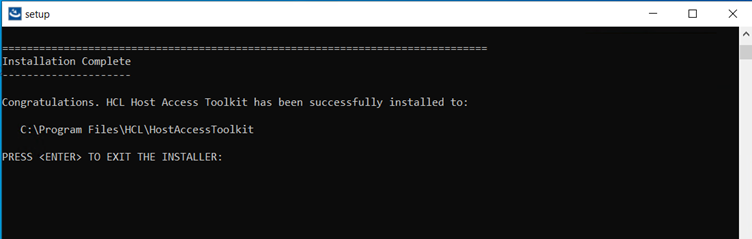
The Installation Complete screen displays.