
Monitoring Pipeline Reports
About this task
You can verify that your pipeline is successfully capturing and forwarding events by checking the integrated reports.
Procedure
-
Navigate to Pipelines and click on your running pipeline (e.g.,
recharge_Customer).Figure 1. Pipelines List 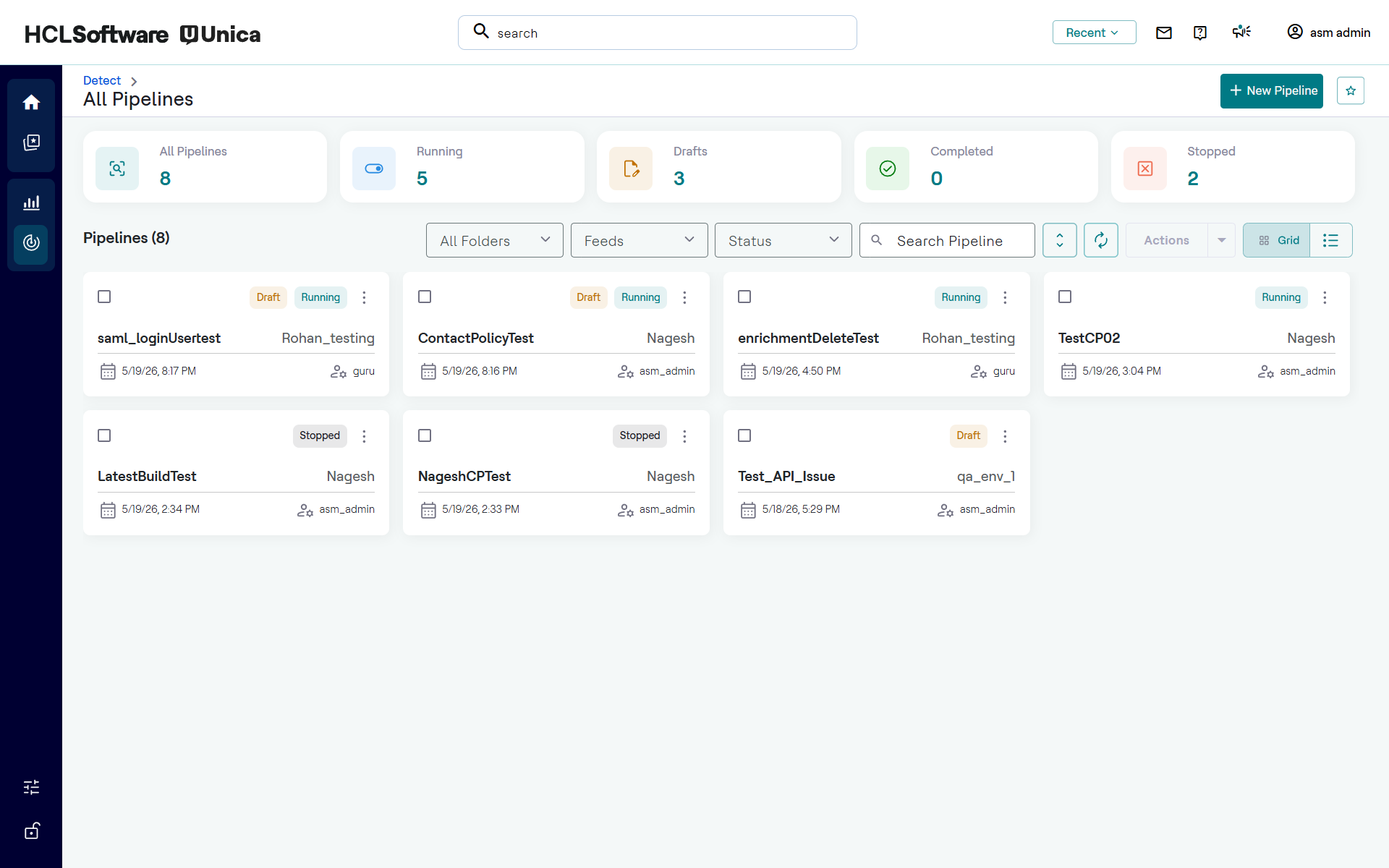
- Click the Report tab next to the Configuration tab.
-
Review the Event Performance Overview metrics.
Figure 2. Pipeline Report 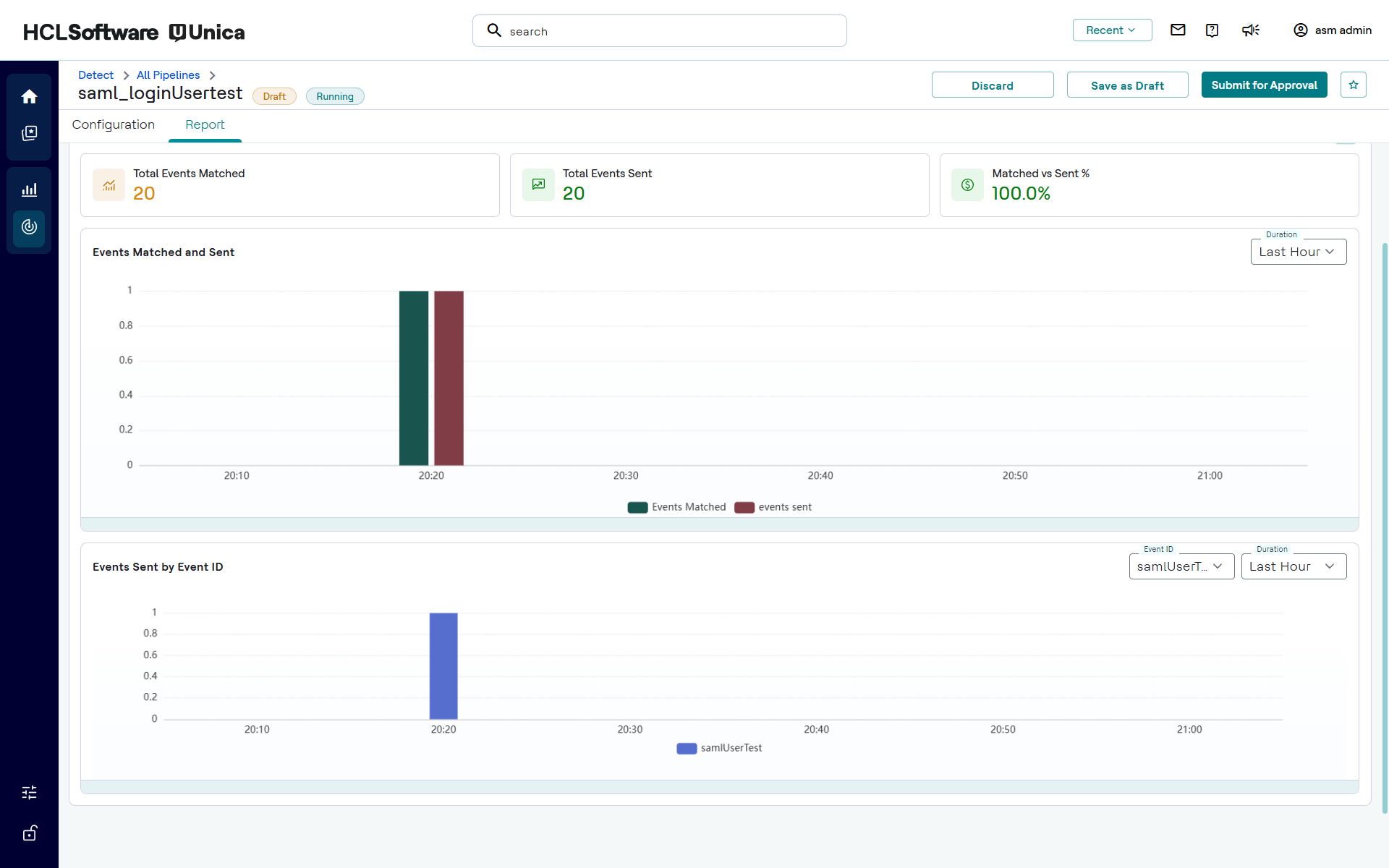
- Total Events Matched: Displays the number of transactions that met your trigger criteria.
- Total Events Sent: Displays the number of events successfully forwarded to your destination.
- Matched vs Sent %: A success rate indicator.
- Review the bar charts below the overview to observe event triggers across specific timestamps.