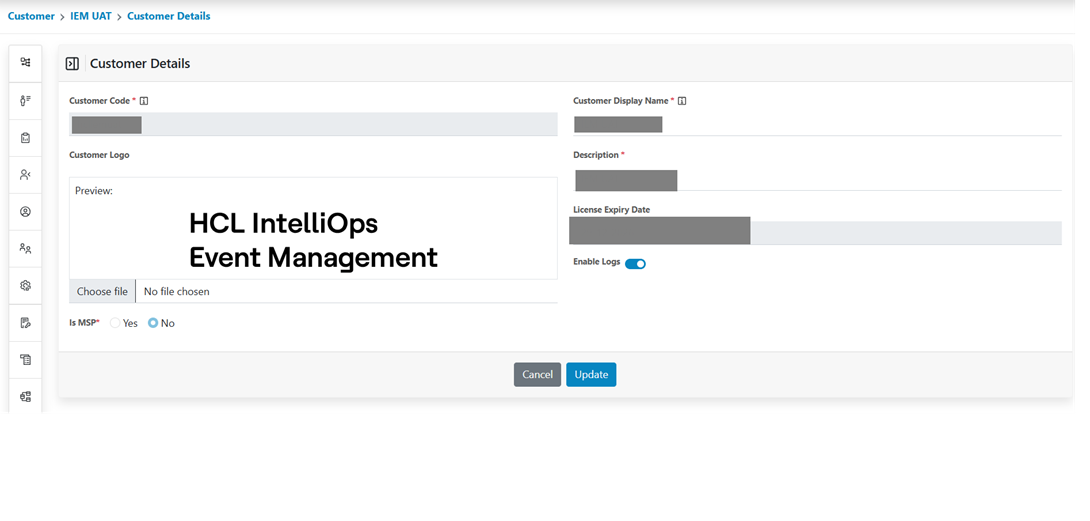
Edit Customer
- Click on the edit icon next to the customer whose details are to be modified.
Figure 1. Edit Customer 
- The form will appear with the saved details as shown.
Figure 2. Customer Edit Screen 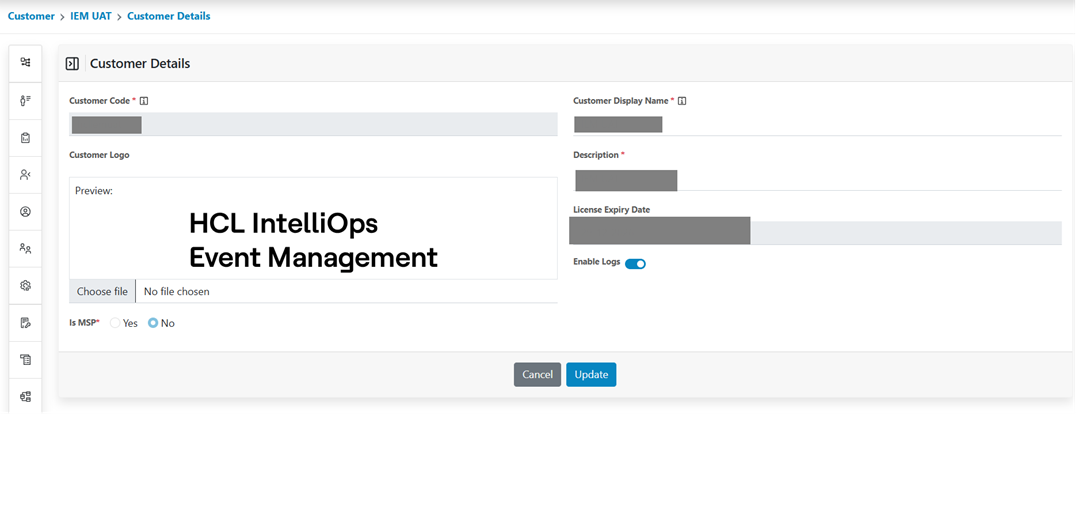
- Click Update to update the description and customer logo and after a successful update it
will navigate to an Onboarded customer page.
Figure 3. Customer Details