Sample API execution through Swagger
In the below section, the API that updates the status of the ticket after execution, is described.
- https://<API URL>:<API Port>/iAutomateAPI/Request/UpdateRunbookStatus/<OrgID>
-
Steps:
- Open the swagger console and authorize by giving the valid API user credentials.
- Click on Request hyperlink and search for the API UpdateRunbookStatus.
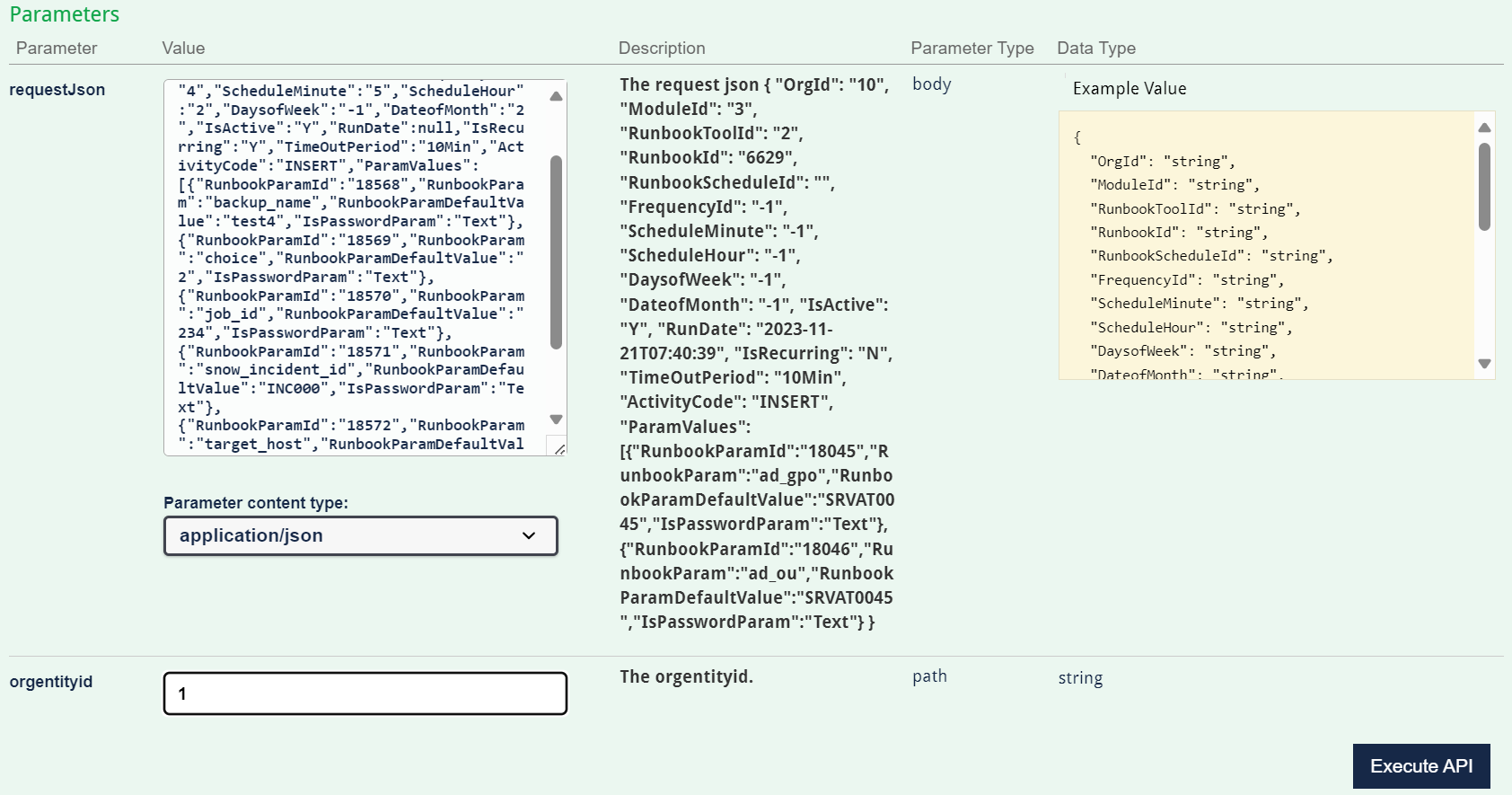
- Give the request body and OrgentityId (orgId).
- Click on Execute API button.
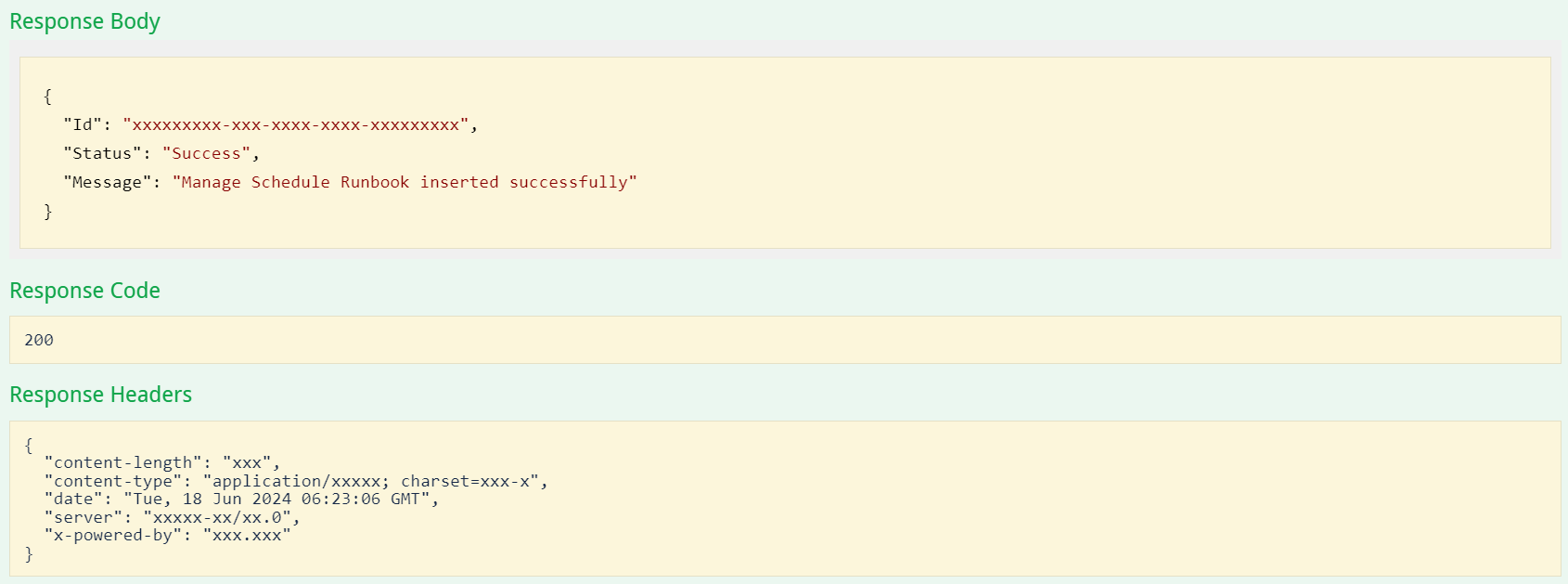
- Response: The response below is received from the API: