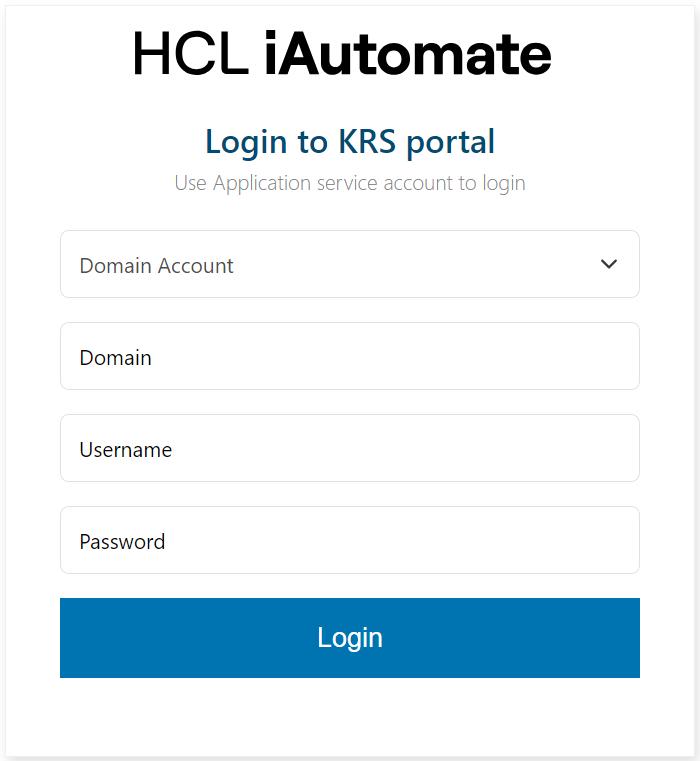
Login in KRS Service
If you are logging into KRS web application for the first time, to perform configuration, the user must have login credentials for application service account.
- Launch a web browser and enter KRS web application URL.
- On the login page, the KRS Login Page appears.
- Select Domain account or Local Administrator from the dropdown.
- Enter “Domain/Local” account through which KRS site is hosted.Note:If user selects ‘Local Administrator’ from dropdown, enter “.\” in the Domain field.
- Enter Username and Password for the account from which KRS site is hosted.