Component Logs
This section describes the complete activity logs of iAutomate components.
To view the component logs, perform the following steps:
- On the main menu bar, click on Logs and the Component Logs.
- Select Component Name, From Date and To Date.
- Click Search.
Figure 1. Component Logs 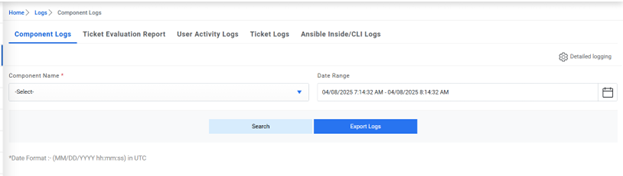
- The selection lists the relevant logs in a tabular view.
Figure 2. Component Logs (Cont.) 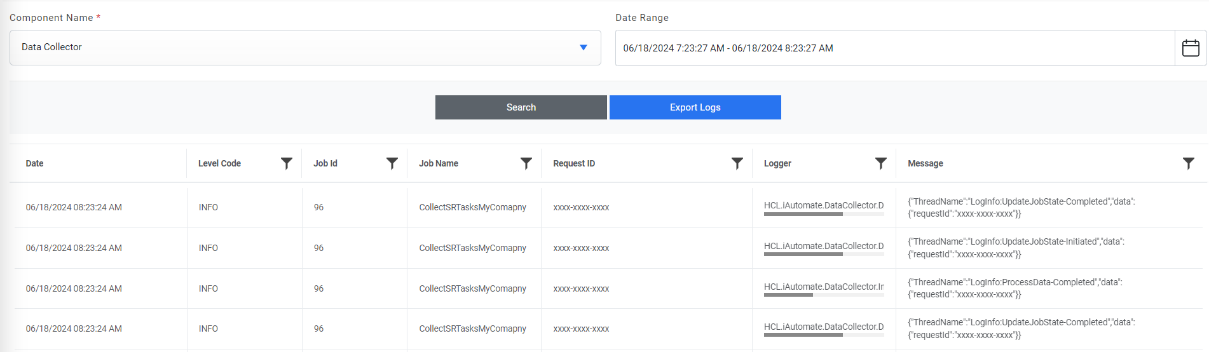
- In case of Website and Web API, below screen appears:
Figure 3. Component Logs (Cont.) 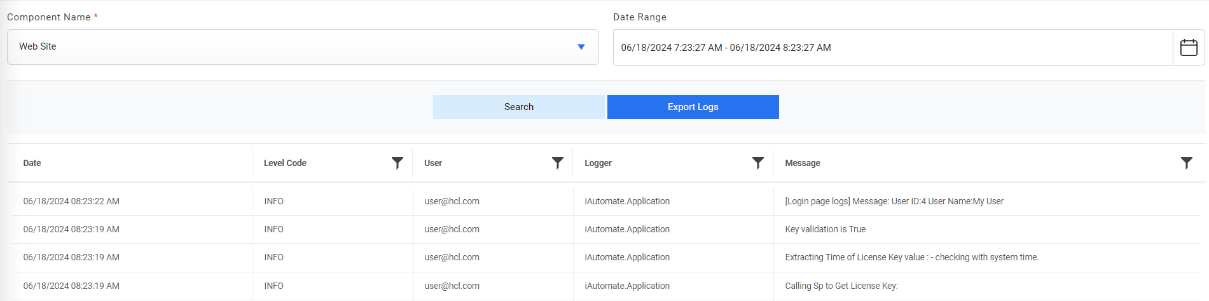
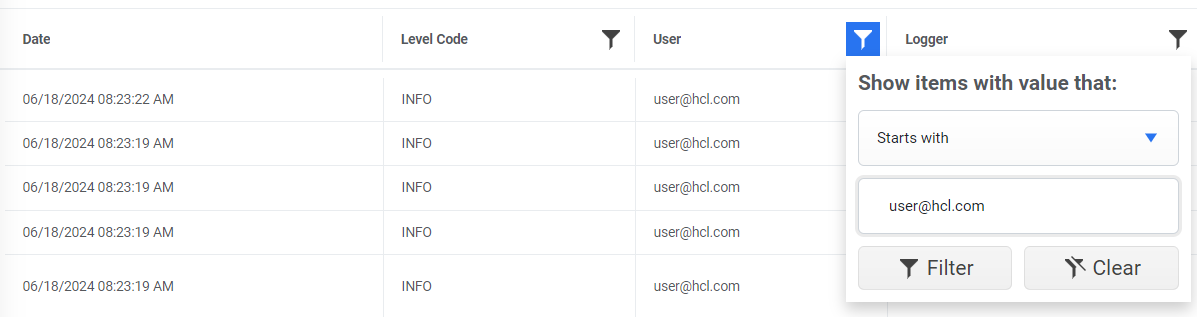
The user can apply filters on the User column. This is available only for Website and Web API only.