Description: Mention the following details in the free text area:
User Email ID: Unique Identifier (email address) for the user requesting data
erasure request
First Name: First name of the user requesting data erasure
Last Name: Last name of the user requesting data erasure
Contact Email Address: Email address of the user requesting data erasure
Reason for removal: Rational for requesting data erasure
Erasure Requester Name: Name of the Administrator
Erasure Requester Email: Email of the Administrator
Send Notifications to (Comma Separated Ids):
Notification will be sent to the administrator raising data erasure
request; however, user’s (user requesting data erasure) email
ID can be added for notification.
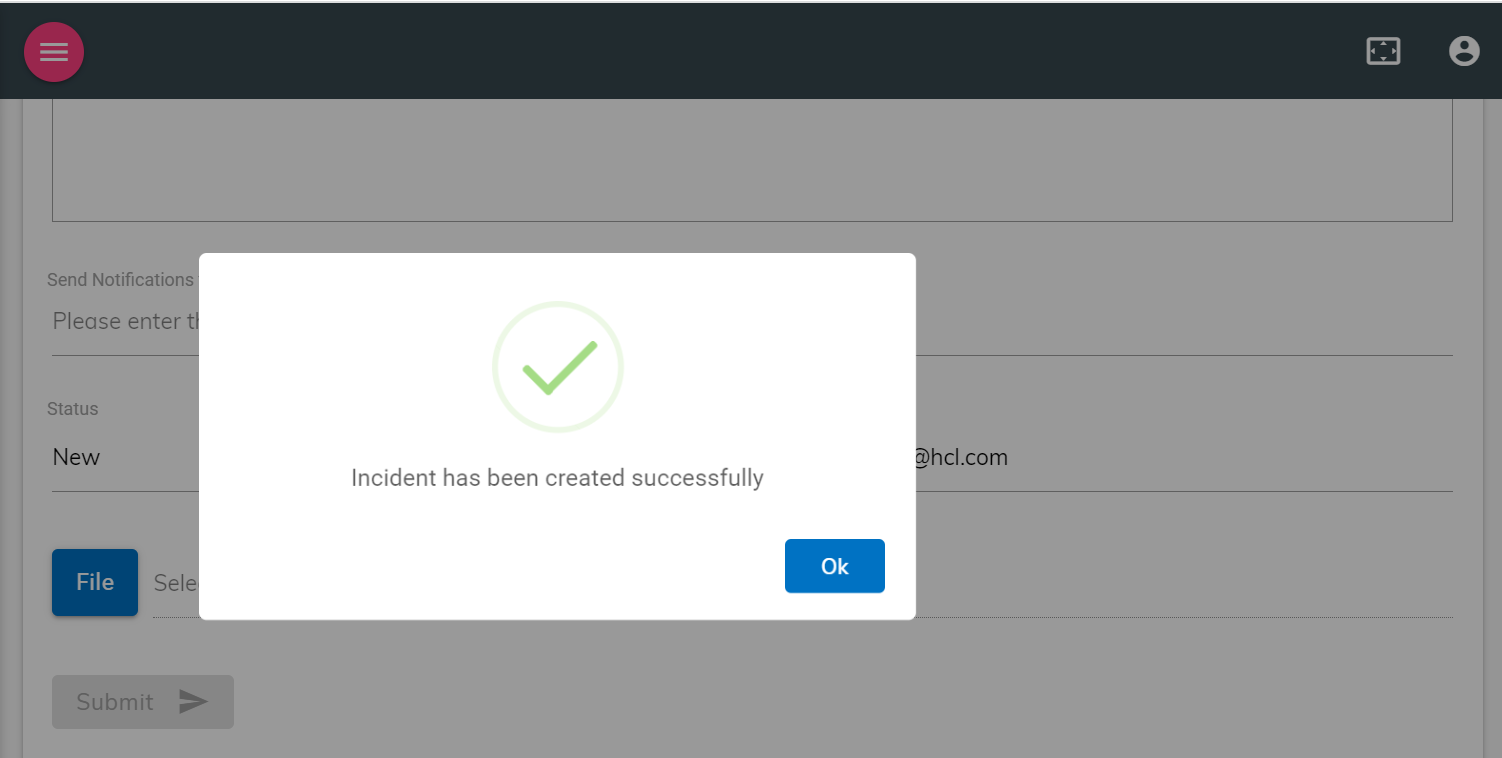
Click on Submit. A confirmation would be visible for new support ticket raised
for data erasure.Figure 1. Data Erasure Request Submitted Successfully
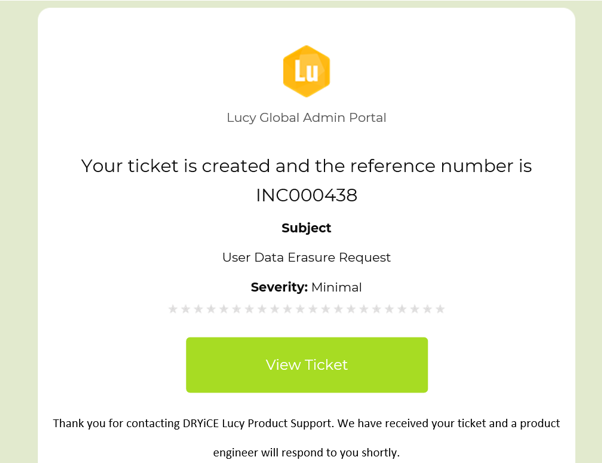
On successful request submission, the request submitter will receive an email confirmation
from BigFix AEX:Figure 2. Data Erasure Request Ticket Confirmation Email
The latest request will also be visible on the support page of the tenant.
The data erasure request will be completed in 7 working days from the date of request and
all the personal conversational data of the user (on behalf of whom the request has been
raised) will be deleted including backup using a background job. Once data is deleted, the
requester and user will be notified.
Due to business requirements, aggregate data, which is required for business reporting,
conversational metrics data such as conversational unique sessions, intents activated,
integration triggered will be retained. Such details should be communicated to the user by
the administrator or relevant DPO (data protection officer) of the organization.