
Edit App
- To edit an app, click the edit icon on the App page. Make the necessary changes,
then click update.
Figure 1. Edit Apps 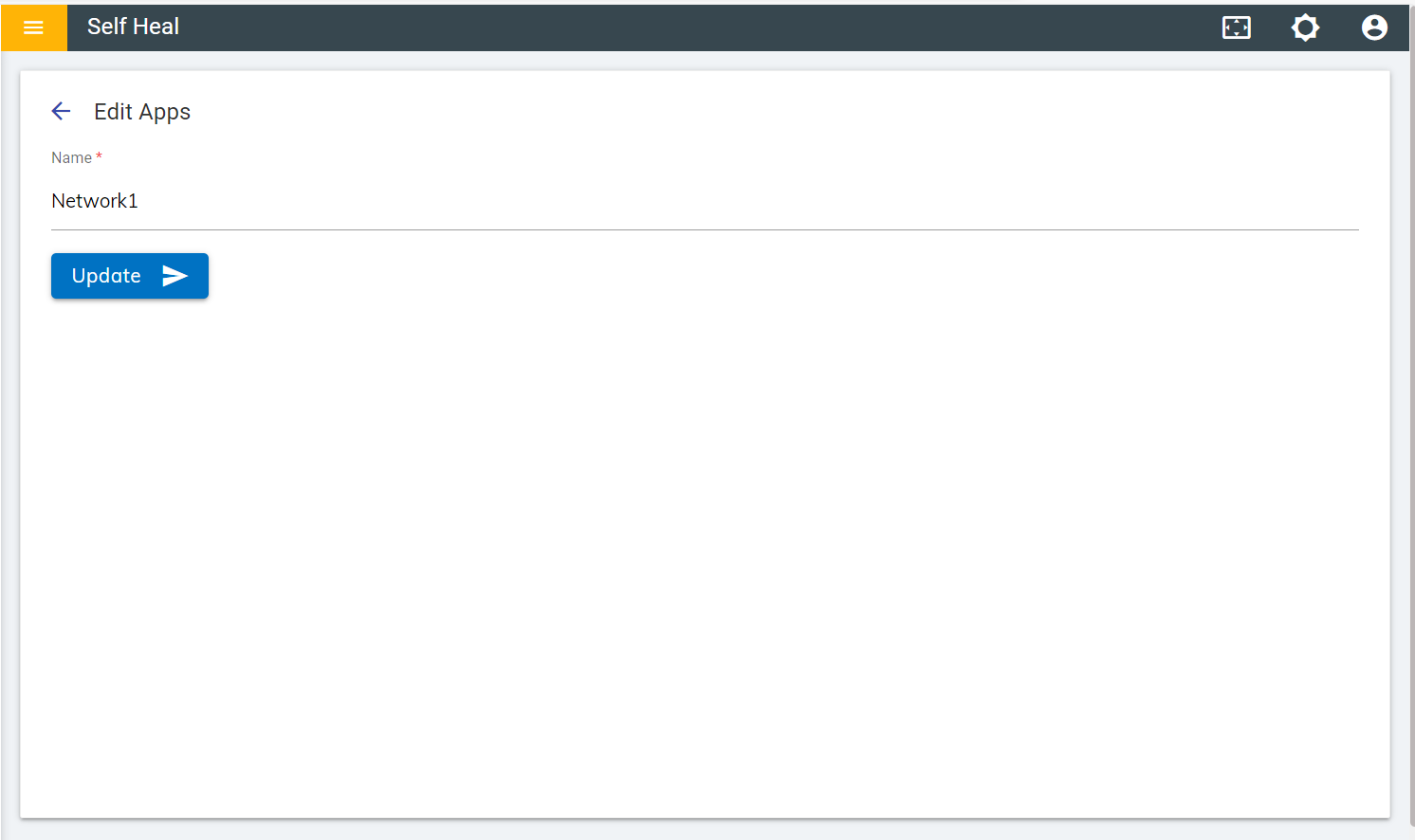
- Upon successful completion of the update, the success message appears on the screen.
- To view an app, click the view icon on the App page.
Figure 2. View Apps 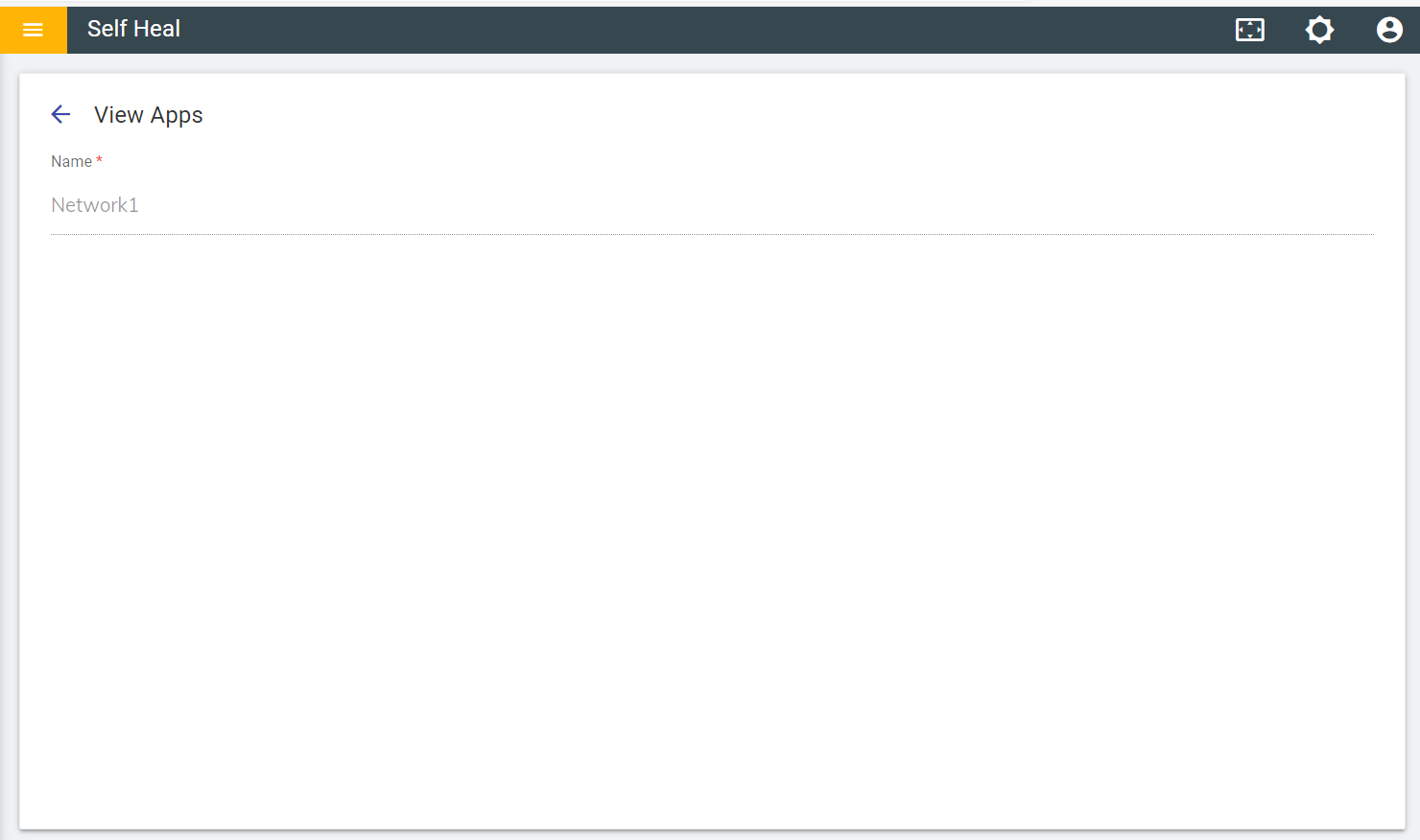
- Click OK to delete or click Cancel to cancel the delete action. On
clicking on the OK, the app is deleted from the list.
Figure 3. Confirmation Message 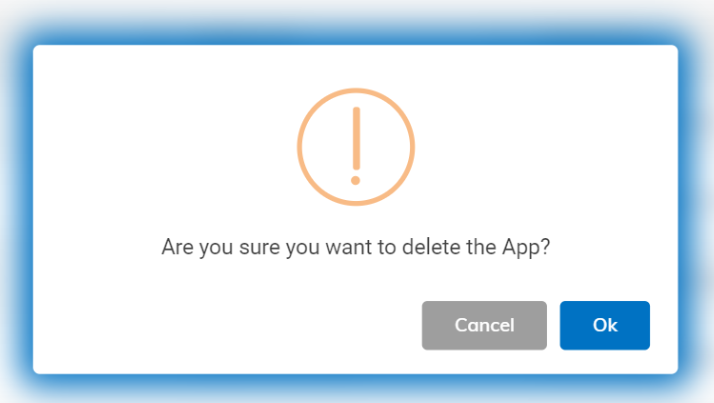
- After successful deletion of the app, the successs message appears on the screen.