
Apps
This module identifies all the apps installed on the user's system.
- To create a new app, click the Create button.
Figure 1. Application List 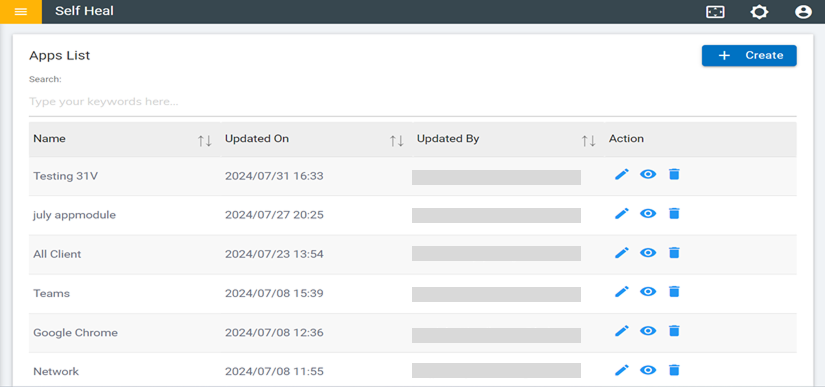
- Fill in the required fields and click Save.
Figure 2. Create Apps 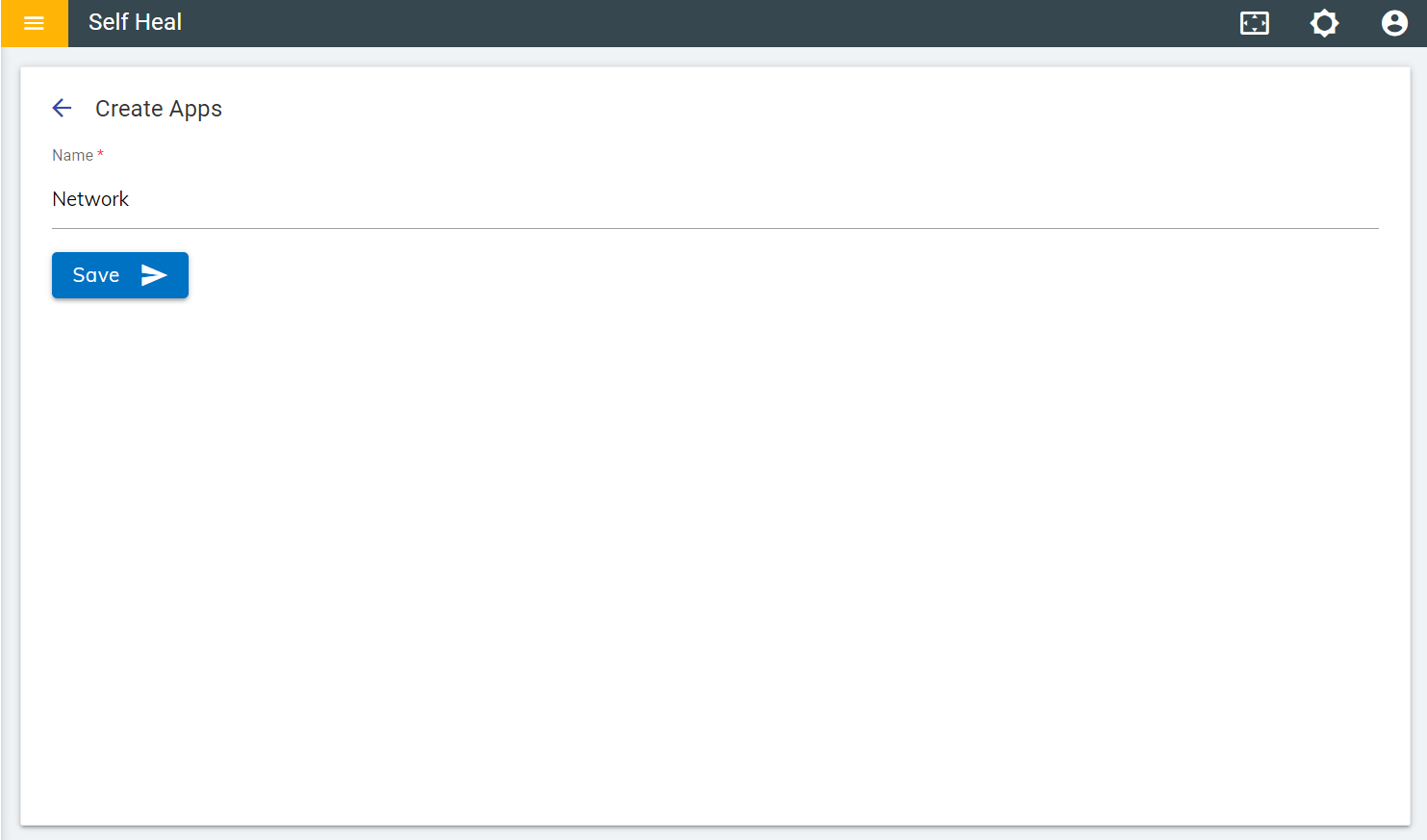
- If the user enters an app name that already exists in the list, the following
message will appear.
Figure 3. Confirmation Message 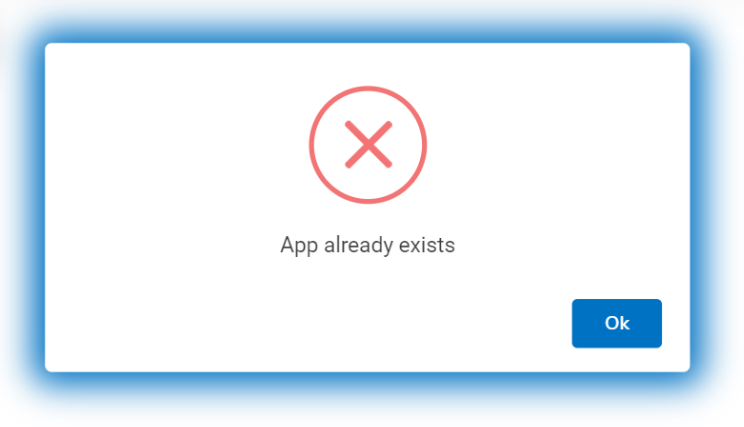
- The "App created successfully" message appears on the screen.