
Managing Users
This section describes how a provider creates new provider SPOCs who can manage the tenants and delete the existing provider SPOC from the environment.
To manage a provider SPOC,
- In the left navigation bar, click Users.
- The User’s screen is displayed.
Figure 1. Users 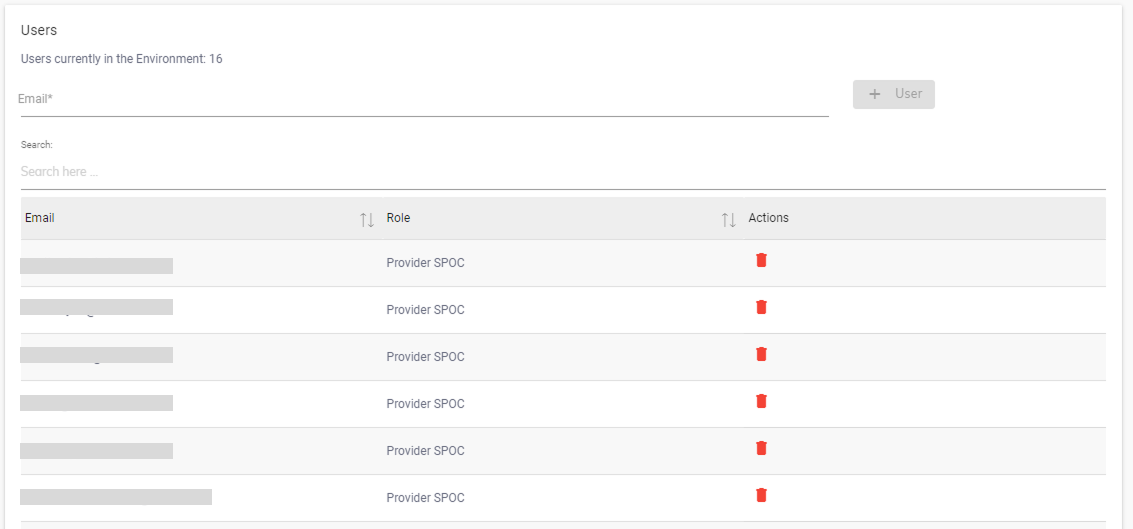
- The screen includes the list of existing providers of SPOCs in an environment and
 button to add a new provider.
Note:
Only the current user with provider SPOC access can create another
provider.