Conversation Status
The status of a conversation depends on the training of the conversation. A detailed description of training functionality is provided further in the document. This section contains three status buttons namely:
Trained:
- This Trained icon
 is always
present in the card status section but remains hidden until a conversation is successfully
trained.
is always
present in the card status section but remains hidden until a conversation is successfully
trained. Figure 1. Trained Icon Hidden 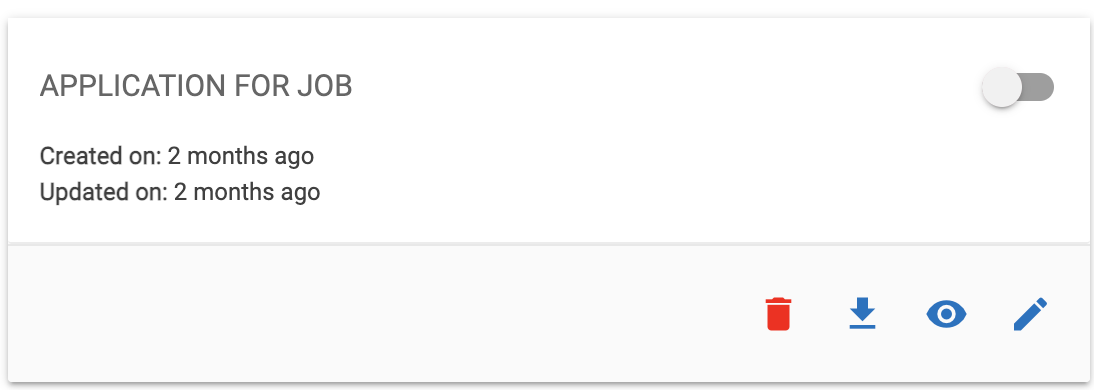
- As soon as a conversation is conducted successfully the greyed-out icon lights up in
green color.
Figure 2. Trained (Lit Up in Green) .png)
Error:
- The Error icon is
 always
present in the card status section but remains hidden until an error is caught in that
conversation while trying to train the same.
always
present in the card status section but remains hidden until an error is caught in that
conversation while trying to train the same.Figure 3. Error Icon Hidden .png)
- As soon as a conversation throws an error while trying to train the same, the icon
lights up in red.
Figure 4. Error (Lit up in red) 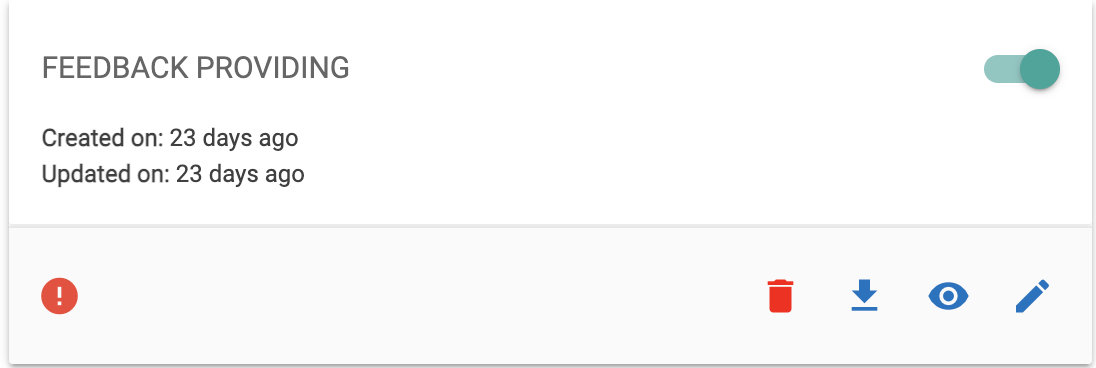
Alert:
- The Alert icon is
 present in
the card status section but remains greyed out until a previously trained conversation
flow is updated and is not trained further after making changes to it.
present in
the card status section but remains greyed out until a previously trained conversation
flow is updated and is not trained further after making changes to it. Figure 5. Alert Hidden .png)
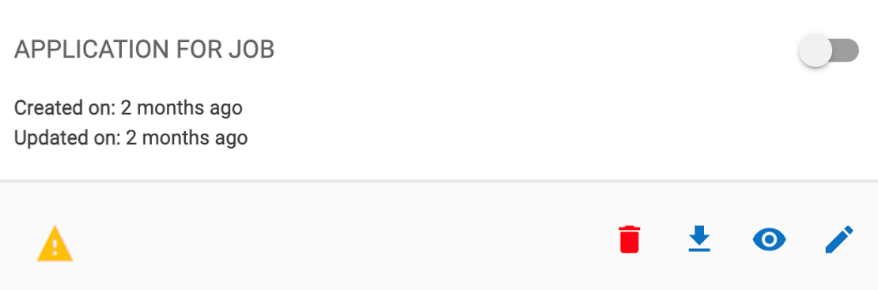
- As soon as any previously trained conversation is updated this icon lights up in amber
color and remains the same unless that conversation is trained again. After it is further
trained the icon is greyed out again.
Figure 6. Alert (Lit up in amber)