Patch using Fixlets
From the BigFix Console, you can select and deploy actions for the relevant Fixlets. Once initiated, the action propagates across your deployment, applying patches based on the configurations set in the Fixlet work area and the Take Action dialog.
You can deploy patches from the BigFix Console.
- In the console navigation tree, go to Dashboard→ License Overview.
- Enable the Patches for RHEL8 Extended Support.
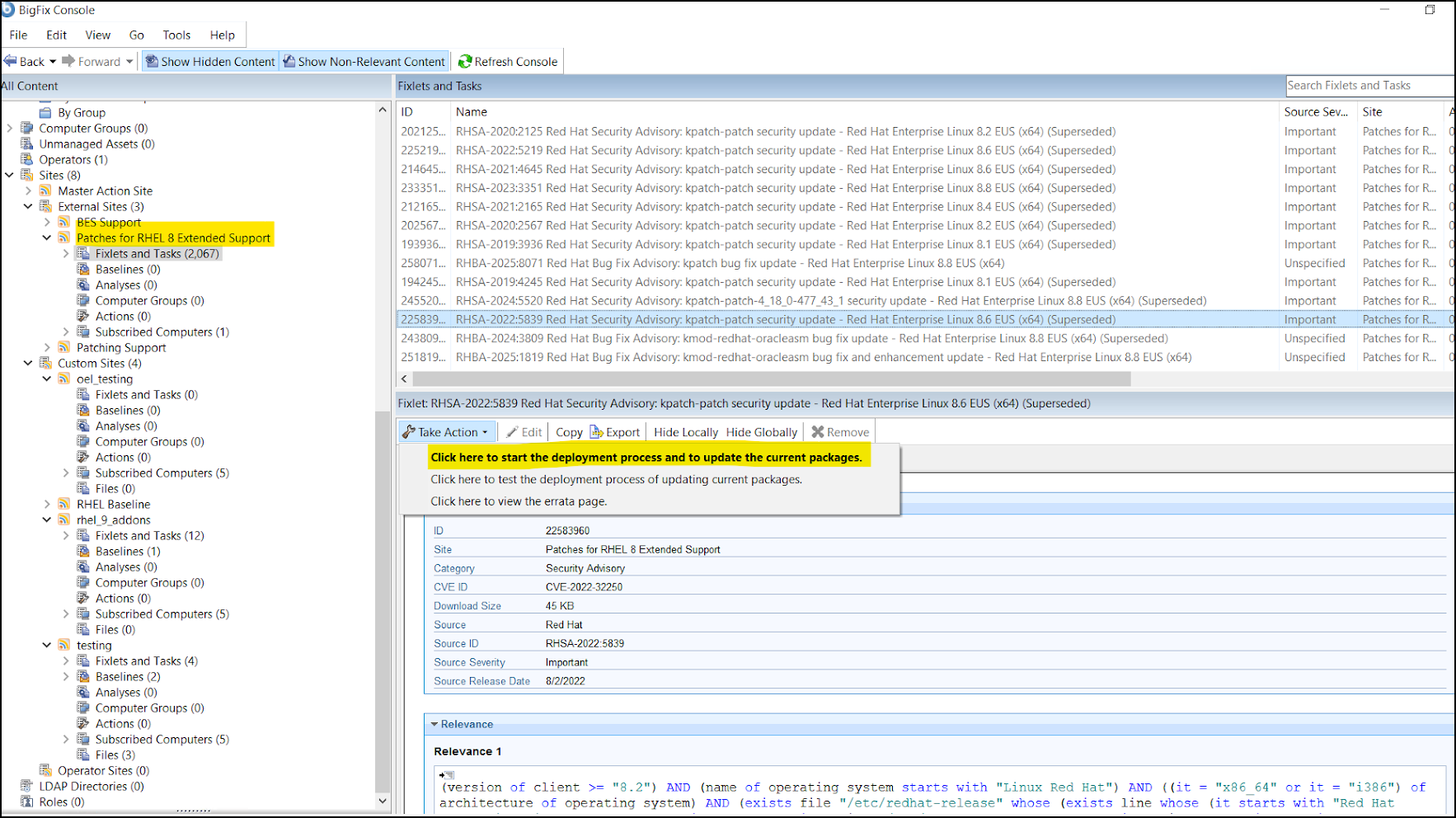
- Once enabled, the site will appear under External Sites, listing
the available Fixlets.
Figure 1. External sites - Fixlets 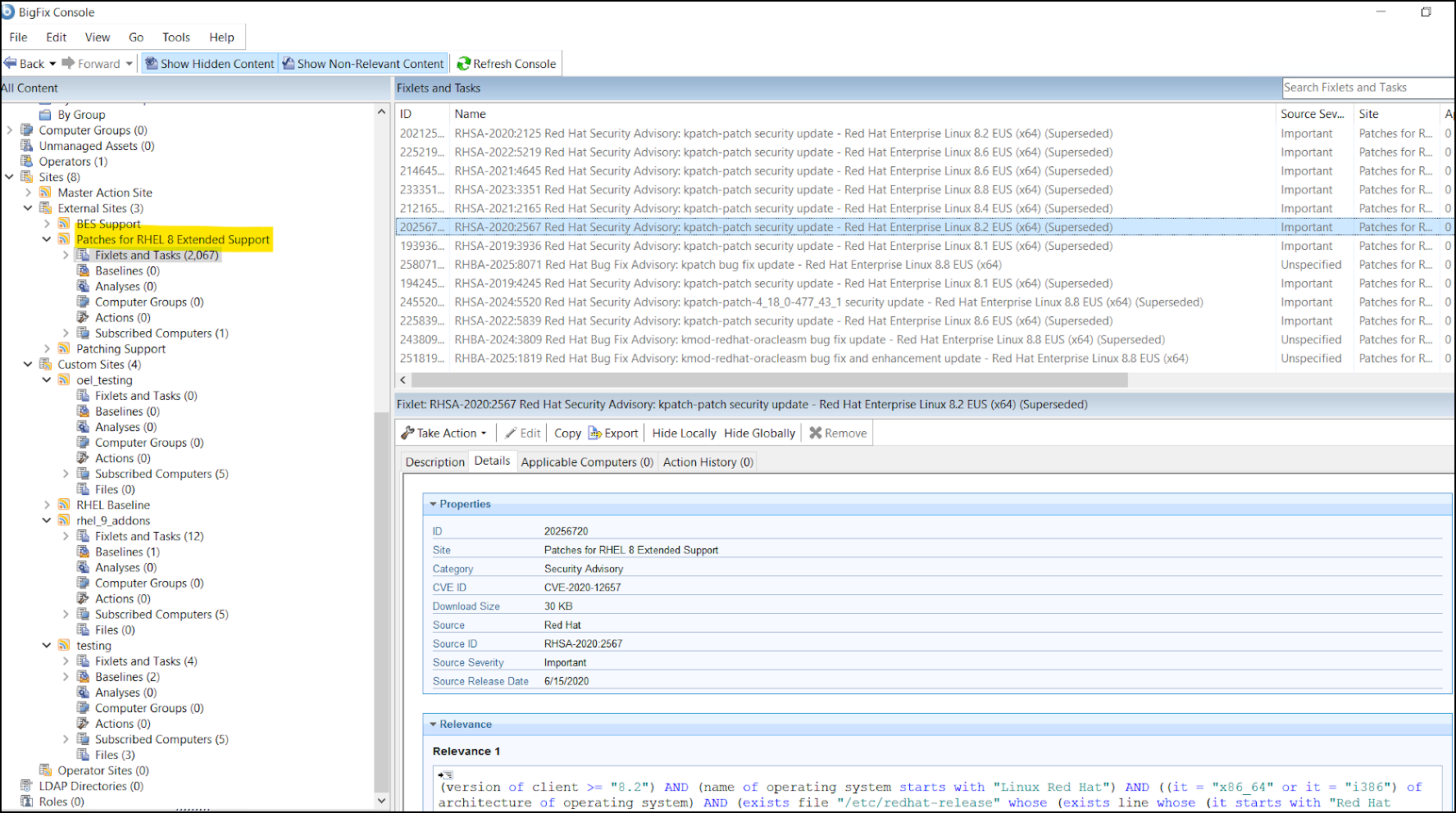
- To deploy the Fixlets, select the applicable Fixlet.
- Click Take Action and choose Click here to start the
deployment process and update the current packages to deploy the Fixlet on
the target endpoint.
Figure 2. Click here to start the deployment process and update the current packages