
Uninstalling BigFix Platform MCP Server
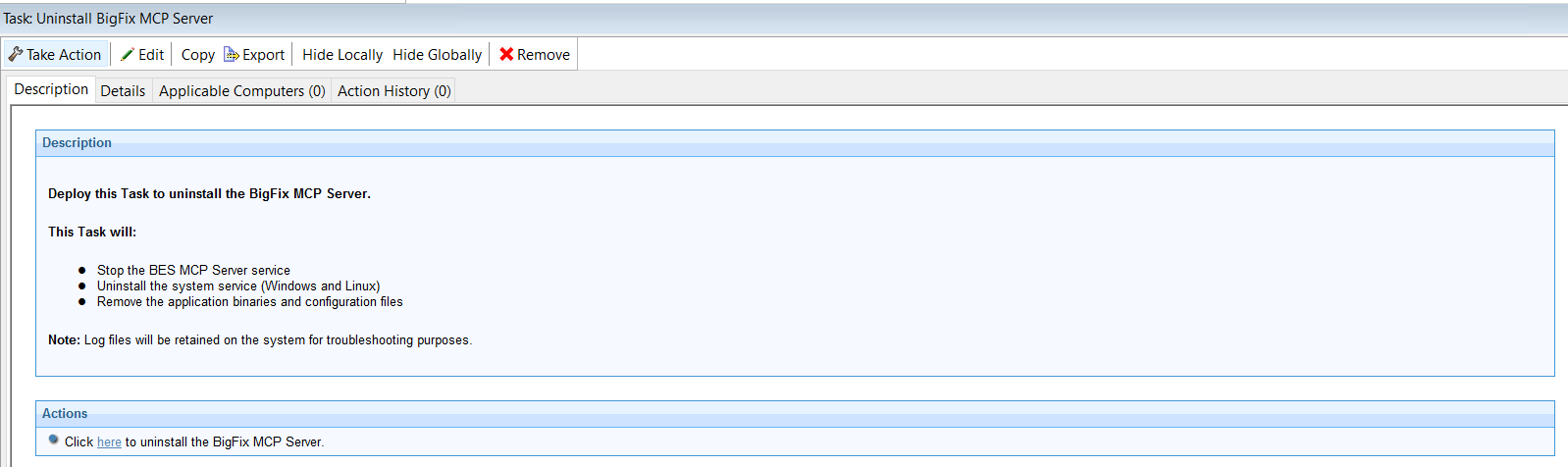
On Windows, the Uninstall BigFix MCP Server Fixlet stops the bes-mcp-server service and runs the executable service uninstall command. It then waits until the process fully terminates, moves any .log files from the data directory into the main installation directory, deletes the remaining data folder, and removes the MCP Server executable. The log files are intentionally preserved for troubleshooting purposes.
On Linux, the Uninstall BigFix MCP Server Fixlet stops the bes-mcp-server service and runs the executable service uninstall command from /opt/BESMCPServer/bin. It waits until the process terminates, moves any log files from /var/opt/BESMCPServer/data to /var/log, deletes the configuration and data directory, and finally removes the entire /opt/BESMCPServer installation tree. The service cleanup also handles the relevant systemd service files, while logs remain available outside the removed installation directory.