Creating a custom site
Create a custom site to organize and manage your own content.
Before you begin
You must be a BigFix UI user who is bound to a master operator to create or delete a custom site.
About this task
Create a custom site to host your own content, such as Fixlets and analyses, that is pertinent to your network. Custom sites appear on the Sites page with the type Custom. See Site types.
After you create the site, you can add custom content, subscribe devices, and edit the description. You cannot change the site name.
Procedure
- Go to .
-
Select Create custom site.
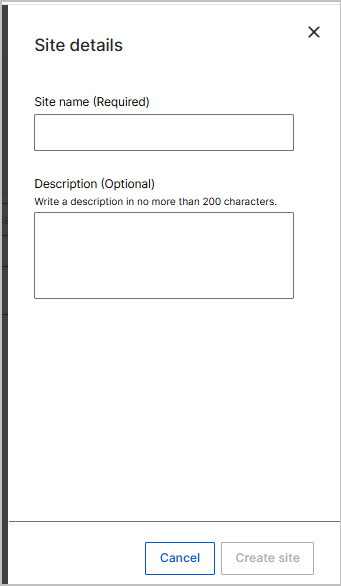
The Site details panel opens.
-
In the Site name field, enter a name for the site.
This field is required. You cannot change the name after you create the site.
- Optional: In the Description field, enter a description of no more than 200 characters.
- Select Create site.
Results
The message Custom site has been successfully created. appears, and the new site appears on the Sites page.
What to do next
Add custom content to the site and subscribe devices to it. See Adding custom content to a site and Managing a custom site.