Deploying the Linux® gateway support
You can use the Deploy Remote Control Gateway for Linux task to install gateway support onto a Linux® computer.
About this task
To initiate this task, complete the following steps:
Procedure
- Click in the navigation tree.
- Click Deploy Remote Control Gateway for Linux.
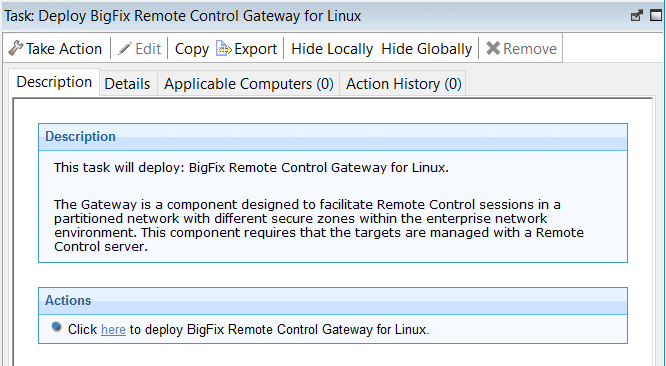
- In the Task pane, review the description and follow the
instructions in the Actions box to start the task.
- In the Take Action pane on the Target tab, select the relevant option for determining which targets to deploy the gateway support on.
- Click OK and enter your Private Key Password.
Results
Gateway support is installed on the targets that you selected when you ran the deployment task. The files are installed in the /opt/bigfix/trc/gateway directory on the selected targets.
To use the gateway support, you must set up a gateway configuration for your environment. For more information about configuring the gateway, see the BigFix® Remote Control Administrator's Guide.