Debugging and Diagnostics
Learn how to set up and configure the RBI Compliance report to customize report filters, define compliance parameters, and manage data synchronization. This reports also helps in monitoring and reporting device compliance.
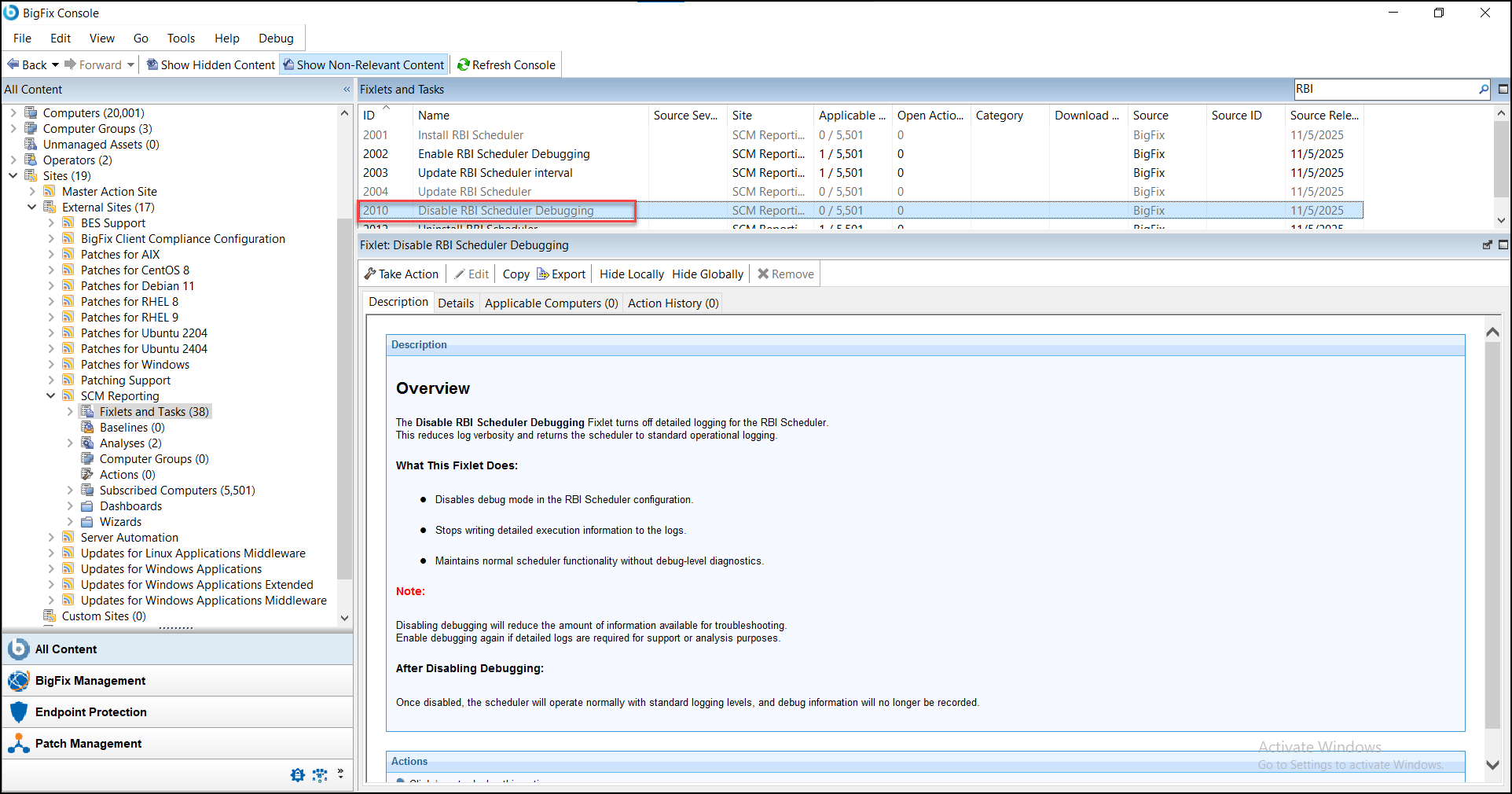
These Fixlets are used to enable and disable detailed logging for troubleshooting purposes.
Enable RBI Scheduler Debugging
- Purpose
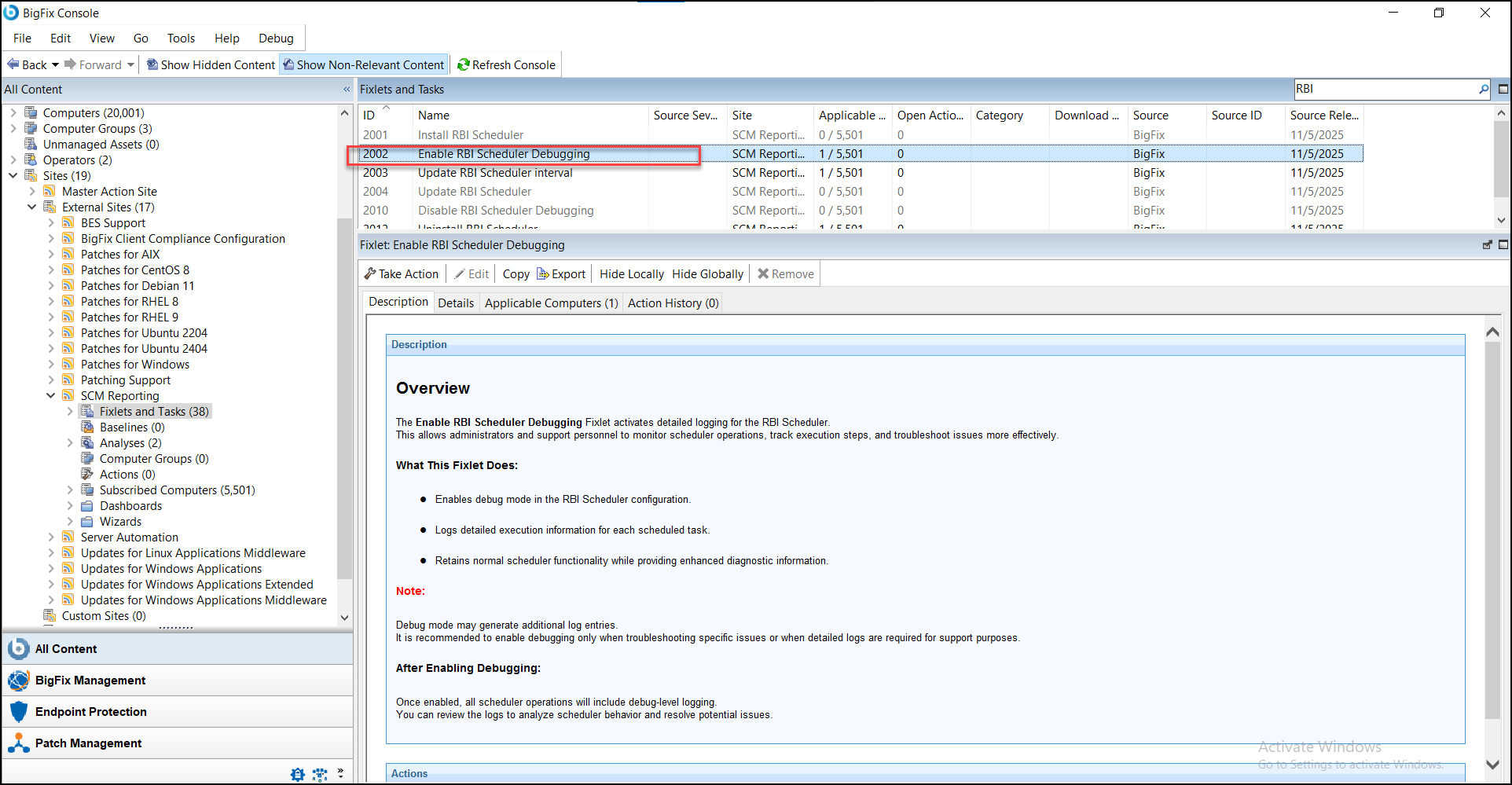
- The Enable RBI Scheduler Debugging Fixlet activates detailed logging for the RBI Scheduler. This allows administrators and support personnel to monitor scheduler operations, track execution steps, and troubleshoot issues more effectively.
- Functionality
- Enables debug mode in the RBI Scheduler configuration.
Disable RBI Scheduler Debugging
- Purpose
- The Disable RBI Scheduler Debugging Fixlet turns off detailed logging for the RBI Scheduler. This reduces log verbosity and returns the scheduler to standard operational logging.
- Functionality
- Disables debug mode in the RBI Scheduler configuration.