The Manage Application Management Groups dashboard helps
you to oversee and deploy offers to a certain group of computers in
your network.
Offers contain a list of software that
endpoint users can select to install on their machines. You can add
and group offers from the Manage Application Management Groups dashboard.
Endpoint users can view the available offers from the Client dashboard.
For more information about the Client dashboard, see Client Dashboard for Software Offers (deprecated).
Offers contain a list of software that endpoint
users can select to install on their machines. You can add and group
offers from the Manage Application Management Groups dashboard. Endpoint
users can view and install the available offers from the following
options:
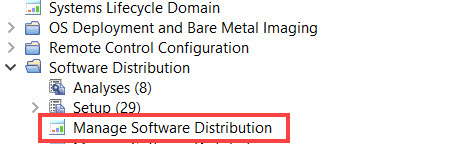
You can access the Manage Software Distribution Packages dashboard
from the Software Distribution navigation tree of the Systems Lifecycle
domain.Figure 1. Software Distribution navigation
tree
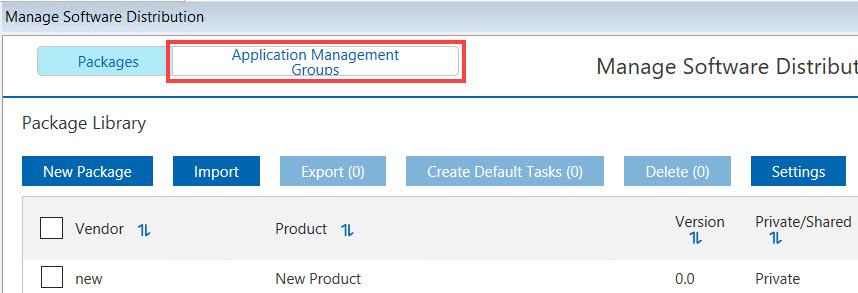
The Manage Application Management Groups dashboard is displayed
under the Application Management Groups tab.Figure 2. Manage Application Management Groups dashboard