Step : Reduce the size of the Z and I Emulator for Web sessions window


|

|

|
This preparatory step does not require a custom HTML template. The purpose of this step is to make the rest of the Z and I Emulator for Web desktop page easier to see by reducing the size of the sessions window.
Use the Deployment Wizard to edit StandardSupplies.html.
- On the Additional Options page, click Advanced Options.
- In the Advanced Options window, double-click Appearance, then click Applet size.
- Expand the Applet Size listbox and select Small.
Note: You can also specify the width and height of the Z and I Emulator for Web applet in pixels.
- Click OK to close the Advanced Options window.
- Go to the last page of the Deployment Wizard and click Create File(s) to regenerate the output files.
Use the browser to run StandardSupplies.html as a Z and I Emulator for Web client. The resulting default Z and I Emulator for Web desktop page is shown below. Notice that the sessions window is smaller than it was in Step 4.
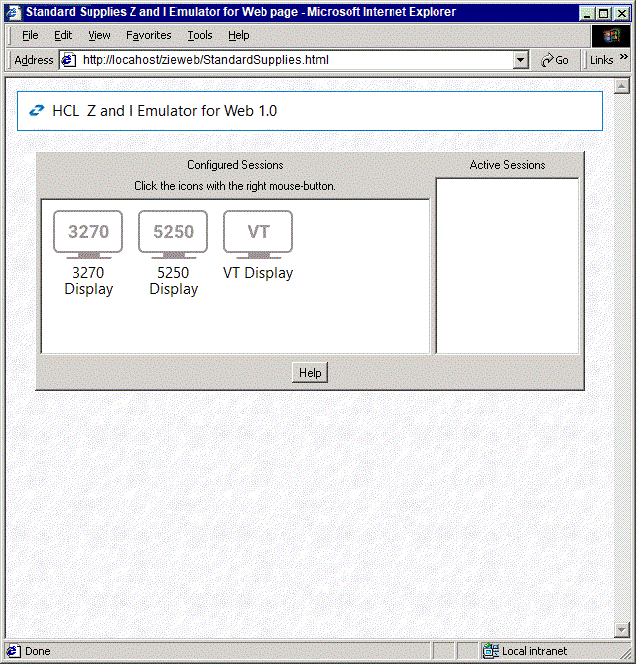
|
|
|
|