L2 CHECKLIST (Operational Support)
These are the daily/weekly checks L2 performs to ensure Canonical is running normally. L2 does NOT fix deep logic issues — only detects, escalates, and performs safe operational recovery.
LDZ Checks
Verify whether the source is sending valid data.
- Confirm LDZ files arrived for all configured sources.
- Validate file naming conventions.
- Validate file timestamp vs SLA.
- Perform row-count sanity check (no 0-row or near-zero files).
- Confirm mandatory columns present (sample inspection).
- Validate file encoding (UTF-8) to avoid ingestion failures.
Signature of LDZ health: Files exist, structure intact, minor anomalies only.
ANP Checks
Ensures raw files were transformed into conformed datasets.
- Check that all LDZ files were picked by ingestion pipeline.
- Validate that ANP tables have new data for each source.
- Verify surrogate keys generated successfully.
- Verify delta logic executed (where applicable).
- Check reject/error tables — count should be 0 or within normal baseline.
Signature of ANP health: LDZ row counts ≈ ANP row counts ± expected deltas.
RDV Checks
Validates relational integrity.
- Confirm RDV tables refreshed after ANP (timestamp check).
- Spot-check Party → Account → Transaction relationships.
- Check if FK resolution percent is within SLA.
- Ensure no orphan records exist in RDV (use predefined RDV orphan queries).
Signature of RDV health: No orphans, clean natural-key → surrogate-key mapping.
BDV Checks
- Confirm BDV refresh completed.
- Validate derived/aggregated columns are populated (no null explosion).
- Check audit columns (CREATED_TS / UPDATED_TS).
- Verify dimensional attributes are conformed (no mixed-case or malformed values).
Signature of BDV health: Derived fields look consistent — no spikes in null values.
C360 / Campaign360 Checks
- Confirm daily C360 refresh timestamp.
- Verify Party count matches expectation (no sudden drop/spike).
- Verify Transaction volume matches expected range.
- Check Campaign360 CH/RH volume aligns with Unica logs.
- Validate random sample C360 entities for correctness (manual check).
Signature of 360 health: Stable counts, consistent refresh patterns, referential correctness.
Monitoring and Logging
The airflow DAGs imported into Airflow will show up on the Airflow frontend URL (details required as pre-requisite) as below:
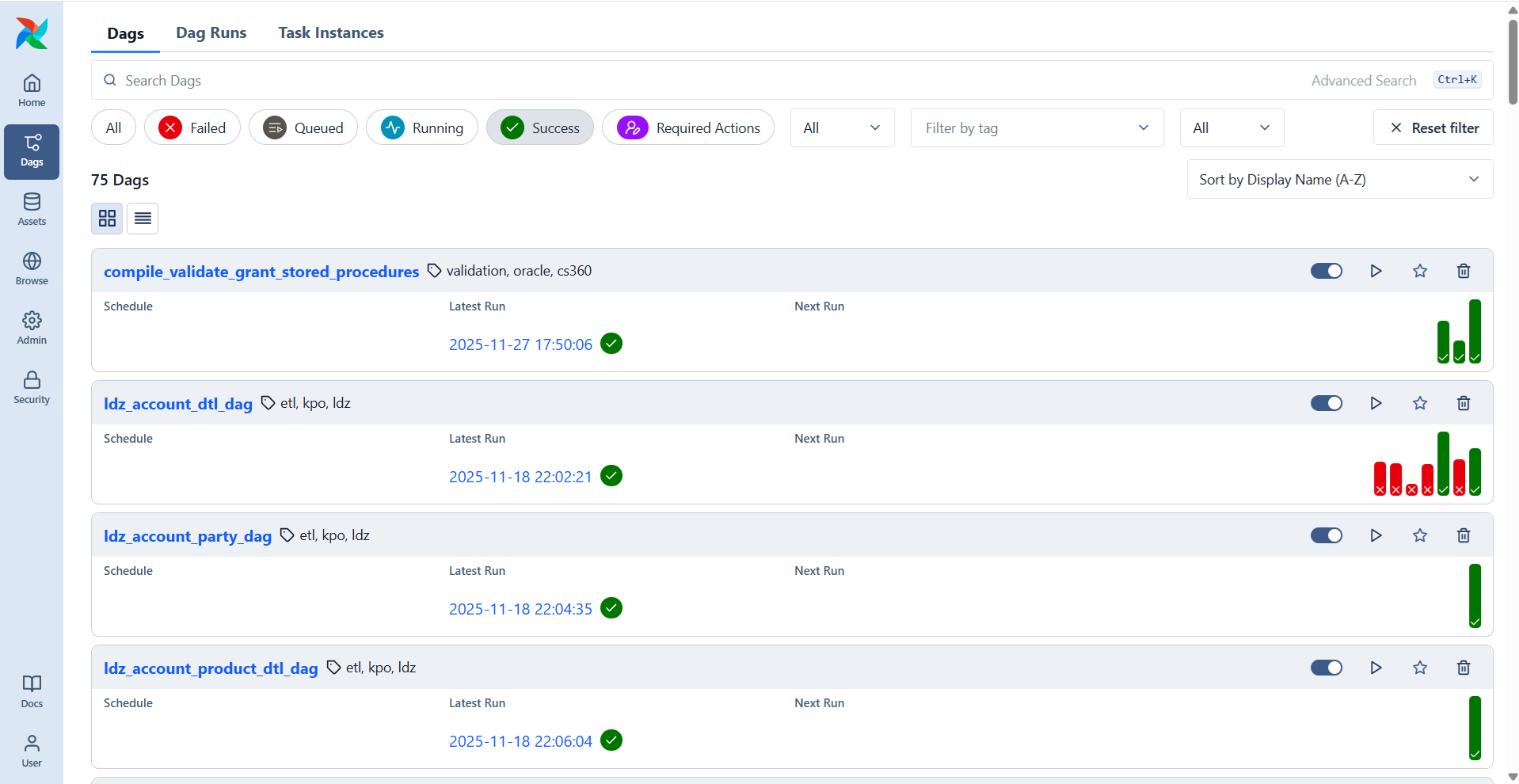
These DAGs will execute as they are scheduled (or ad-hoc runs as needed) and their execution logs will be visible in the front-end by navigating below path:
Open the Dag -> Runs -> Dag Run ID -> Task ID
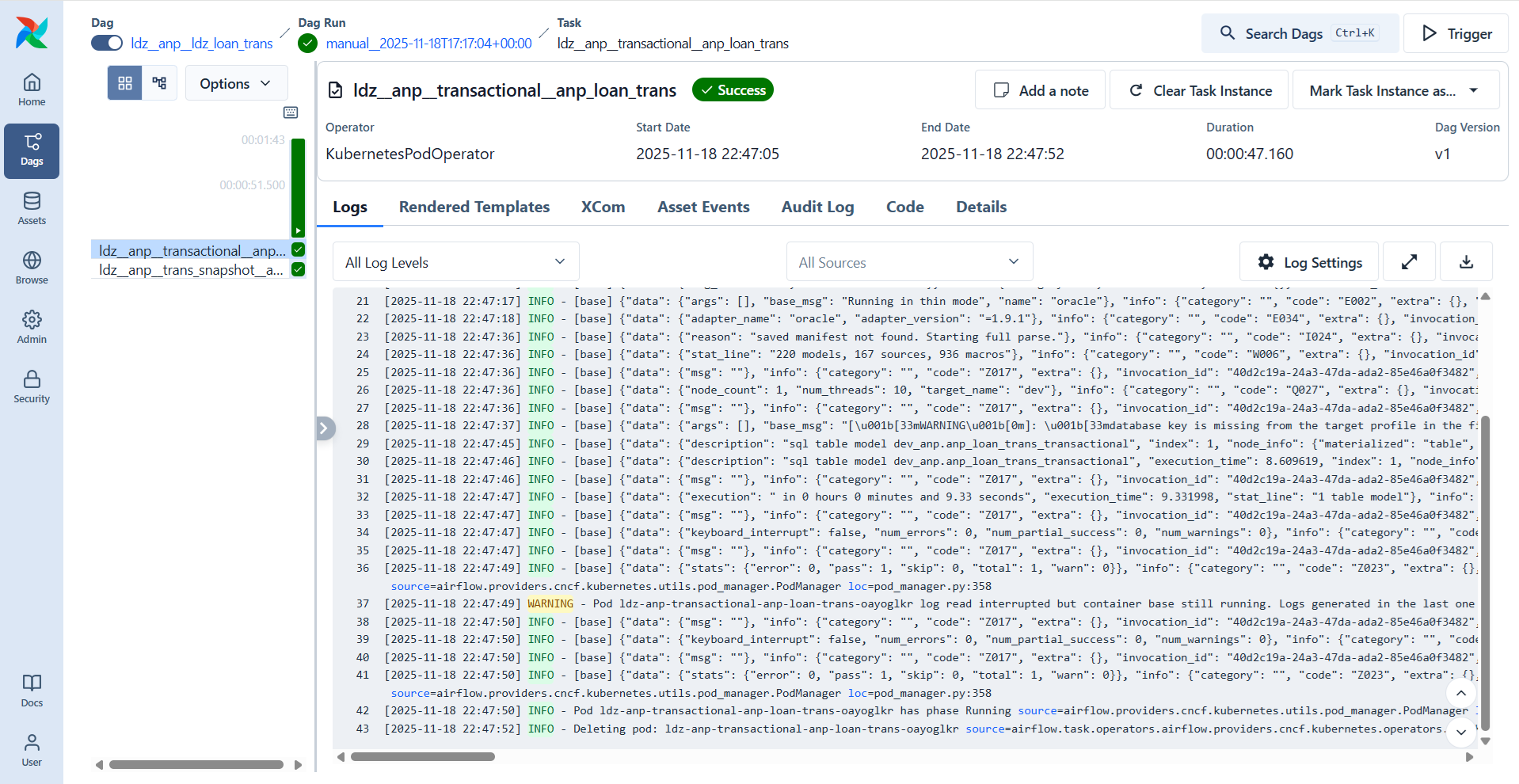
A sample execution log looks like below: