Installing Marketing AION - Microsoft Windows
To install Marketing AION, complete the following steps:
Before you begin
Procedure
-
Double-click the Docker Desktop installer.exe and click
Yes to proceed.
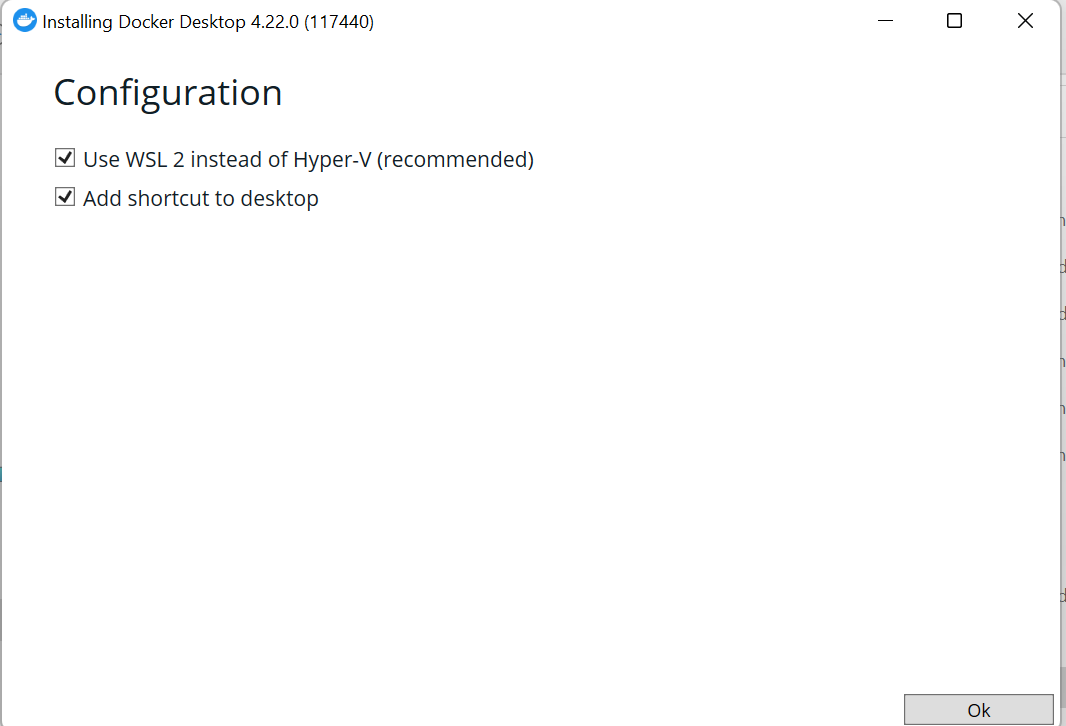
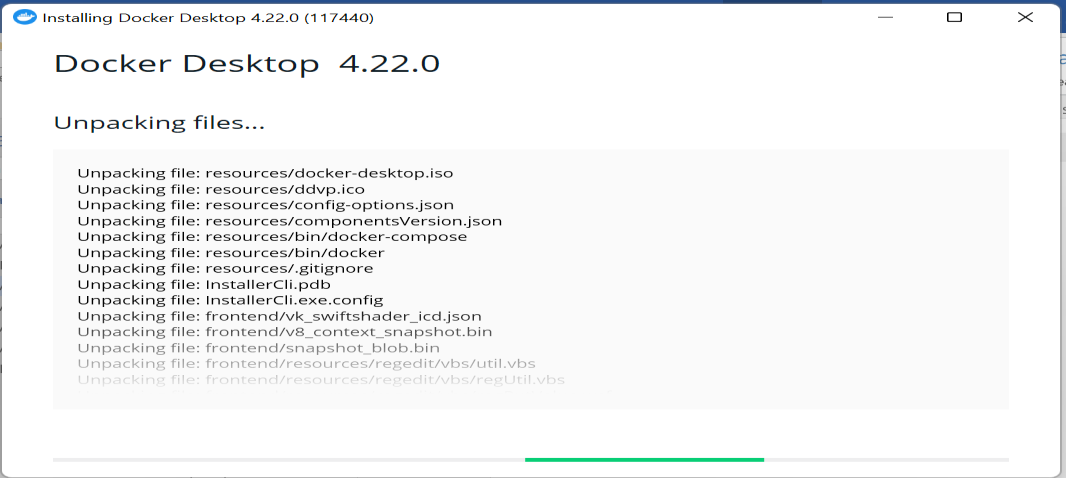
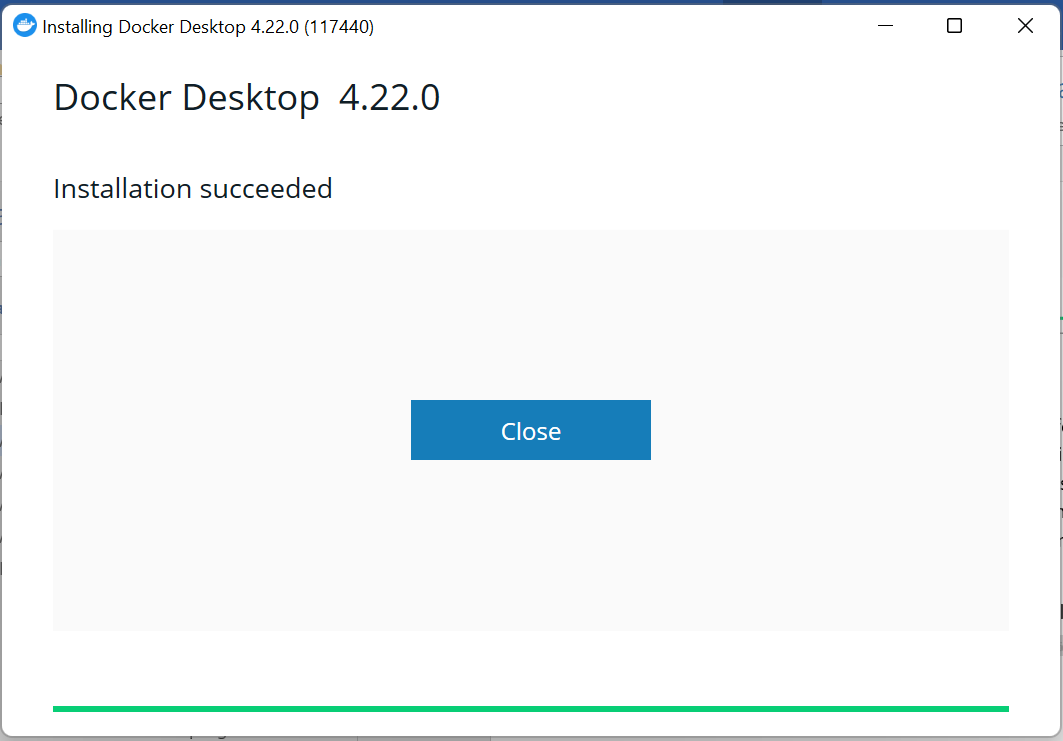
- To activate the daemon process, start the Docker Desktop.
-
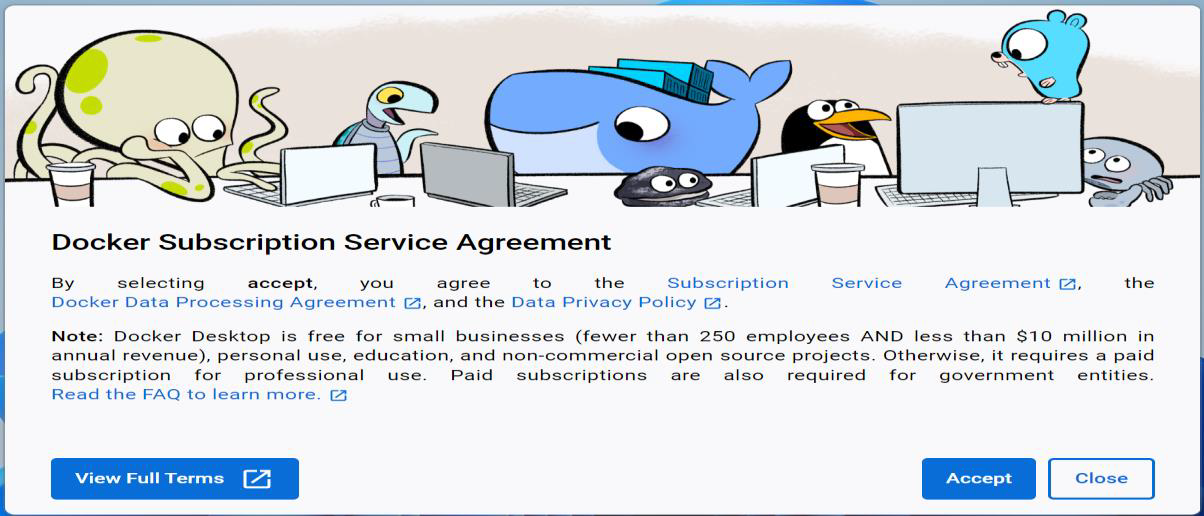
Click Accept.
-
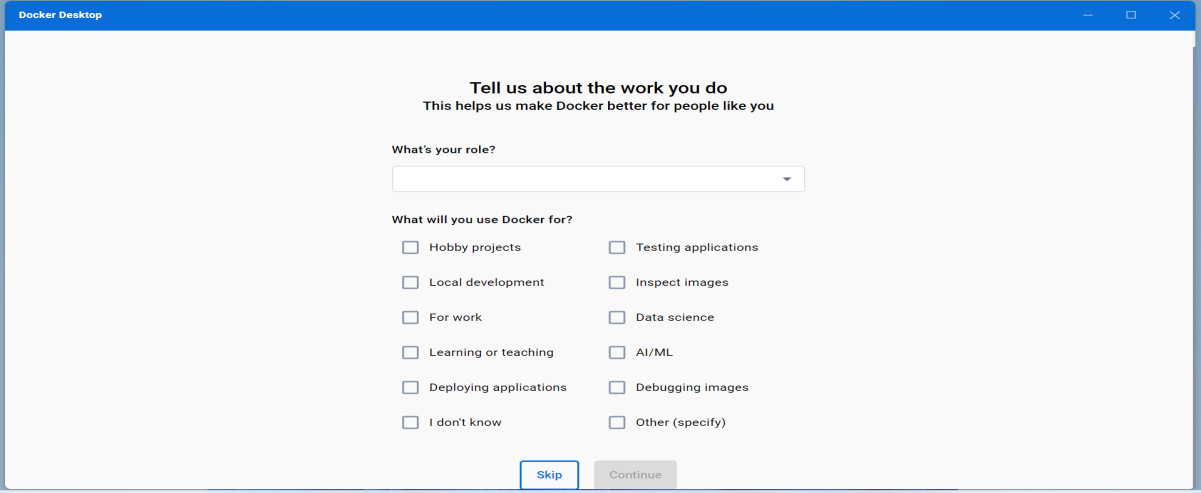
Click Skip.
- Download prod_setup.zip and extract it in the required folder.
-
To build the image, open the terminal and run the following Docker
command:
docker-compose -f docker-compose-prod.yml build
                        --no-cache
Attention: It may take 15 to 20 minutes to build the image.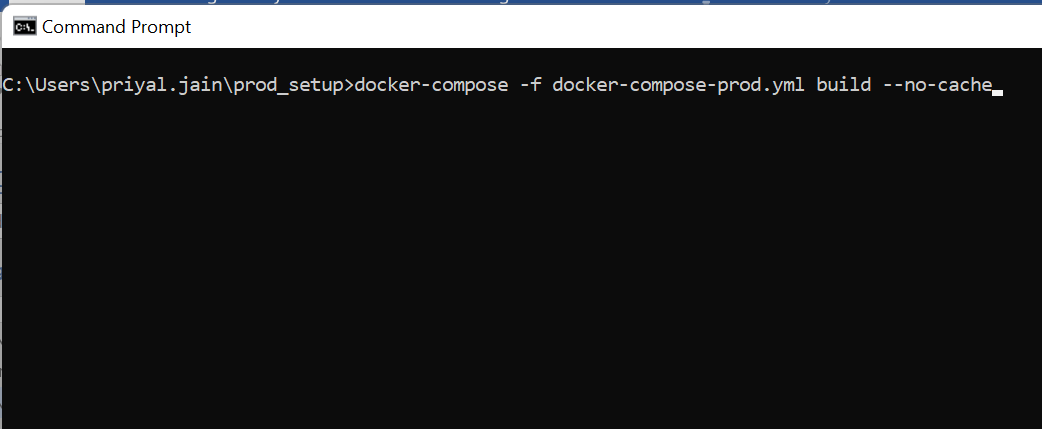

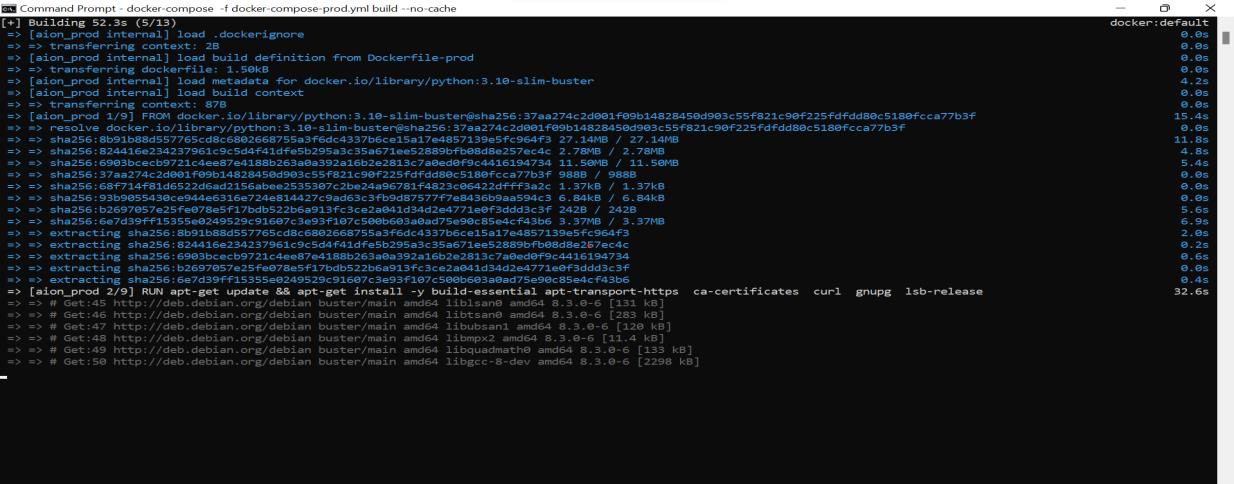
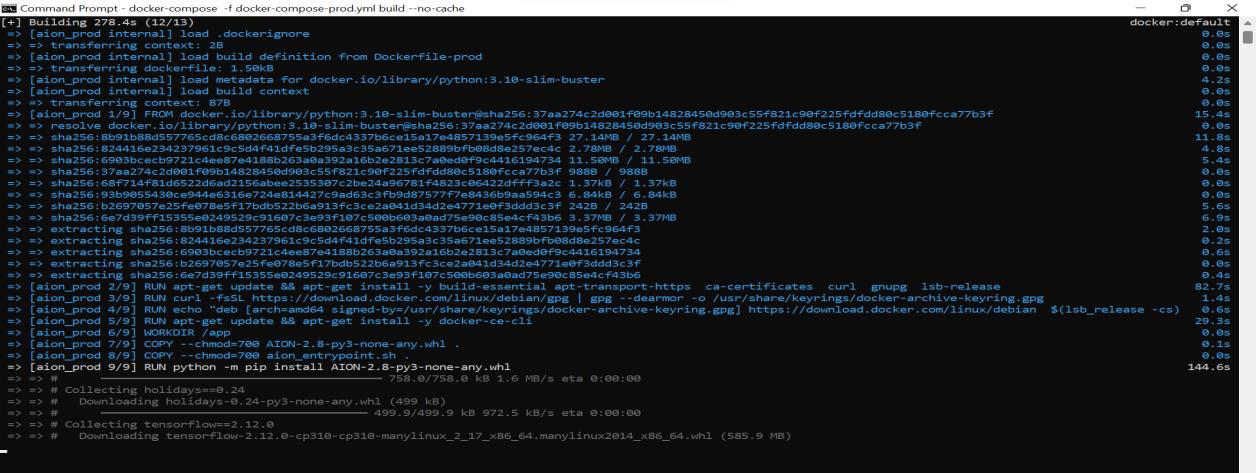
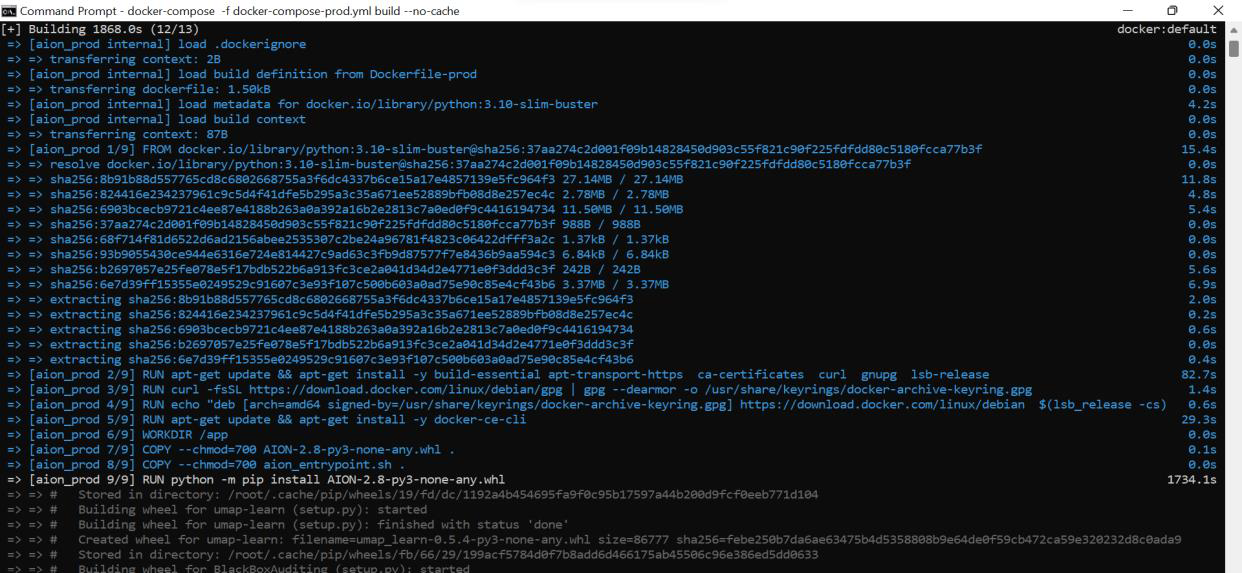
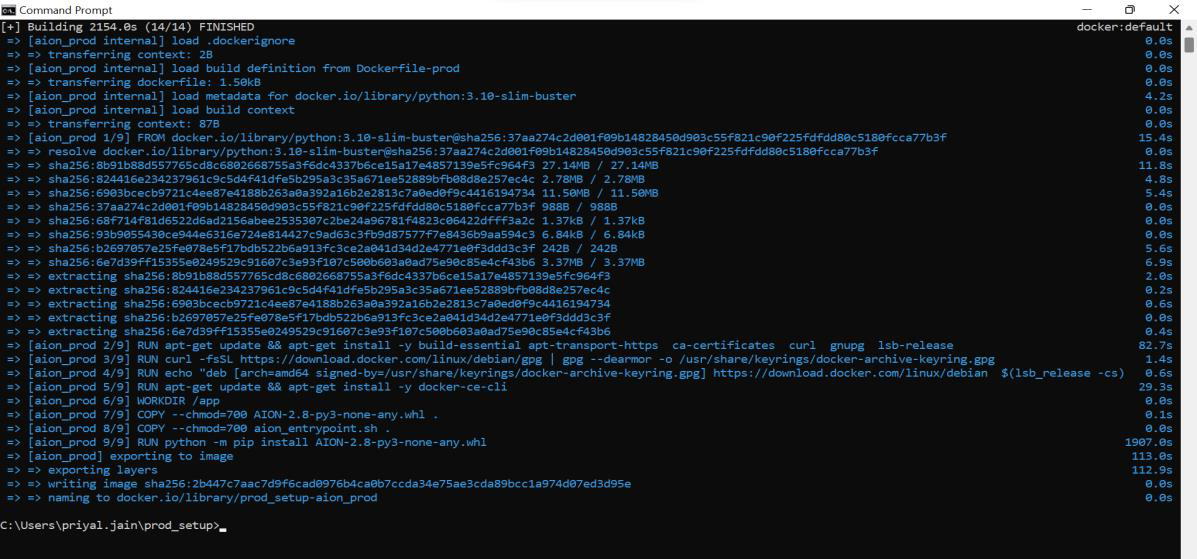
Upon completion of installation, the system displays the number of libraries installed and the total time it has taken. Standard installation duration is 45 to 60 minutes. The duration can be shorter but it depends on the performance of your system.
-
After the system builds the image successfully, start Marketing AION using the following
command:
docker-compose -f docker-compose-prod.yml up –d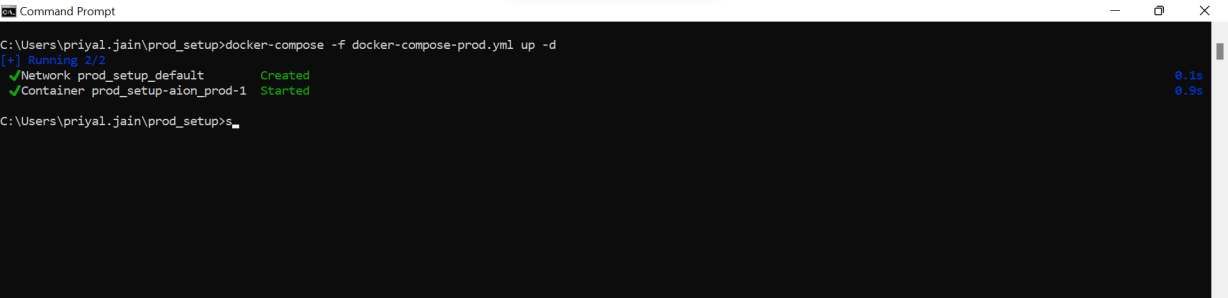
To check the logs run the following command:
docker-compose -f docker-compose-prod.yml up -
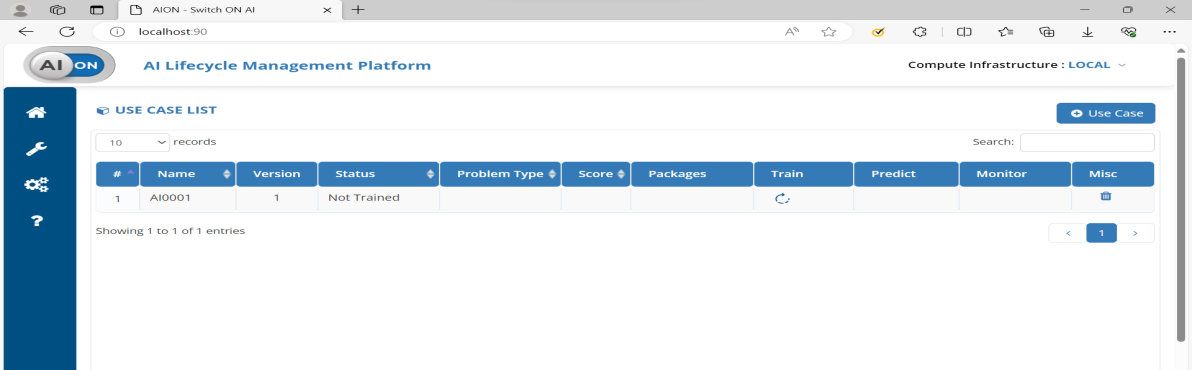
When the Docker container is active, access Marketing AION using the following
URL:
http://localhost:90