Search treatment rules
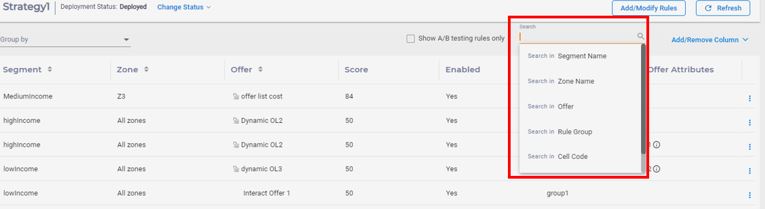
You can search for the treatment rules using the Search
box located on the top of Rules table and search for a specific field. You can
achieve this by typing the text to be searched and then choosing the field from
the search dropdown menu. You can search for:
- Segment Name
- Zone Name
- Offer
- Rule Group
- Cell Code
- Offer Code
- Offer Status
- Offer Type