Before you install IBM SPSS Modeler Advantage Enterprise Marketing Management Edition
Before you begin to install IBM SPSS Modeler Advantage Enterprise Marketing Management Edition, review the following information.
- You need the server information to your database schema, and the path to your
server profile directory. The
following is an example of the information that you must
provide:
-Database -Database type : db2 -Database host : localhost -Database port : 50000 -Database username : db2instl -Database name : SPSSMAME -Application server -Application server type : <Application server> -Server installation directory path : /opt/<Application server>/AppServer -JVM path : /opt/<Application server>/AppServer/java -<Application server> profile : /opt/<Application server>/AppServer/profiles/AppSrv01 -<Application server> server name : server1 -<Application server> node : localhostNode01 -Admin security enabled : true -Application server username : admin -Keystore -Reuse keystore : false -Deployment mode -Deployment : Automatic - Be sure to specify passwords when asked.
- Be sure that you have a root directory that contains the installer code modules (for example, C:\Installers\IMS).
- Be sure to copy the IBM SPSS Modeler Advantage Enterprise Marketing Management Edition install packages in the installers directory.
During installation
You may see the following warning during installation:
(<unknown>:38376): Gtk-WARNING **: Unable to locate theme engine in module_path:
      “clearlooks",
This does not impact the success of the installation.
After installation
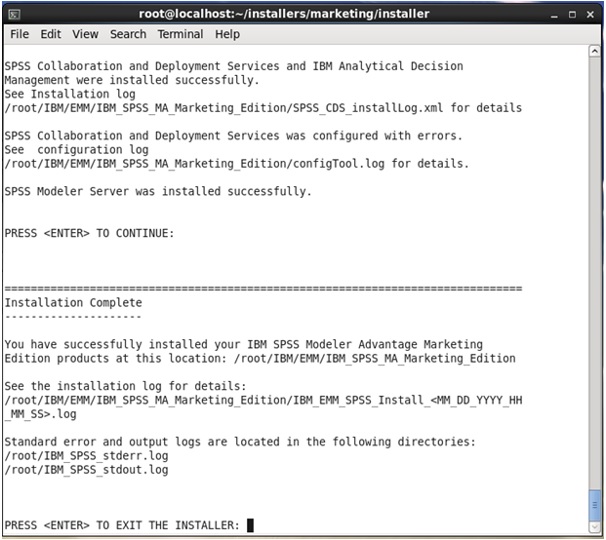
When the installation completes, the following summary screen displays: