Installing the Sametime Meeting add-in from a URL
You can install the HCL Sametime Meetings® add-in to Microsoft Outlook from a URL.
Procedure
-
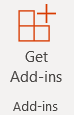
Click Get Add-ins.
-
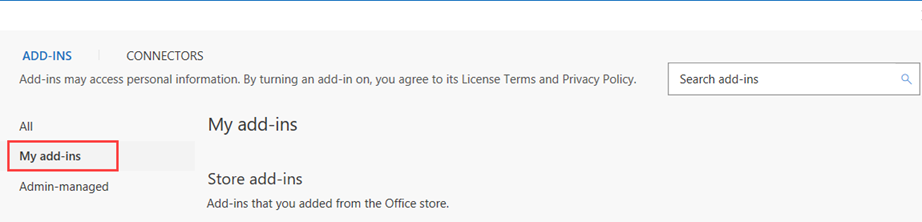
In the Add-Ins window, click My add-ins.
-
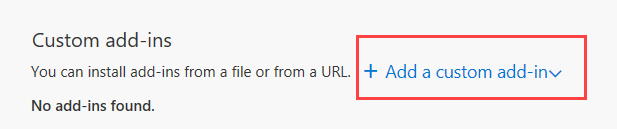
In the Custom add-ins section, click Add a custom add-in.
-
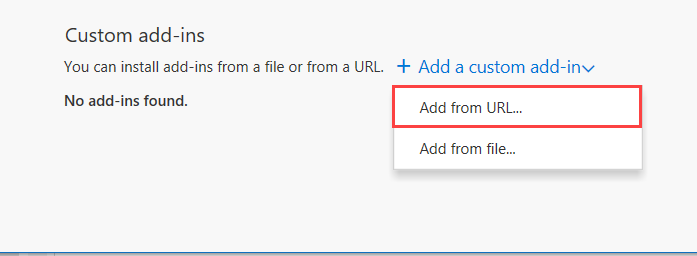
From the drop-down menu select Add from URL.
-
Enter the URL for the add-in manifest file and click OK. The manifest
file is located where the user hosts the application.
For example:
https://sametimemeeting_hostname/outlook/manifest.xml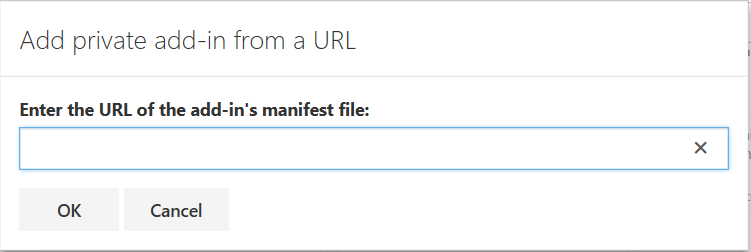
-
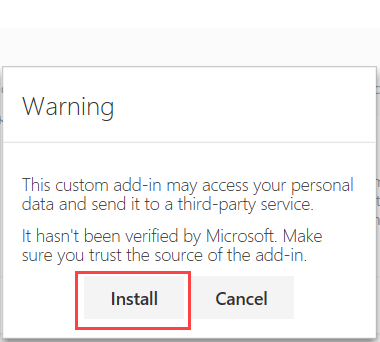
A warning message displays on screen. Click Install.
-
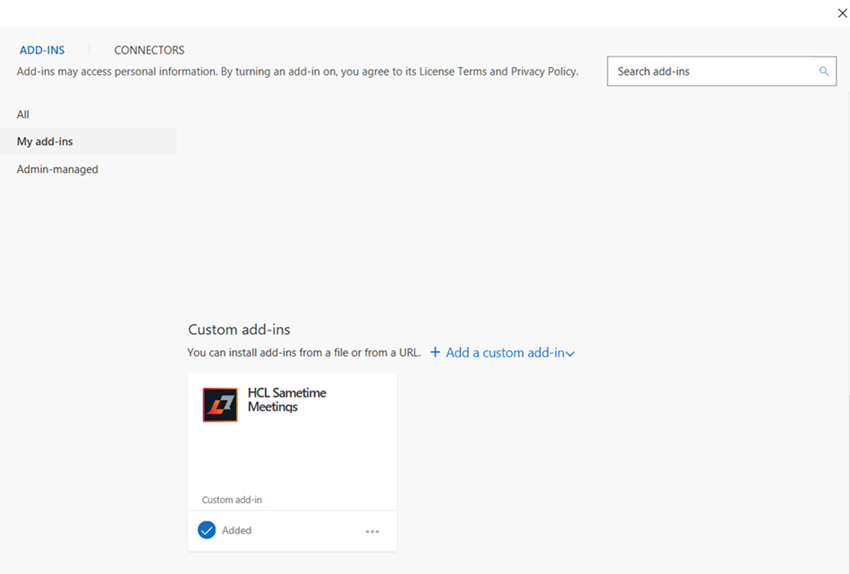
After the installation completes, the HCL Sametime Meetings add-in is listed under the
Custom add-ins section.
Results
