
Cognitive Analytics
This console enables Supervised learning by capturing conversations and actionable details wherever Use Case Training/ Re-training is required. The Use Case Training/ Re-training is undertaken by the Cognitive SME or the admin user. This console is available in BigFix AEX’s Cognitive Console but before that, admin of tenant needs to enable this integration from BigFix AEX’s Global admin console. Below are the steps for enabling this integration:
- Log into Global admin console and navigate to Tenants page under Provider tab.
Figure 1. Global Admin Console .png)
- You will see a list of tenants and among those tenants chose one you wish to enable the
conversation analytics by clicking on Configure button.
Figure 2. Global Admin Console .png)
- In the Configuration section, click on Choose Integrations and open BigFix AEX
Conversation Analytics.
Figure 3. Integration with Conversation Analytics 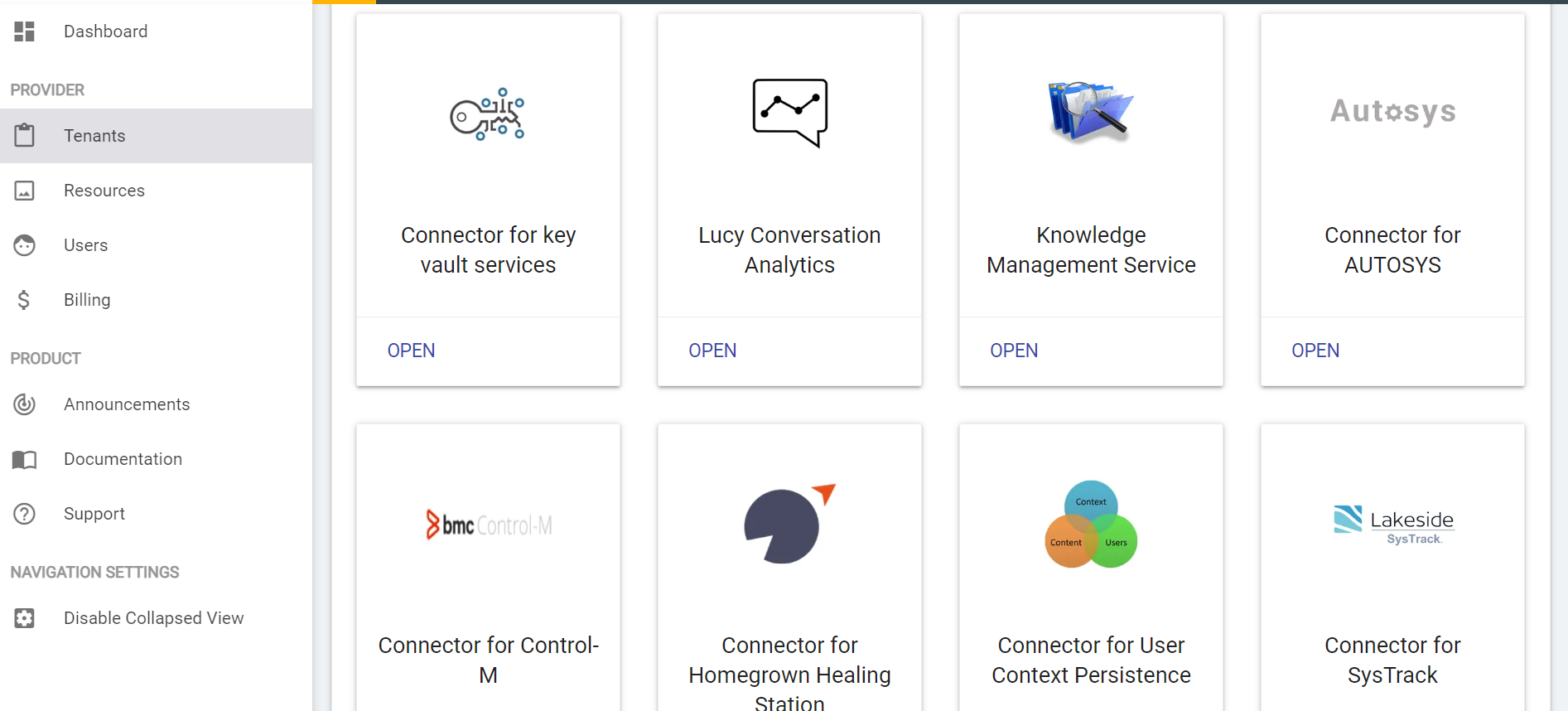
- Enable Conversation Analytics by clicking on the toggle button and click on Save. You
have successfully enabled conversation analytics for the tenant.
Figure 4. Enabling Conversation Analytics 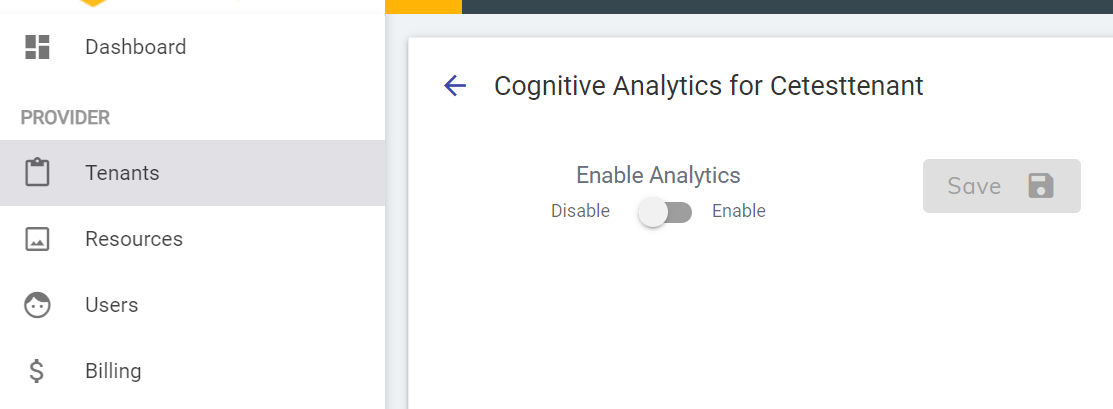
- Navigate back and login to the instance with customer ID for which you enabled the
Conversation Analytics and route to the Conversation Analytics Console through Cognitive
Analytics link from left navigation bar.
Figure 5. Conversation Analytics Console 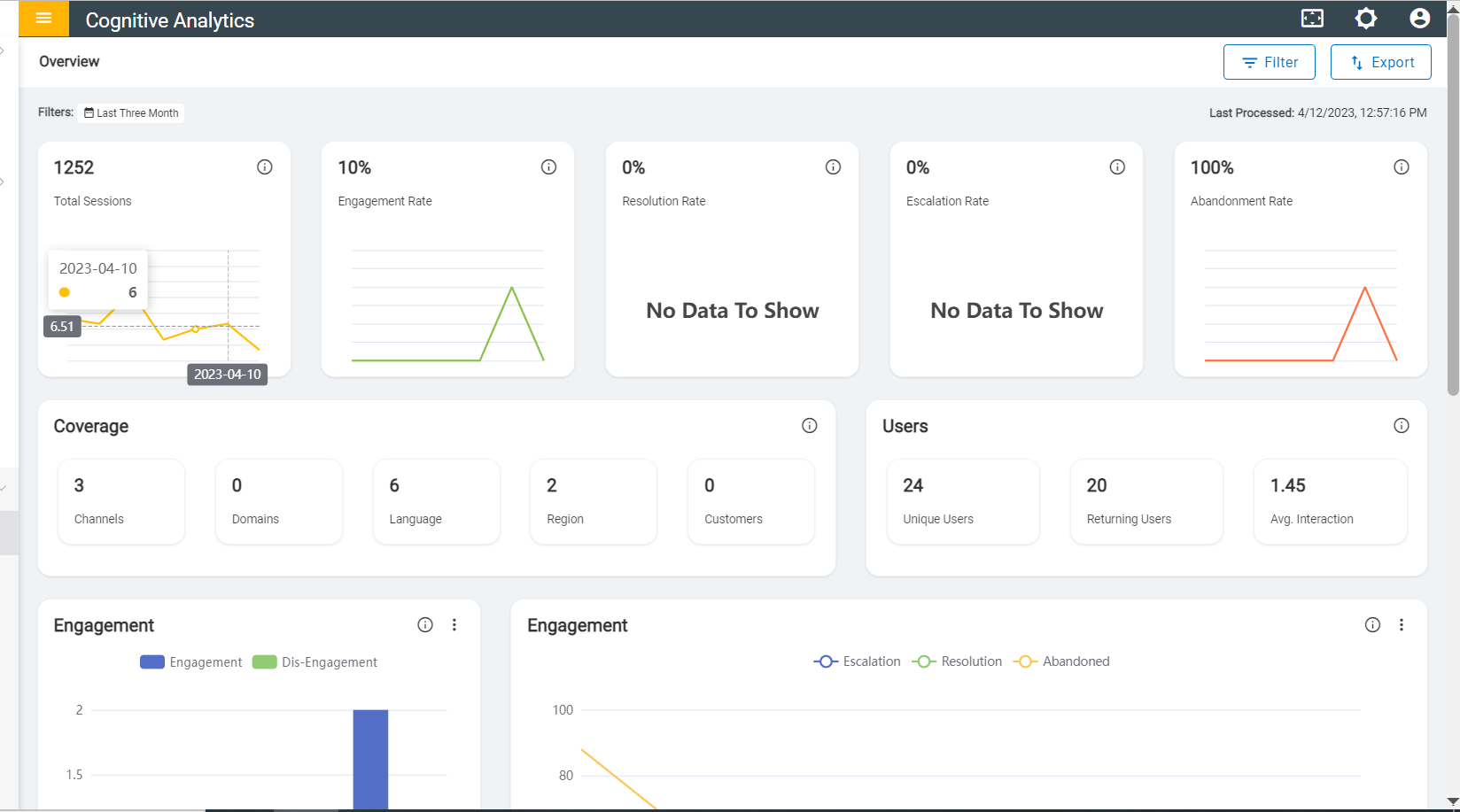
- This will open Cognitive Analytics Dashboard which consists of various parameters and
specifications that allows its users to analyze and gain an insight of the usecase
performance, focusing on the aspects where the usecase satisfied or failed to provide a
response to the user query and further emphasize on the factors in case of usecase
failure.Note:Details about each feature and specifications are present in dedicated Cognitive Console Guide.