Enabling Conversational Analytics
Follow the steps below to configure Conversation Analytics for a tenant.
- Browse to Global Admin Console (
https://dryicelucy.ai
) and login to your account.
Figure 1. Global Admin Landing Page 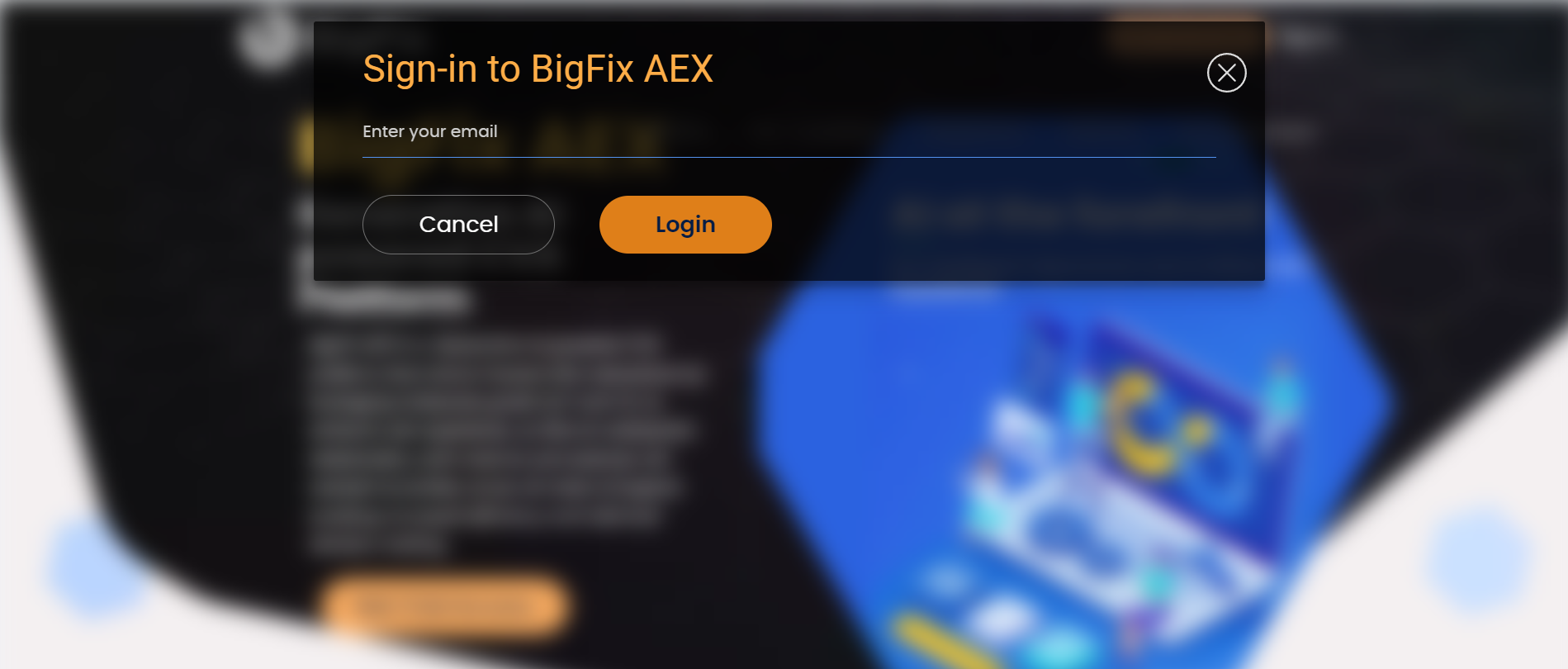
- Click on Tenants under the provider section of the side navigation bar. You will
see a list of tenants. Choose the one for which you wish to enable Conversation Analytics by
clicking on configure icon
 corresponding to the tenant.
Figure 2. Tenants List Page 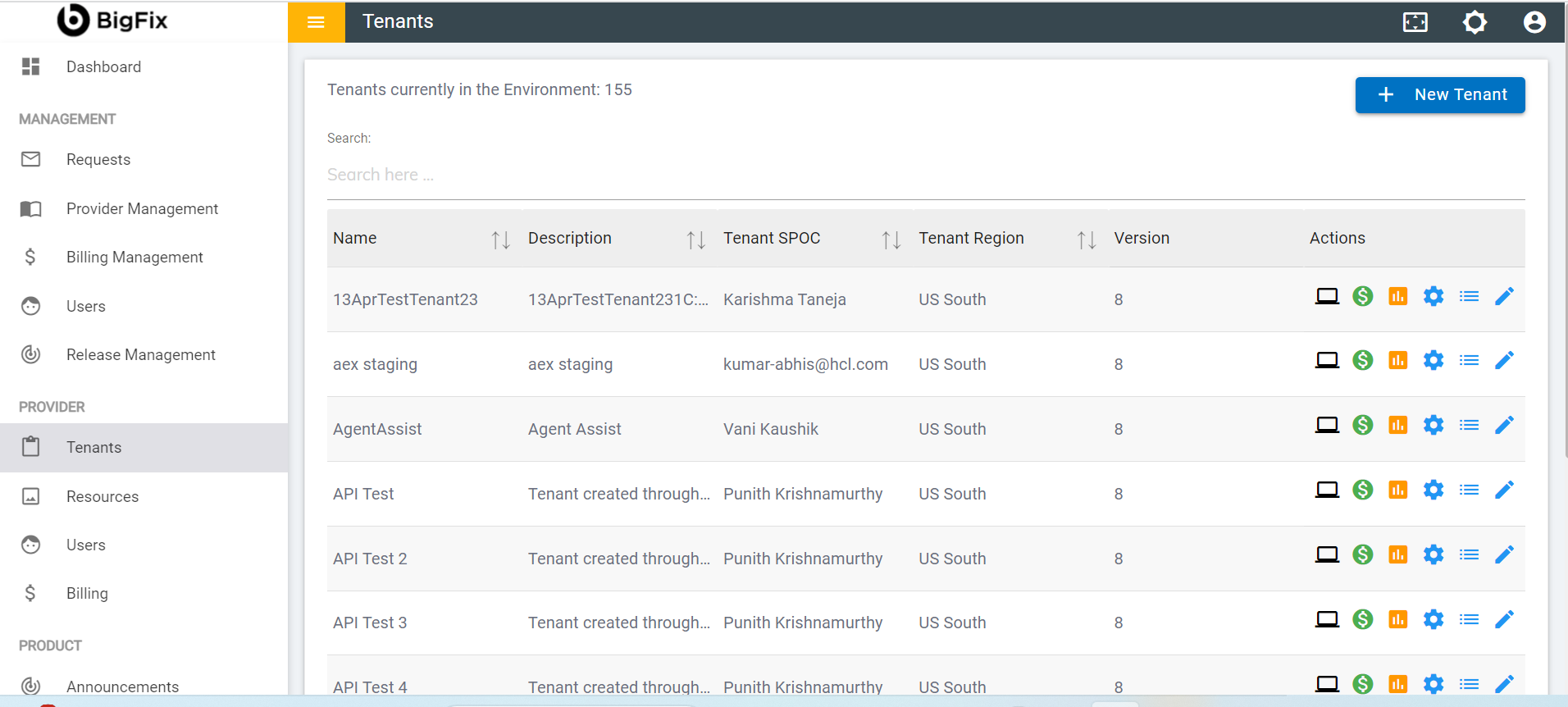
- In configuration section, click on “Choose Integration” tenant detail page.
Figure 3. Choose Integration 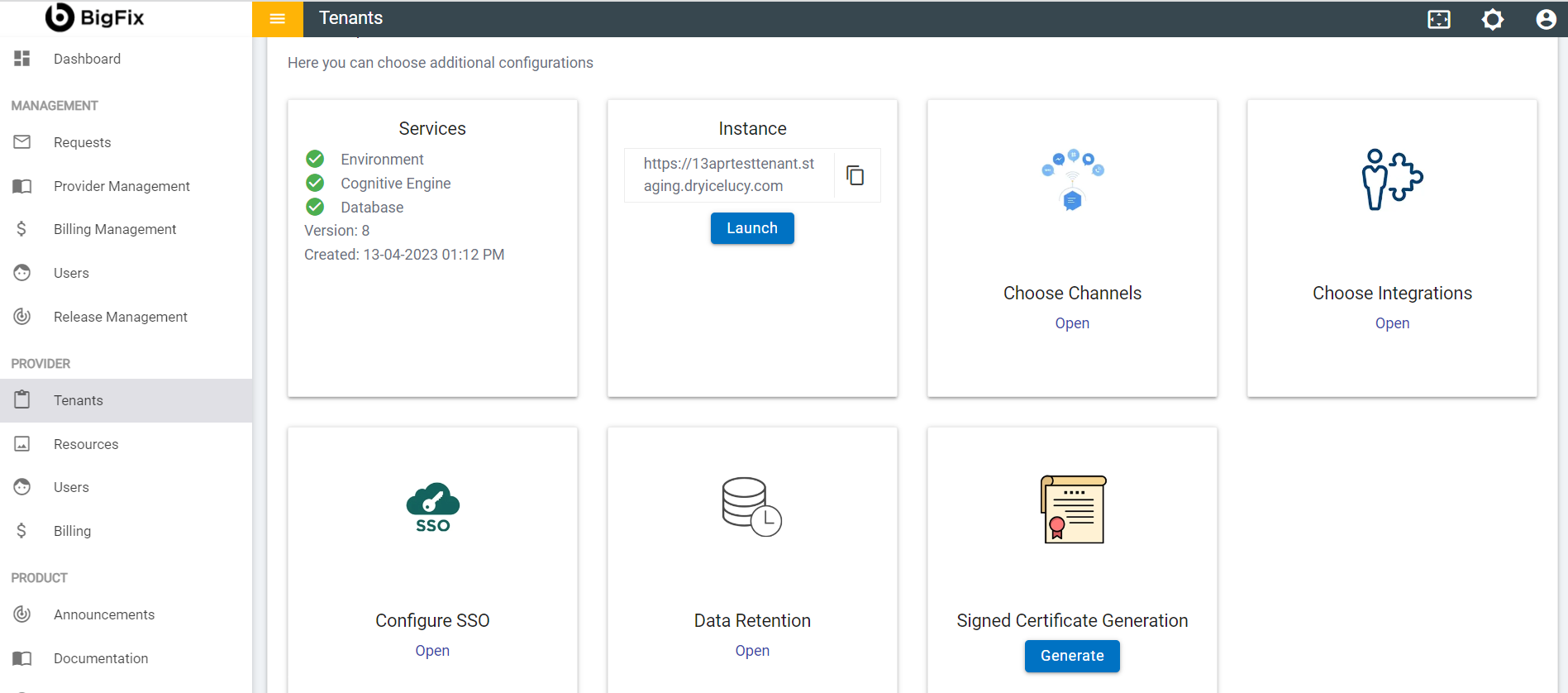
- In configuration section, click on the Open link on the BigFix AEX
Conversation Analytics card.
Figure 4. Integrations List Page 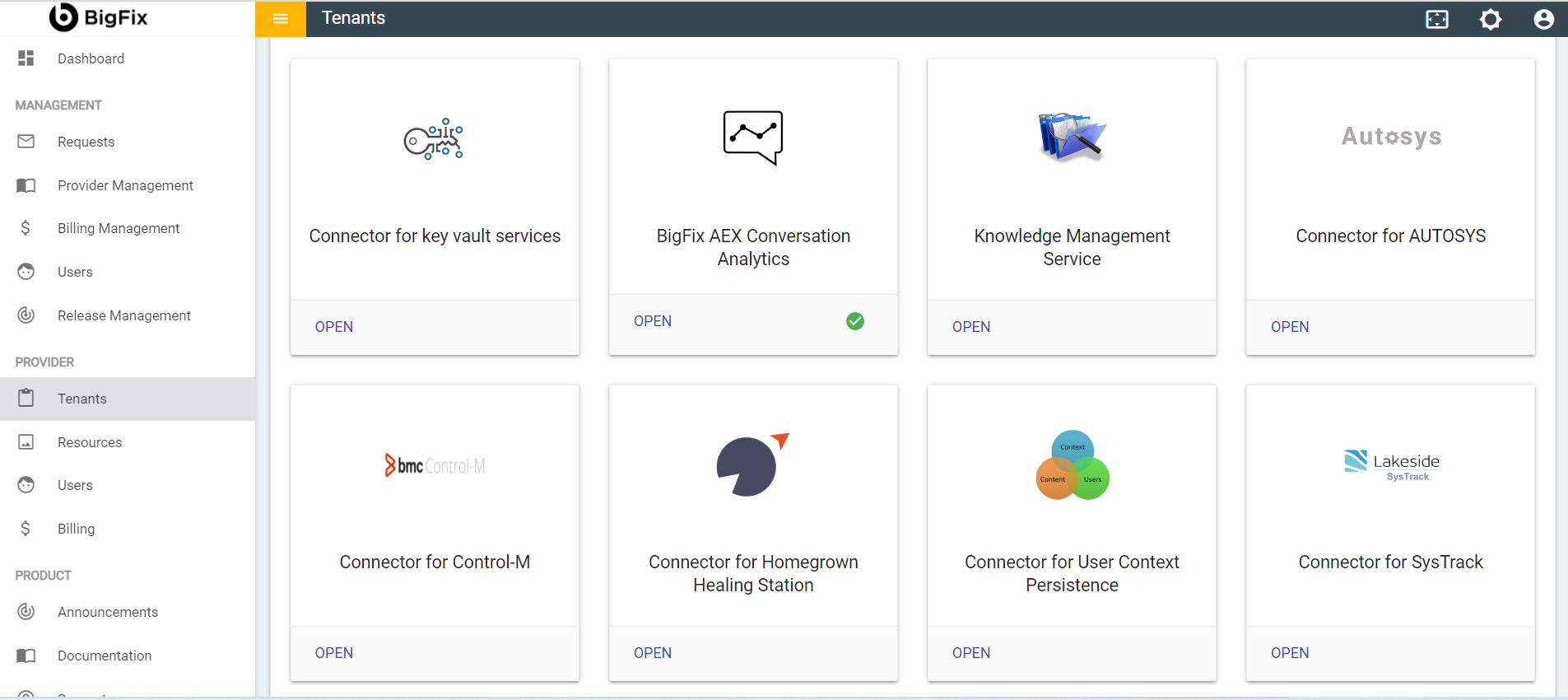
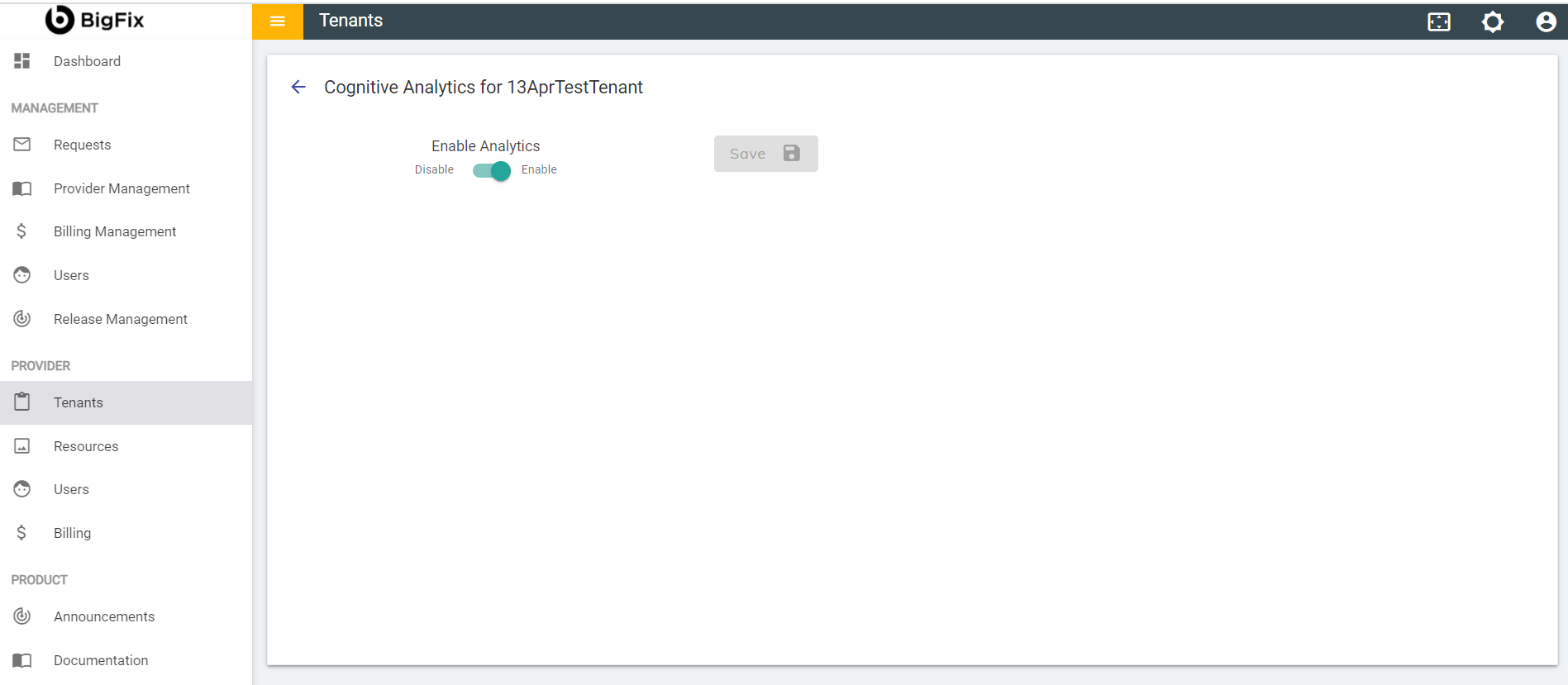
- Enable Conversation Analytics by turning on the toggle and click Save. You have
successfully enabled Conversation Analytics for the tenant.
Figure 5. Conversation Analytics Configuration