Delete Provider SPOC
To delete a user follow the below mentioned step:
- On the User screen, click Delete (
 ) icon next to the user you want to delete.
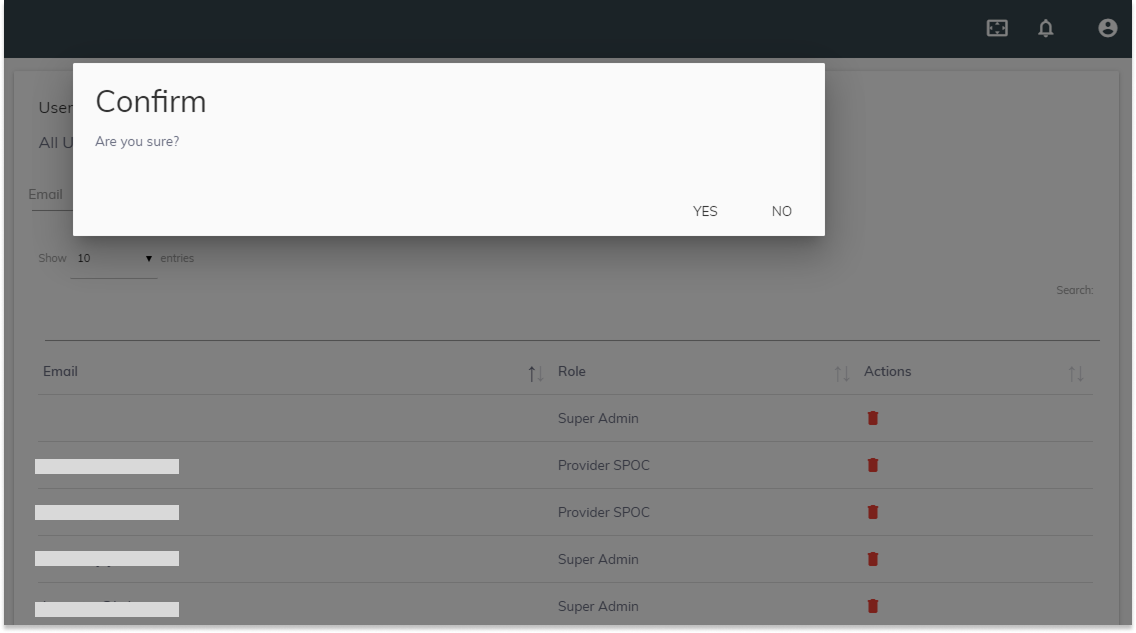
 - When prompted to confirm that you want to delete the selected provider, click YES.
Figure 1. Delete Users