Creating Markup Billing for Tenants
To add markup over the existing billing template,
- Click
.png) button as shown in Manage Tenant Bills
button as shown in Manage Tenant Bills - The Create Billing pane shows the markup billing template with the current billing
details.
Figure 1. Creating Markup Billing for Tenants 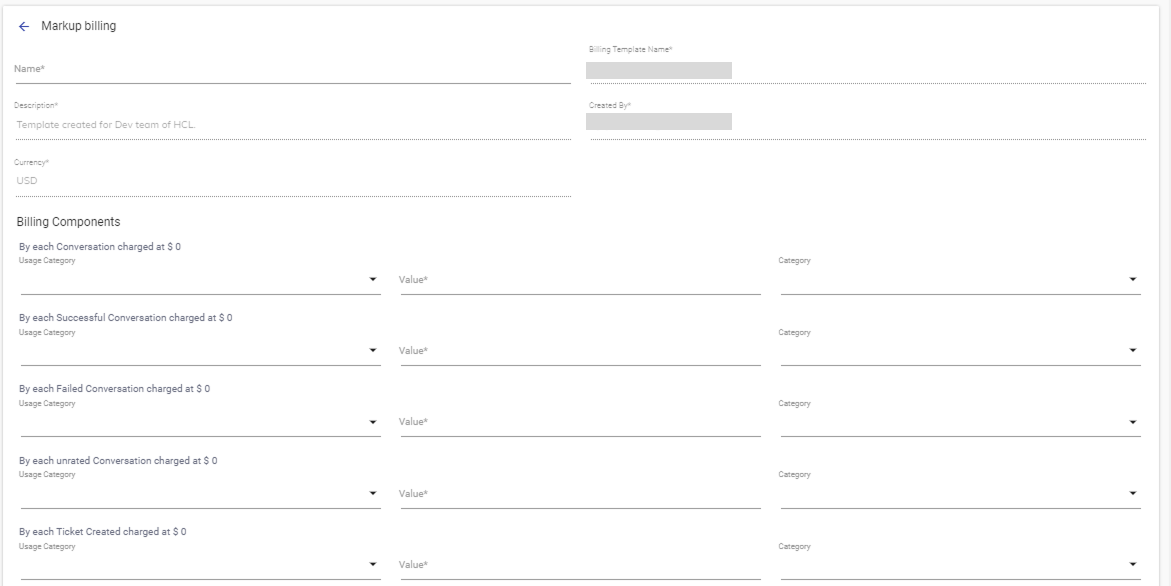
- The Create Billing screen includes the following fields and gives general
information about the markup billing template:
Table 1. Tenant Billing Template Fields Description Name Name of the Provider SPOC creating the new markup billing template. Billing Template Name Associated base billing template name is populated by default. This template is generated by the super user on which the provider adds the mark up. Description of the template The description of the base billing template. Created By The name of the user who created the base template. Currency The currency in which the markup bill is generated. - Based on the billing components, the
provider determines the markup or
discount on them. At present, the console has the following
components with the base value to define the new markup or discount value.
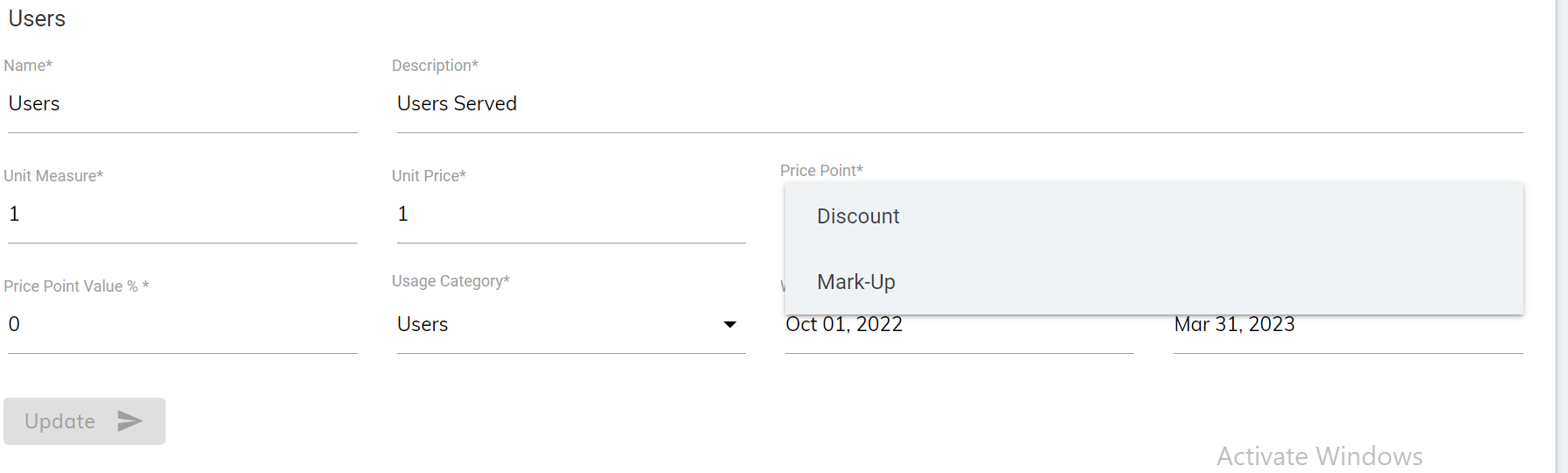
- User between BigFix AEX and User at XX base value.
- Chat that concludes based on how many users’ access BigFix AEX bot.
Figure 2. Usage Category