You can associate an input item with a table column in
the Map-Definition window. This example stores
the data from /work/mydata as follows, by using
the field names assigned in step 1.
Data from input field
Goes into table column
input1
col3
input2
col2
input3
col1
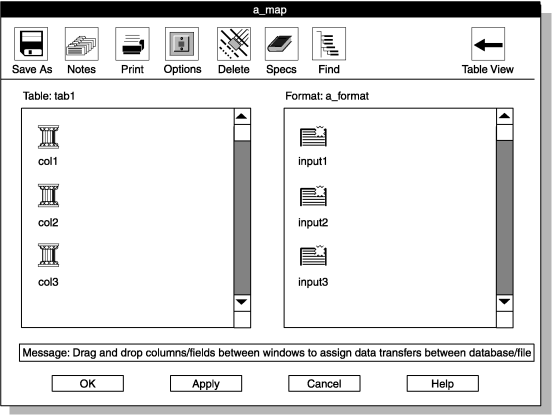
The following figure shows the Map-Definition window.
The title bar of this window shows the map name that you chose.Figure 1. The Map-Definition window