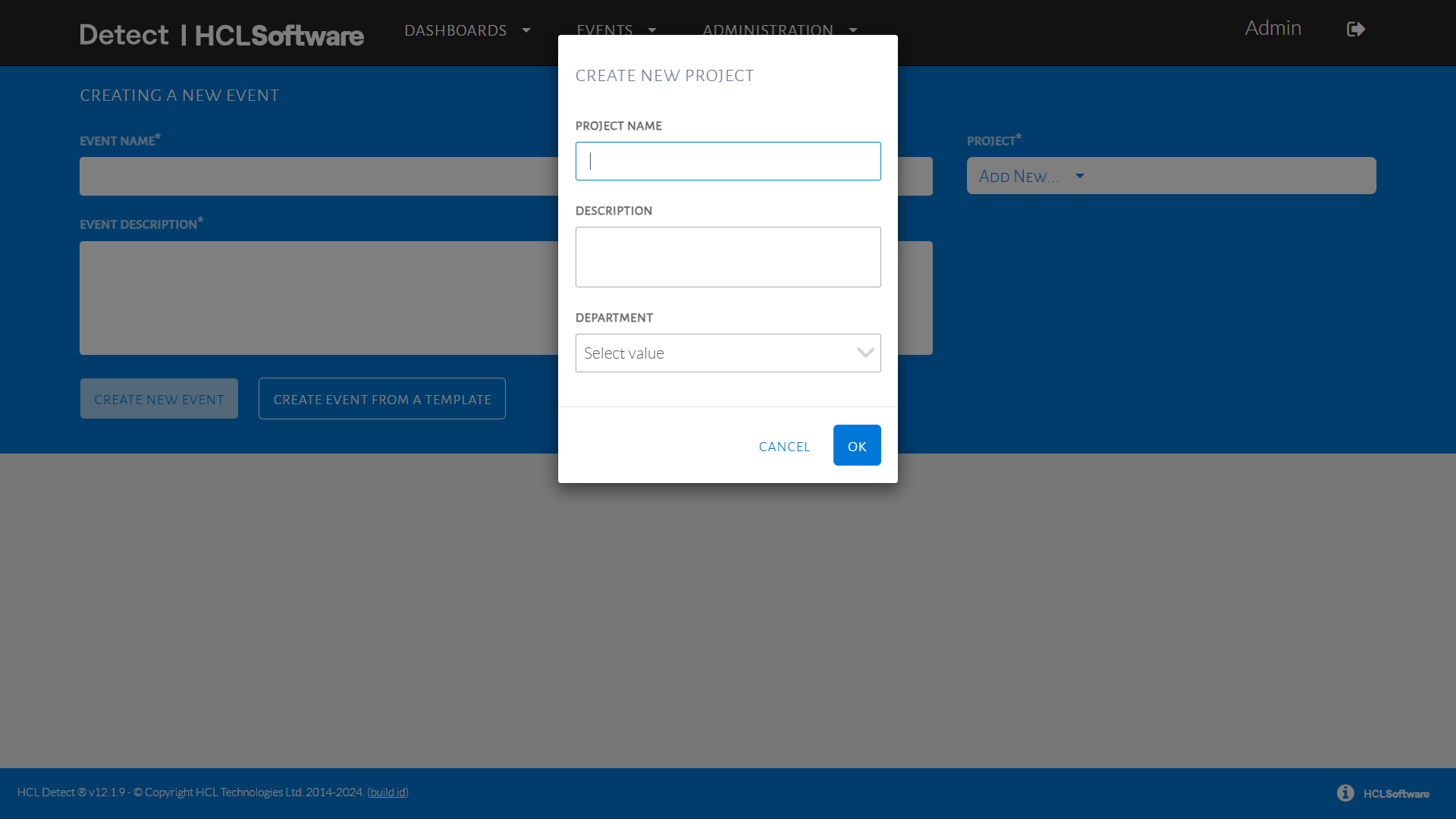
Create Project
Adding New Project Name
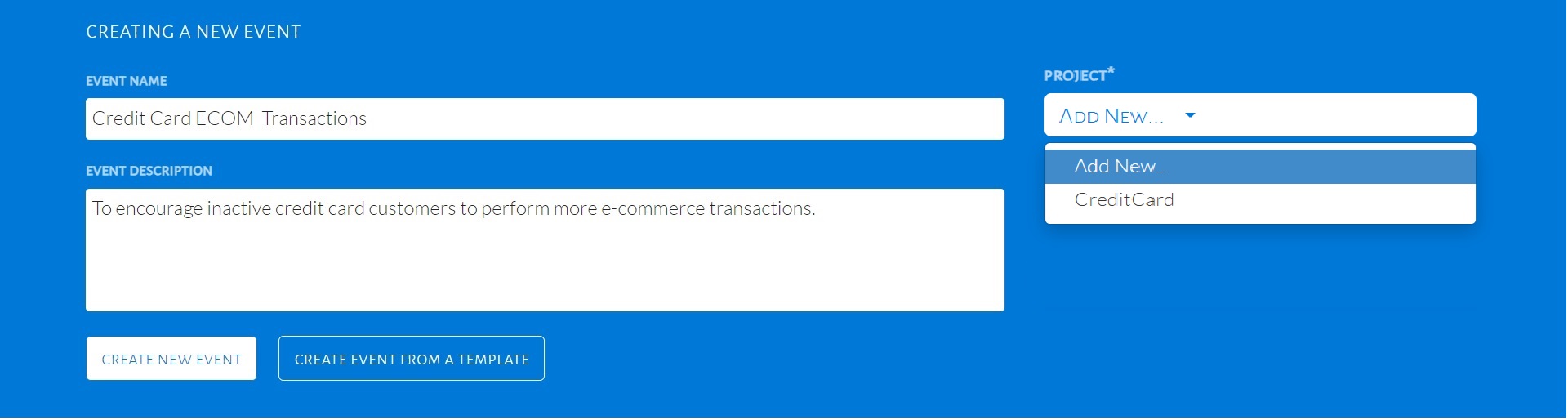
In the event description field page, on the Project drop-down list, click Add New… as seen in the image below.
When Add New… is selected, a pop-up will be displayed as seen in the image below. Fill in the Project Name and Description. Select a department from the drop-down list, then click OK.