Switching to your teamspace
You can switch to your teamspace to access team-specific development containers and their pre-configured settings.
About this task
Upon initial login, you might only see the default Starter dev container under Other Dev Containers. To access your team-specific dev containers:
Procedure
-
Click the switch teamspace button in the top-left corner.

-
Select the appropriate teamspace created by your team admin.
Note: If you do not see any teamspace listed, it means you have not been added yet. Contact your team admin to request access to a teamspace.
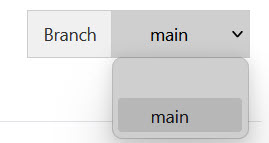
You can also switch to a different branch (other than main) using the Branch menu in the upper right corner of the IDE. This is useful for working on feature branches or reviewing specific versions.