

Verifying the Metrics functions on the stand-alone Elasticsearch instance
Verify that the Metrics feature based on the stand-alone Elasticsearch instance works properly with the HCL Connections™ deployment.
Procedure
-
View a global report and verify that the data displays as "0" and that the Metrics UI looks
like the following image.
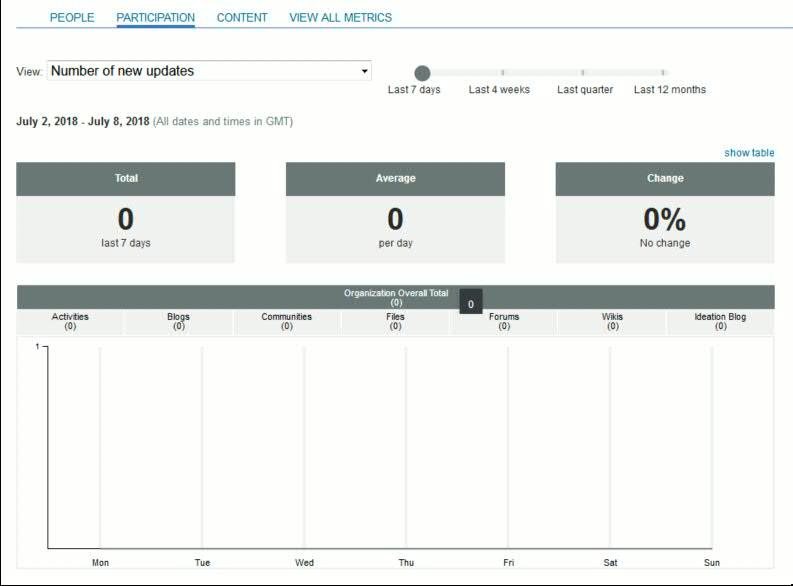
The data on the UI might show as "0", or other numbers. The key is to verify the UI can show the data correctly, no matter what it is.
What to do next
When you are ready to back up your metrics data, see Backing up and restoring data for Elasticsearch-based components.