Using an Always On Availability Group
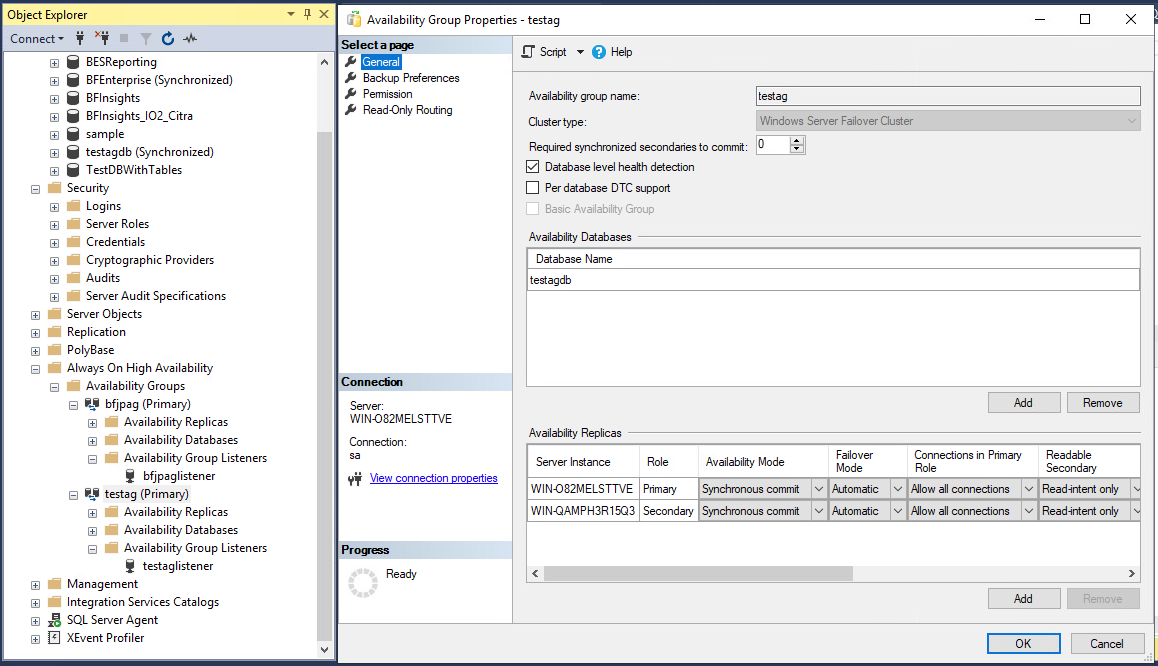
Always On Availability Groups (AG) in SQL Server is a high-availability and disaster recovery solution that provides failover support for user databases.
Insights can support ingesting data from an Always On Availability Group by supplying the AOAG's virtual IP address (i.e., the AOAG listener's IP address) as the IP address of the Insights datasource you want to add.
The virtual IP address can be found in the Availability Group's Listener Properties, if a listener is already set up.
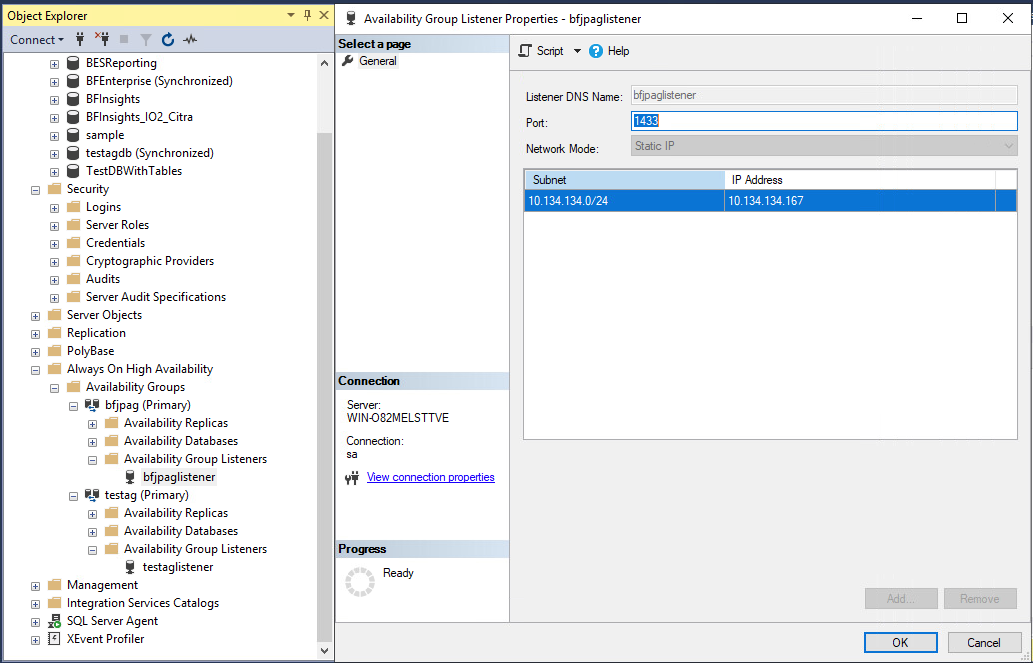
It can be accessed from SQL Server Management Studio's Object Explorer by navigating to Always On High Availability > Availability Groups > Name of your AG > Availability Group Listeners > Name of your Listener, then right-clicking on the listener and selecting Properties.
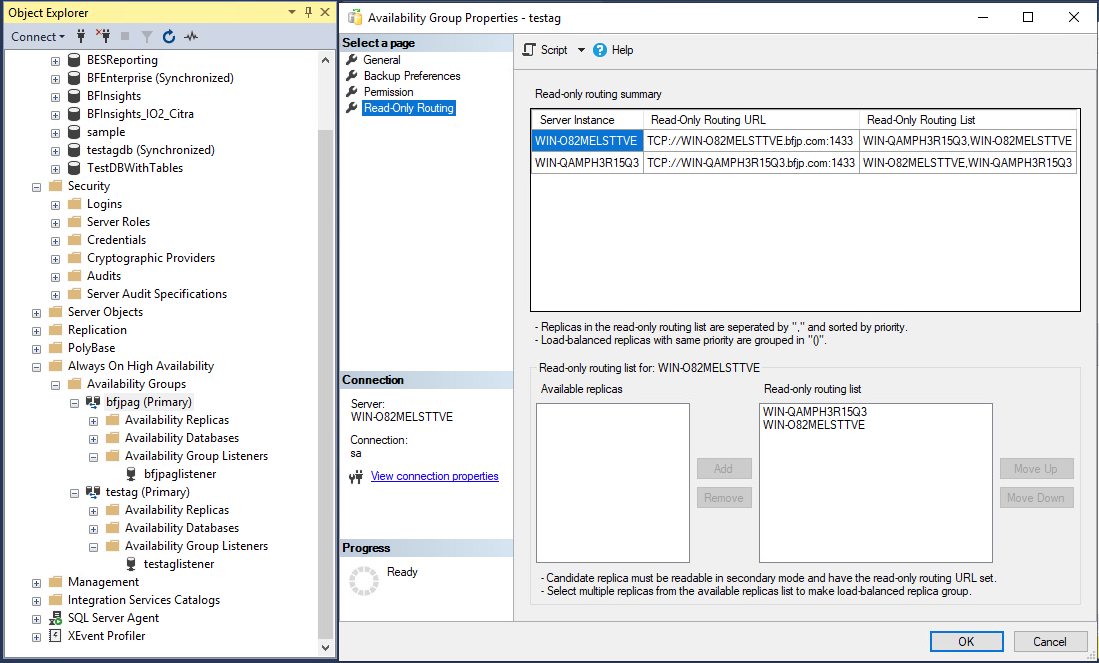
When the virtual IP address of the Availability Group is supplied as the IP address of the Insights datasource, the Insights ETL will ingest from it and route ETL traffic to the appropriate replicas of the AG. This works as long as the AG's read-only routing table is properly configured to support this routing.
The AG's Read-Only Routing settings can be configured by navigating to Always On High Availability > Availability Groups > Name of your AG, then right-clicking on the listener and selecting Properties. Then, navigate to Read-Only Routing on the sidebar: