
Remediating configuration settings
UNIX™ checklists support remediation, allowing console operators to resolve vulnerabilities with a single action. A remediation action can only be executed on an endpoint where the Fixlet is relevant.
About this task
Note: Not all
Fixlets include a remediation action.
Note: If an
external global policy is enabled, any local endpoint changes will be overwritten.
In such cases, remediation must be performed using the external global policy
solution.
- Navigate to the .
- Expand the sub-folders to locate the desired Fixlet.
- Open the Fixlet, click the Description tab, and scroll down to the Actions box.
- Click the link in the Actions box to remediate the specified policy
issue.
Figure 1. Check containing an action for remediation 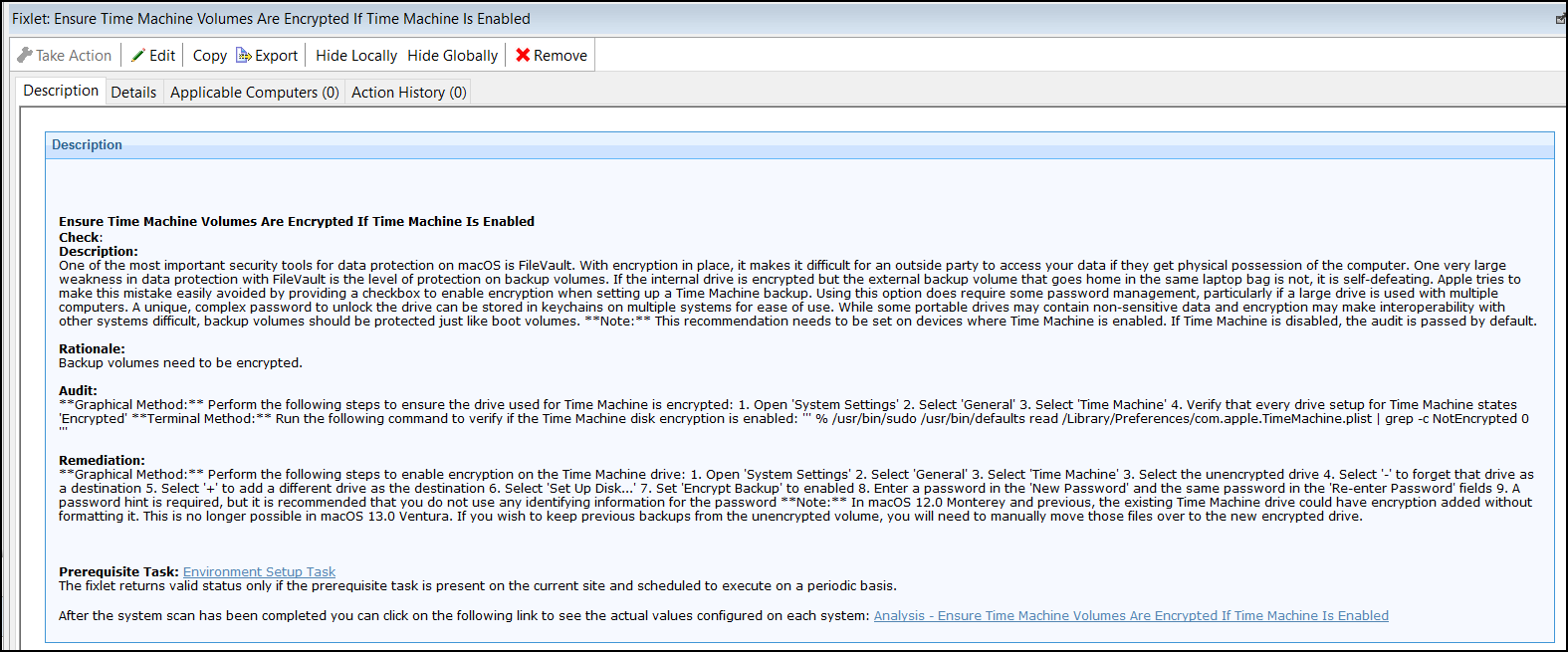
- Set your parameters in the Take Action dialog and click OK.