
Add automatically detected form parameters
About this task
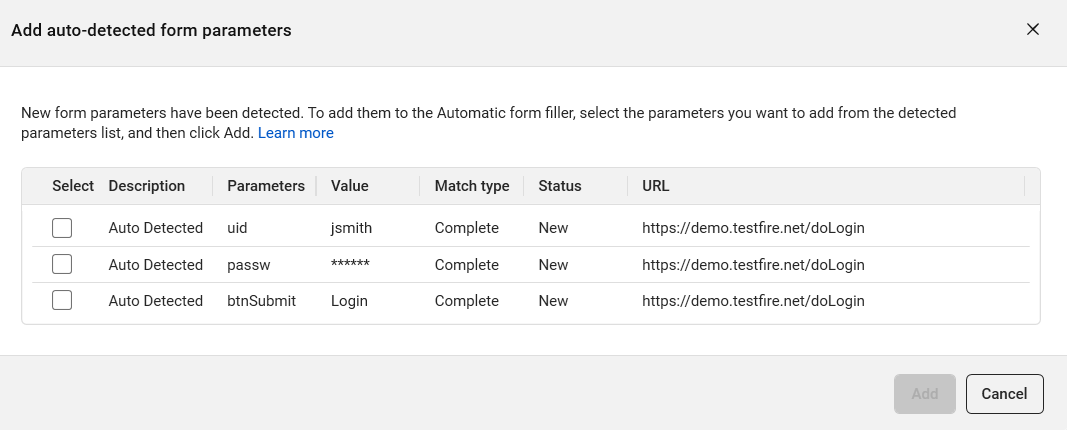
The Add auto-detected form parameters dialog box lets you select which of the newly detected form parameters you want to add to the Form Properties, to be used automatically in future scans.
Procedure
- Select the rows you want to add to the Automatic Form Filler and click Add.
- If any selected parameters are already defined in the form properties, a confirmation dialog will prompt you to confirm the overwrite. Click Yes to replace the existing parameters.