Importing issues from an internal or a third-party scanner
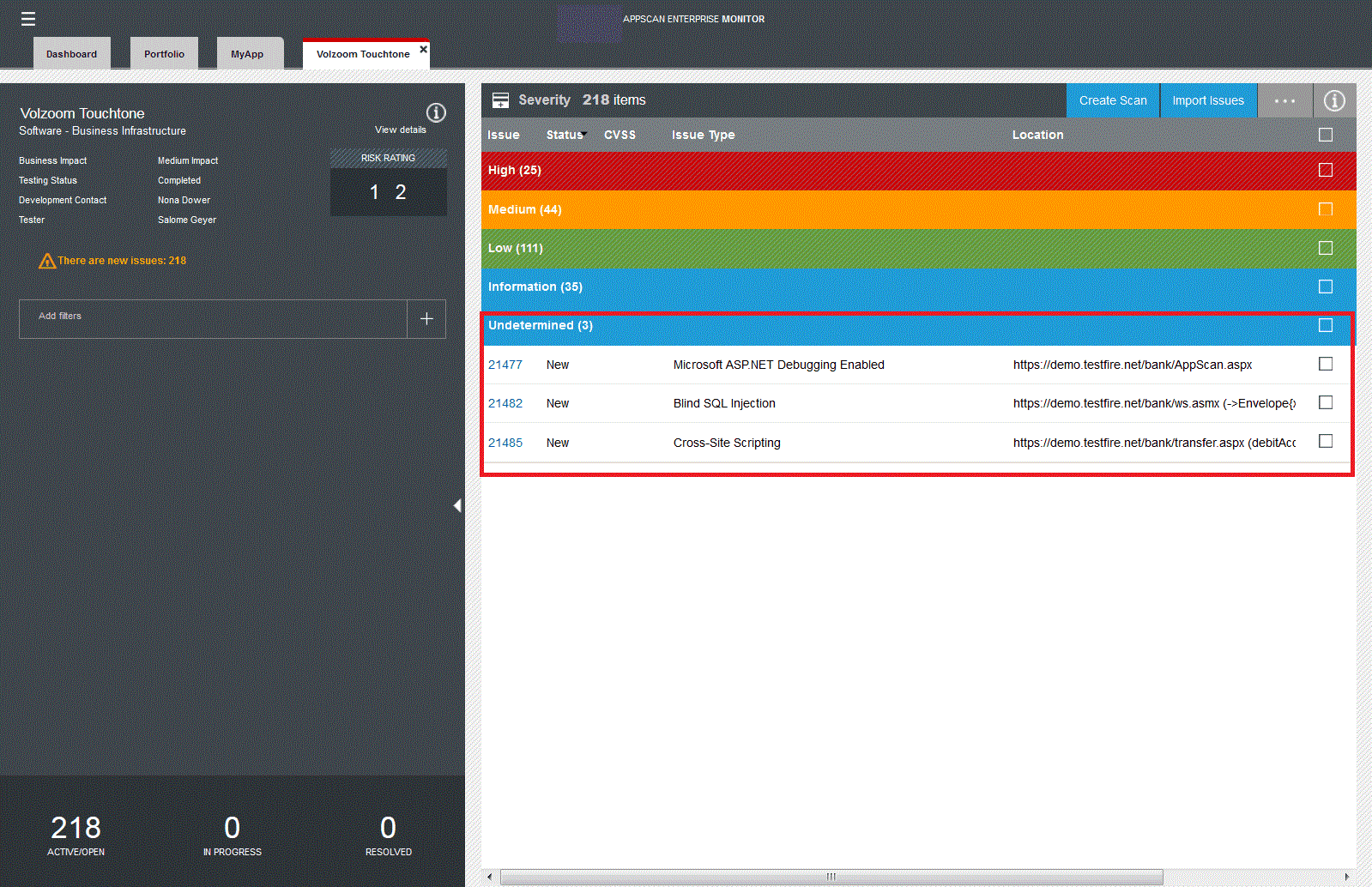
Import issues from an internal or a third-party scanner or from manual pen testing so that you can triage them. These issues are marked as 'New' so that you can easily identify them in the list of issues that you must address.
Before you begin
- If you are importing issues from a CSV file, you must prepare the file so that the issues are successfully imported. Read Preparing a CSV file for import.
- If you are importing reports results from another AppScan Enterprise instance, you must export the report results first to an XML file. For more information, see Importing DAST issues from another AppScan Enterprise instance.
- If you are importing reports results from AppScan Standard, you must export the report results first to an XML file. Read Importing issues from an exported report from AppScan Standard.
- You can import component issues from AppScan Enterprise and AppScan Standard.
- You can import issues from these third-party scanners:
- Black Duck
- Burp Suite Professional
- HP Fortify
- HP WebInspect
- IBM Security Guardium
- Nessus Vulnerability Scanner
- Veracode
Procedure
Results