
AI discovery and issues filtering
Static analysis (SAST) and Software Composition Analysis (SCA) can identify and mark issues and open-source libraries commonly used for AI development. Use ASoC filters to discover where AI-related components are used across applications, view associated vulnerabilities, and improve visibility into the AI software supply chain.
For both issues and libraries, AI-related entries are noted by the AI icon ( ).
).
Viewing AI issues
To filter for AI issues for an application:
- On the Issues page for the
application, click Filters.
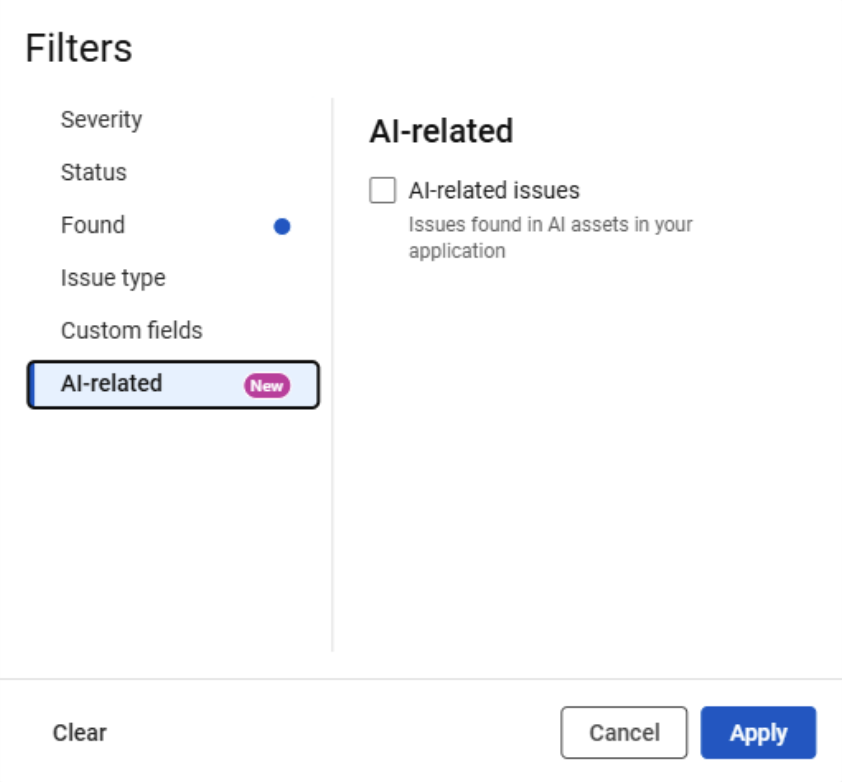
- Click AI-related.
- Check AI-related issues.
- Click Apply.
The table updates to display issues that meet the selected criteria.
Viewing AI libraries
To filter AI libraries for an application:
- On the Libraries tab of single scan view, click Filters.
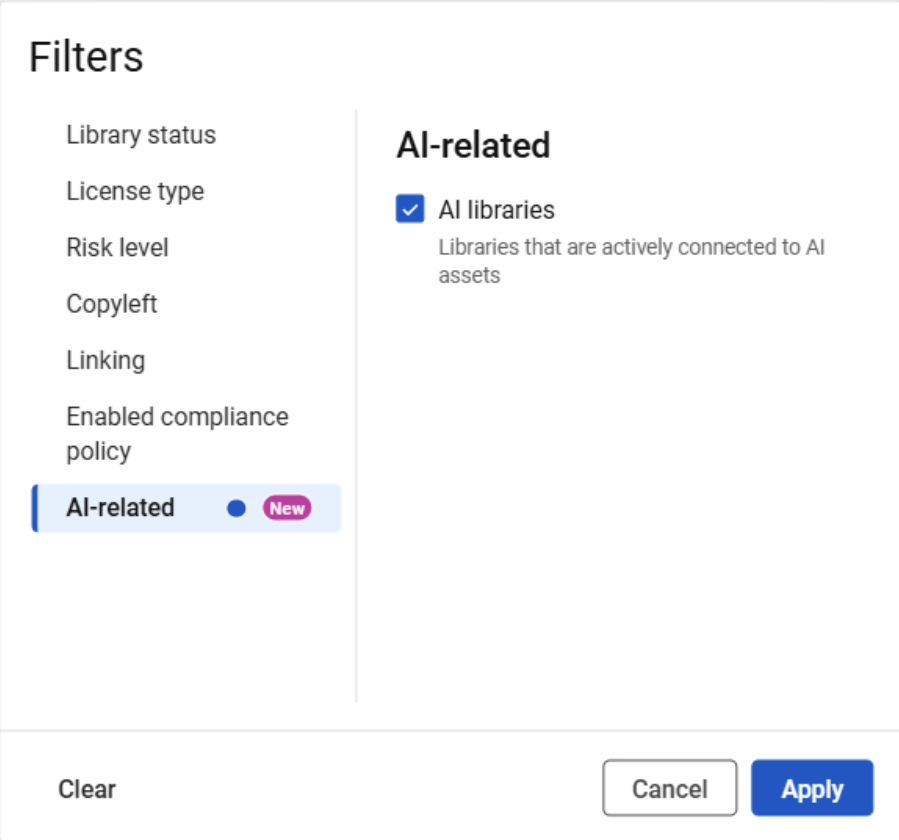
- Click AI-related.
- Check AI libraries.
- Click Apply.
The table updates to display AI libraries associated with the scan.