
Open source libraries
Search for, review, and take action on open source libraries associated with applications.
Searching for open source libraries
Note: Open source library search requires the Software
Composition Analyzer subscription. Learn more about Software Composition
Analysis.
When you click on Libraries in
the menu bar, you first search
AppScan 360° for a library in
applications available to you:
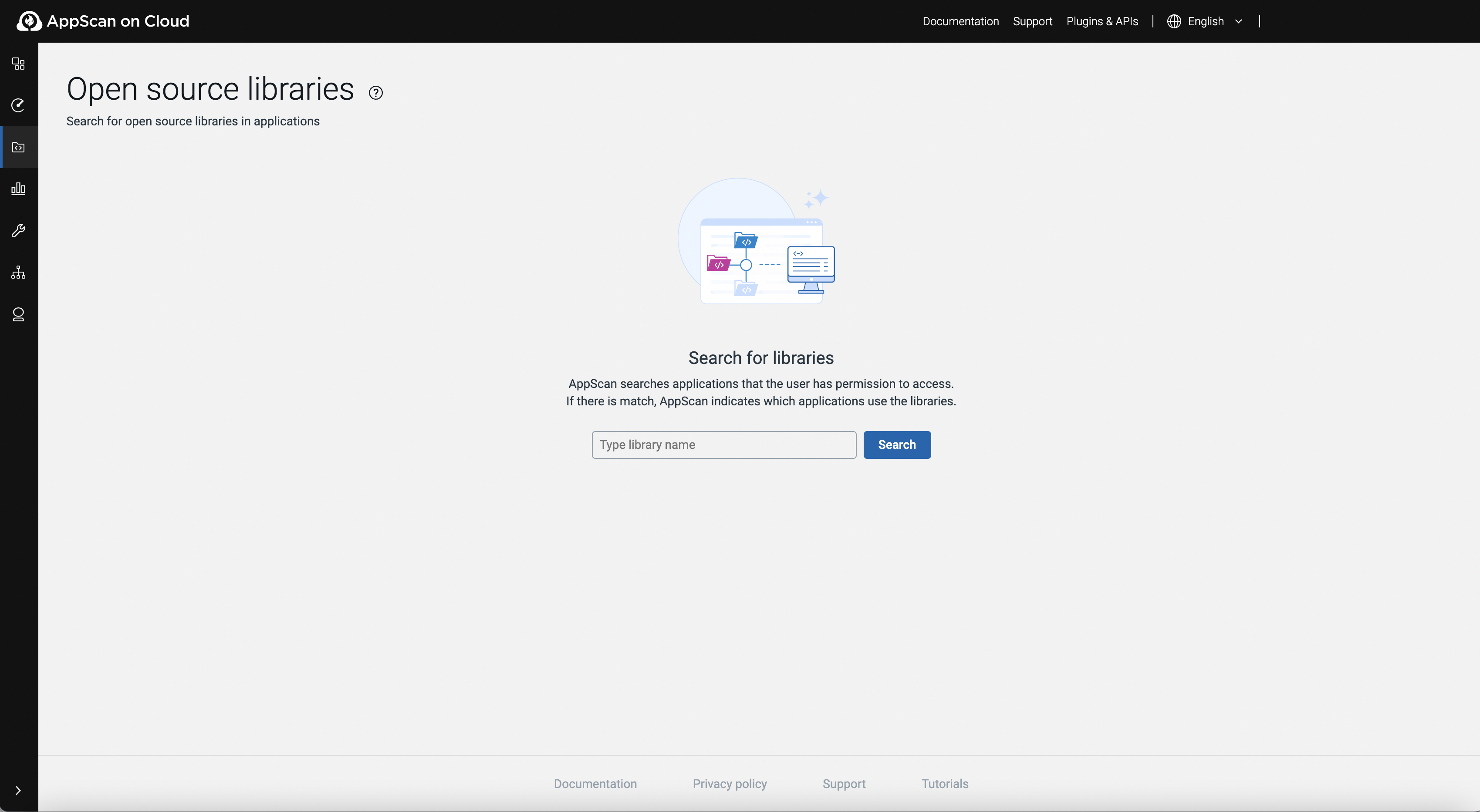
- Type the name of an open source library into the text box, then click Search.
If there are results, AppScan 360° lists libraries that meet search criteria in applications to which the user has access though asset group membership.
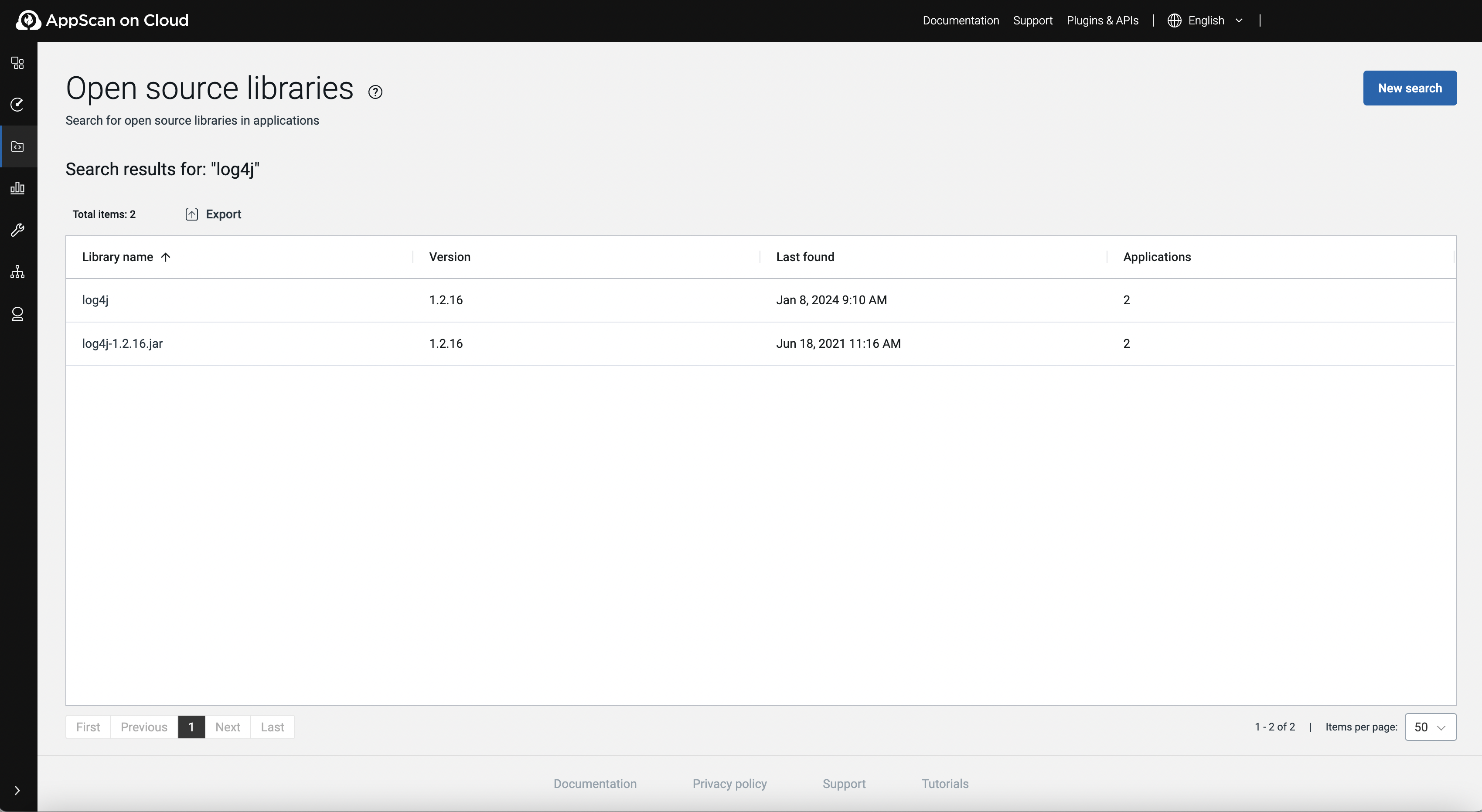
Open source libraries page options
| Item or option | Description |
|---|---|
| Search/New search | Search for an open source library. |
| Export | Export search results in either CSV or JSON file format. |
| Library name | The full name of open source library that meets search criteria. |
| Version | The version of the open source library in use. |
| Last found | The date the open source library was last found an associated applications. |
| Applications | The number of applications that use the library |