
Step 7 - Deploying the Agents
Once the package is successfully created, the final step is to deploy it to your target environment.
Deployment activates the packaged agents and workflows, making your intelligent automation solution ready for execution and integration.
Deploying a Package
To deploy a Package, follow these steps:- Navigate to the Packages page.
- Locate the Package you want to deploy. Each package is displayed as a tile. For more information on packages, refer to the Packages page.
- On the package tile, click the Deploy icon
 . You get two options,
Deploy or Deploy & create object in UnO.
. You get two options,
Deploy or Deploy & create object in UnO.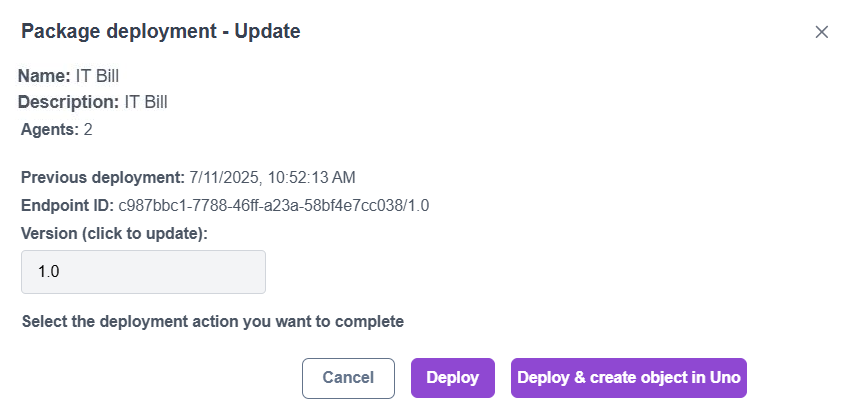
- Click one of the following options to complete the deployment:
- Deploy: Deploys the packaged agents and workflows to the selected environment for backend execution.
- Deploy & create object in UnO: Deploys the package and simultaneously creates a runtime object (for example, a service or application instance) within the HCL UnO platform, making the agent immediately available for use.