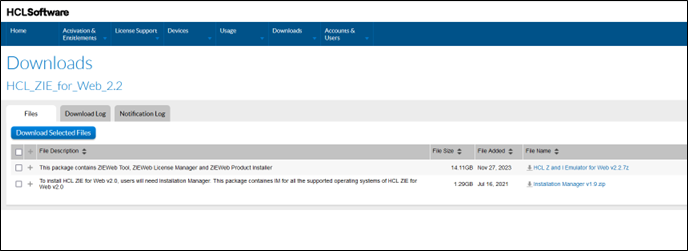
Downloading HCL Z and I Emulator for Windows
This section describes the procedure for downloading the HCL Z and I Emulator for Windows from the HCL Software License & Download Portal.
Execute the following steps to download the Z and I Emulator for Windows:
- Browse the https://hclsoftware.flexnetoperations.com/flexnet/operationsportal/logon.do URL.
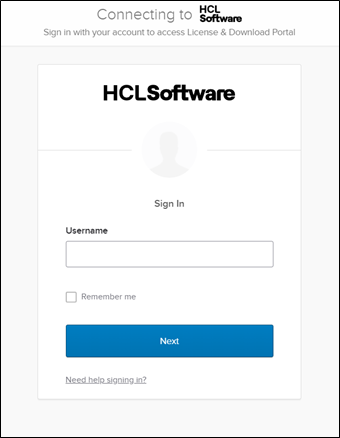
- The Login page appears.
- Enter the authorized login credentials and click Login.
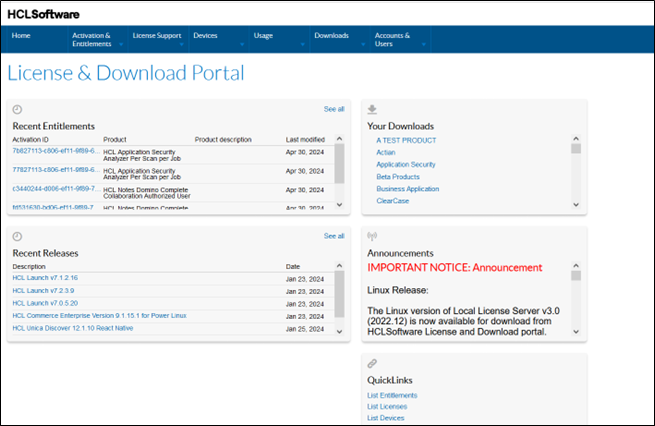
- After successful login, the homepage appears.
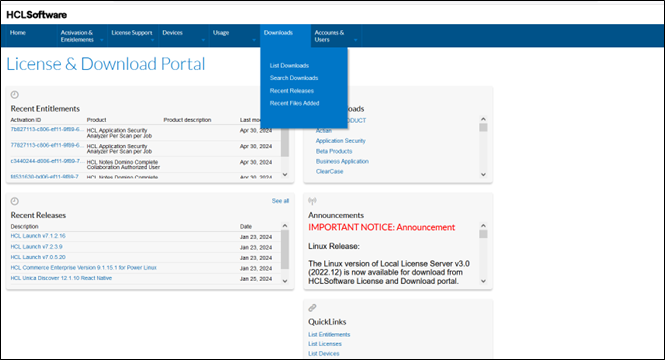
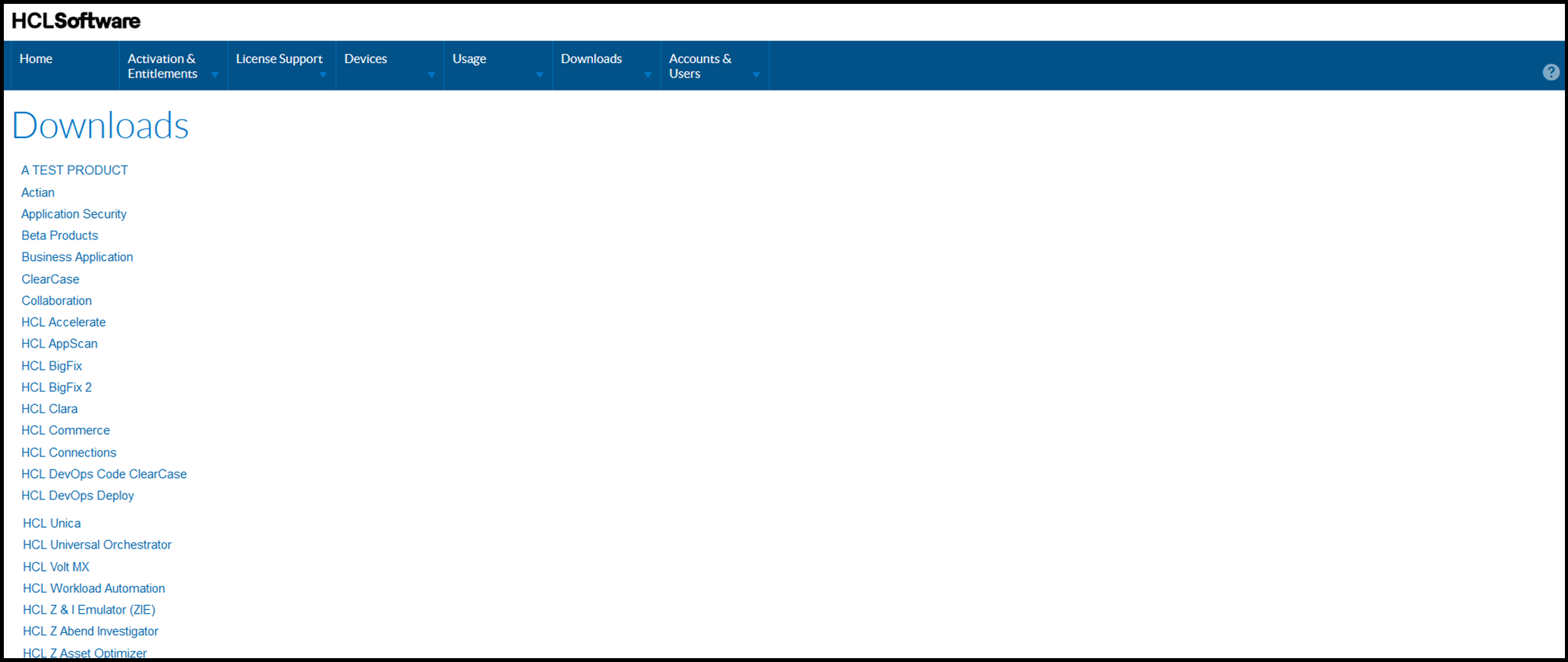
- In the Downloads tab, click on the List Downloads option.
- The Downloads page appears.
- Select HCL Z & I Emulator (ZIE) from the list of products.
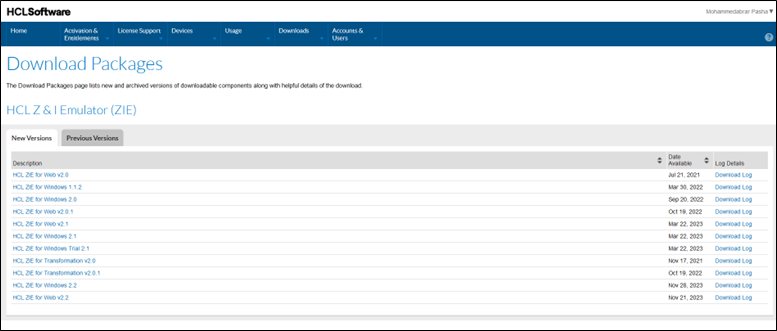
- The Download Packages page appears.
- Click on the required version/package under the Description column.
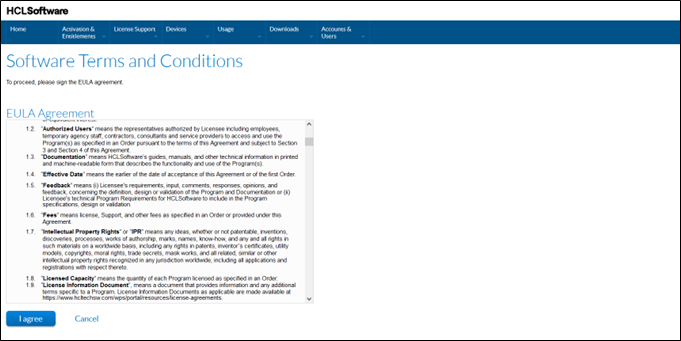
- The Software Terms and Conditions page appears.
- Read the terms and conditions carefully and click the I Agree button.
- The Downloads page appears.
- Click on the required file name under the File Name column to download the
product.