Step : Associate the custom HTML template file with the Deployment Wizard file


|

|

|
Use the Deployment Wizard to edit StandardSupplies.html.
- On the Additional Options page, click Advanced Options.
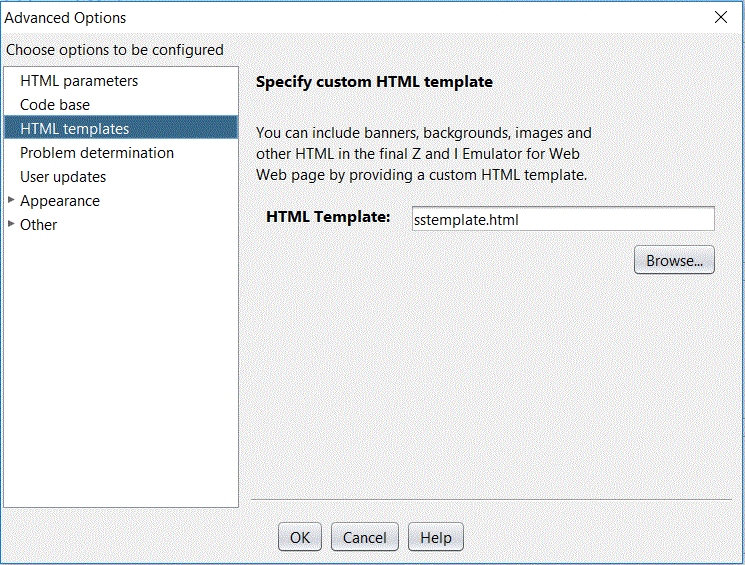
- In the Advanced Options window, click HTML templates.
- Type the name of the custom HTML template file, sstemplate.html, into the HTML Template input field.
- Click OK to close the Advanced Options window.
- Go to the last page of the Deployment Wizard and click Create File(s) to regenerate the output files.
The Other tab of the Advanced Options panel is shown below.
|
|
|
|