Step : Use the Deployment Wizard to create files for a default Z and I Emulator for Web desktop page


|

|

|
Start the Deployment Wizard, then use the following settings to create Deployment Wizard files for a default Z and I Emulator for Web desktop page for Standard Supplies, Inc.
- Welcome to the Z and I Emulator for Web Deployment Wizard page
- Click Create a new HTML file
- Click Next
- Configuration Model page
- Click HTML-based model
- Click Next
- Host Sessions page
- Add a 3270 Display Session
- Add a 5250 Display Session
- Add a VT Display Session
- Click Next
- Additional Options page
- For Z and I Emulator for Web Java Level, click Java 1
- For Client Type, click Download Client
- Click Next
- File Name and Output Format
- For Page Title, type Standard Supplies, Inc.
- For File Name, type StandardSupplies Note: Do not put a space between "Standard" and "Supplies", but write the file name as one word.
- Click Output HTML
- Click Create File(s)
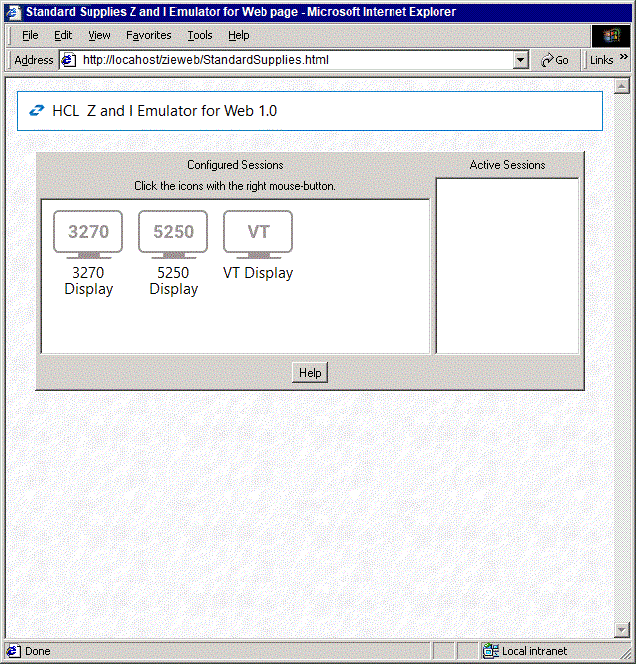
Browse StandardSupplies.html as a Z and I Emulator for Web client.
The resulting Z and I Emulator for Web desktop page is shown below. This is the default Z and I Emulator for Web desktop page.
|
|
|
|