
Creating and populating the database
Before you install the Dynamic Workload Console for the first time, ensure you have a supported database installed. You can choose to use any of the supported relational database management systems (RDBMS).
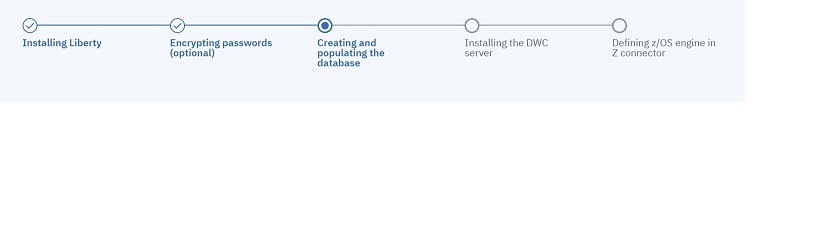
Create and populate the database tables for the Dynamic Workload Console by following
the procedure appropriate for your RDBMS:
- Creating and populating the database for DB2 for the Dynamic Workload Console
- Creating and populating the database for DB2 for z/OS for the Dynamic Workload Console
- Creating the database for Oracle for the Dynamic Workload Console
- Creating and populating the database for MSSQL for the Dynamic Workload Console
- Creating and populating the database for MSSQL cloud-based databases for the Dynamic Workload Console
- Creating and populating the database for PostgreSQL for the Dynamic Workload Console
Next, install the Dynamic Workload Console servers, as described in Dynamic Workload Console installation - dwcinst script.