HCL License Portal - Add Users
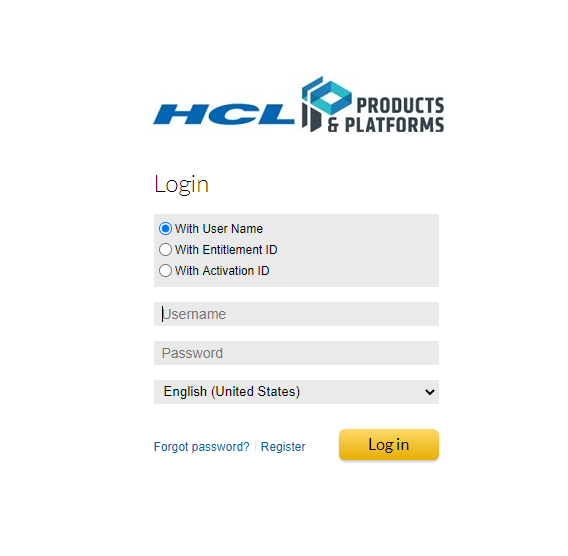
Login to the portal using your email address and your reset password.
Use the navigation banner and click on ���Accounts & Users��� and then ���List Users���.

Your account will be listed. Click on ���Actions��� and then ���Create���. Complete the web form required fields and any additional fields to the extent your organization requires. Link the new user to your account with the appropriate permissions.
