Uninstalling Sametime Chat on Windows
You can uninstall Sametime Chat for Windows using your Windows Control Panel.
About this task
-
Navigate to your Windows Control Panel and select HCL Sametime Server click Uninstall to continue.
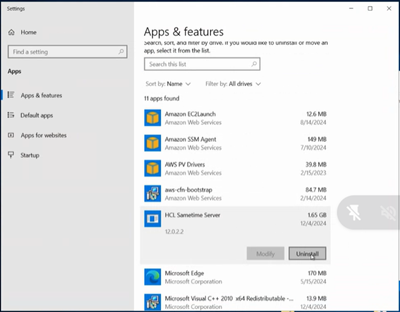
-
The Uninstall program will launch.
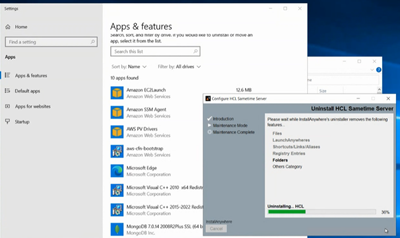
-
Uninstall is complete, click Done.